Samsung The Wall review: Delivers rich TV experience, but costs a fortune at Rs 3.5 cr
The price can go all the way up to Rs 12 crore.
By Debashis Sarkar, TOI Contributor |

Agencies
Samsung The Wall
Get it for: Rs 3.5 crore onwards
Highlight: microLED display
Samsung thinks if you are really rich, you shouldn’t mind spending at least Rs 3.5 crore for arguably the best television viewing experience. This is where the South Korean company’s new range of TVs comes into the frame.
Dubbed The Wall, calling it an LED TV for the rich is an understatement. It is the world’s first modular MicroLED display that is available in three sizes and resolutions – 146 inches in 4K, 219 inches in 6K and 292 inches in 8K. And hold on, the price can go all the way up to Rs 12 crore.
Now, you obviously can’t carry around a 146-inch TV, which is where modularity comes in handy. The display is divided into smaller 16x16 inch modules that need to be plugged together to create The Wall. This TV literally needs to be built on the wall of your living room or bedroom. You have to select the panel size you want, for example, 146 inches, and accordingly, the Samsung team will come with the required number of display modules to build the TV, which will measure 146 inches diagonally. If you throw something at The Wall, you just need to replace the broken module and not the entire display.
The idea is simple: when you walk inside your house, there will be one wall that will entirely be your TV. There are no visible marks and every module works together like one huge screen. Also, The Wall is just 3-cm thick with hardly any noticeable bezels around. The microLED display with 0.8 mm pixel pitch technology offers an eye-popping viewing experience with deeper blacks, vivid colours and high contrast.
However, there is one big thing missing: speakers. In case you decide to spend at least Rs 3.5 crore, you will also have to invest in a good home audio system to go with The Wall. If you have the money and really aspire for luxury in televisions, this is the one.
(The writer is with gadgetsnow.com)
Get it for: Rs 3.5 crore onwards
Highlight: microLED display
Samsung thinks if you are really rich, you shouldn’t mind spending at least Rs 3.5 crore for arguably the best television viewing experience. This is where the South Korean company’s new range of TVs comes into the frame.
Dubbed The Wall, calling it an LED TV for the rich is an understatement. It is the world’s first modular MicroLED display that is available in three sizes and resolutions – 146 inches in 4K, 219 inches in 6K and 292 inches in 8K. And hold on, the price can go all the way up to Rs 12 crore.
Now, you obviously can’t carry around a 146-inch TV, which is where modularity comes in handy. The display is divided into smaller 16x16 inch modules that need to be plugged together to create The Wall. This TV literally needs to be built on the wall of your living room or bedroom. You have to select the panel size you want, for example, 146 inches, and accordingly, the Samsung team will come with the required number of display modules to build the TV, which will measure 146 inches diagonally. If you throw something at The Wall, you just need to replace the broken module and not the entire display.
The idea is simple: when you walk inside your house, there will be one wall that will entirely be your TV. There are no visible marks and every module works together like one huge screen. Also, The Wall is just 3-cm thick with hardly any noticeable bezels around. The microLED display with 0.8 mm pixel pitch technology offers an eye-popping viewing experience with deeper blacks, vivid colours and high contrast.
ADVERTISEMENT
Apart from the size, The Wall comes with all the smart connectivity features as well. In fact, the experience is similar to The Frame TV but amplified. You can play games, watch content, browse the internet and do whatever a Samsung smart TV can do. And when it is turned off, do not worry about having a giant black screen in your living room. There is an art mode, which will showcase paintings and will serve as a massive digital photo frame.However, there is one big thing missing: speakers. In case you decide to spend at least Rs 3.5 crore, you will also have to invest in a good home audio system to go with The Wall. If you have the money and really aspire for luxury in televisions, this is the one.
(The writer is with gadgetsnow.com)
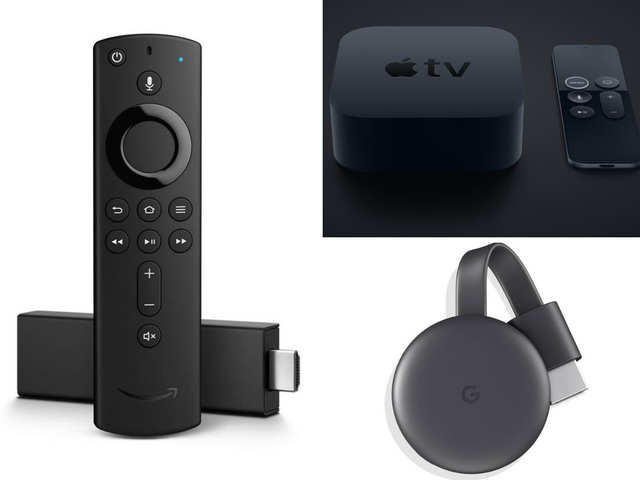
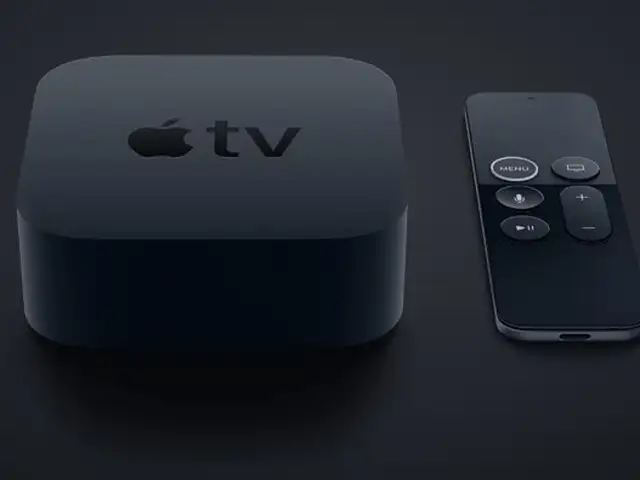
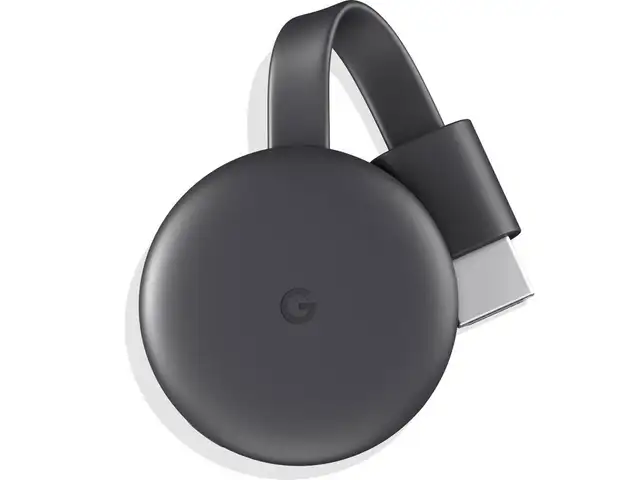
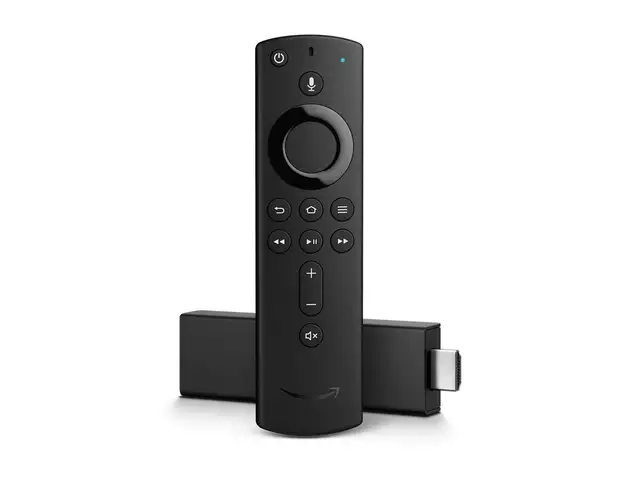
With multiple streaming services vying for your attention, it’s no surprise that on-demand video is seeing a massive uptick in subscribers. If you already use a streaming service, chances are it’s probably through a Chromecast, Fire TV Stick or Apple TV. These devices are a lot more powerful than we give them credit for. Hitesh Raj Bhagat shares some of his favourite tips & tricks for all three.

Download
The Economic Times Business News App for the Latest News in Business, Sensex, Stock Market Updates & More.
The Economic Times Business News App for the Latest News in Business, Sensex, Stock Market Updates & More.
ADVERTISEMENT


