Nokia Smart TV review: Exceptional audio quality, intelligent dimming make it a good buy at Rs 42,000
The overall picture quality will please you and there is a touch of premiumness to it.
By Debasis Sarkar, TOI Contributor | Updated:

Agencies
Get it for: Rs 41,999
Highlight: 55-inch UHD, JBL audio
The made-for-India smart TV, being sold in partnership with Flipkart, offers superior picture quality and great audio.
Nokia has a rich brand heritage in India when it comes to mobile phones. The Finnish multinational has now launched a smart TV for the market in partnership with Flipkart.
The Walmart-owned online retailer has signed a brand licensing deal with Nokia to custom-build, market and sell its Smart TV in India. The aim is clear – to create, at a relatively-lower price, a premium-looking smart TV segment with superior picture and audio quality that supports streaming apps, offers many connectivity options and leverages a global brand name.
Flipkart is currently selling only one model of Nokia Smart TV – a 55-inch ultra HD 4K LED model -- with plans to launch the TV in other sizes too.
The TV comes with intelligent dimming that claims to produce deeper blacks through accurate backlight control and a wide colour gamut (1.07 billion colours in a frame). Also, it is backed by motion estimation, motion compensation (MEMC) technology for crisp image quality.
The overall picture quality will please you and there is a touch of premiumness to it. While the blacks actually appear blacker in this TV, which is, of course, a good thing, there is a certain amount of backlight bleed that is easily noticeable around the edges.
The TV also boasts of Dolby Vision, Dolby Audio and DTS TruSurround sound with a 24 watt built-in speaker tuned by JBL, the American audio equipment maker.
The audio quality is exceptional when compared to TVs in this price (around Rs 42,000). However, on higher volume levels, you will need to customise the equaliser to avoid the crackling sound. But be sure you do not need to buy a separate soundbar with this TV.
The TV has a full-fledged Android TV Play Store where you can download streaming apps along with other content.
It is a Google certified TV and comes with support for Google Assistant and Chromecast. There is support for streaming apps like Netflix, YouTube, Prime Video and Hotstar, among others.
The TV is powered by a quad-core processor with 2.25 GB RAM and 16 GB storage. For connectivity, there are three HDMI ports, two USB ports, A/V, Wi-Fi support and a LAN port. The power button along the ports are located at the rear of the TV. The smart TV comes bundled with a stand as well.
Highlight: 55-inch UHD, JBL audio
The made-for-India smart TV, being sold in partnership with Flipkart, offers superior picture quality and great audio.
Nokia has a rich brand heritage in India when it comes to mobile phones. The Finnish multinational has now launched a smart TV for the market in partnership with Flipkart.
The Walmart-owned online retailer has signed a brand licensing deal with Nokia to custom-build, market and sell its Smart TV in India. The aim is clear – to create, at a relatively-lower price, a premium-looking smart TV segment with superior picture and audio quality that supports streaming apps, offers many connectivity options and leverages a global brand name.
Flipkart is currently selling only one model of Nokia Smart TV – a 55-inch ultra HD 4K LED model -- with plans to launch the TV in other sizes too.
The TV comes with intelligent dimming that claims to produce deeper blacks through accurate backlight control and a wide colour gamut (1.07 billion colours in a frame). Also, it is backed by motion estimation, motion compensation (MEMC) technology for crisp image quality.
ADVERTISEMENT
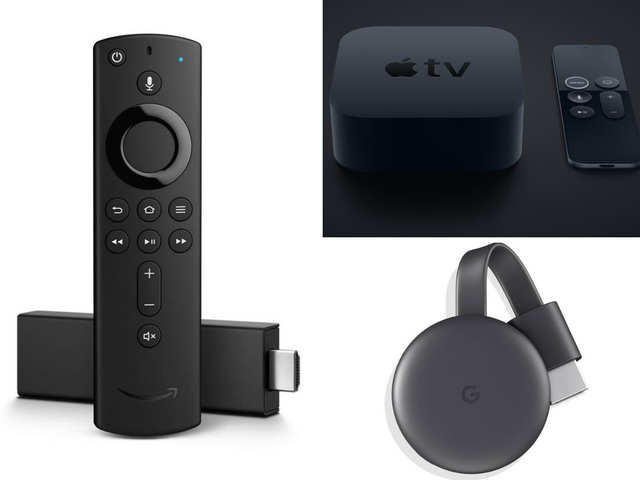
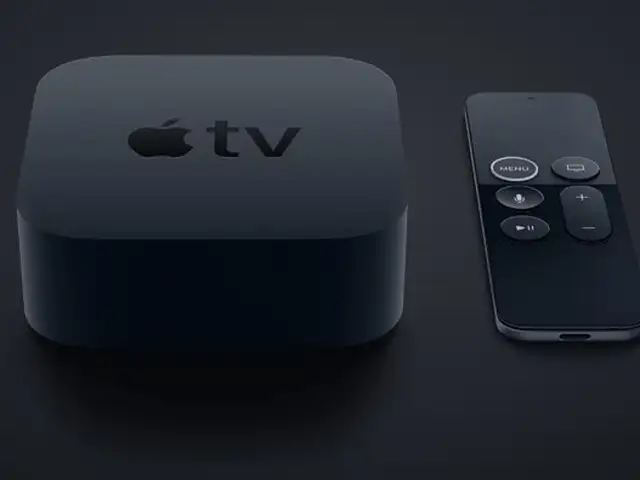
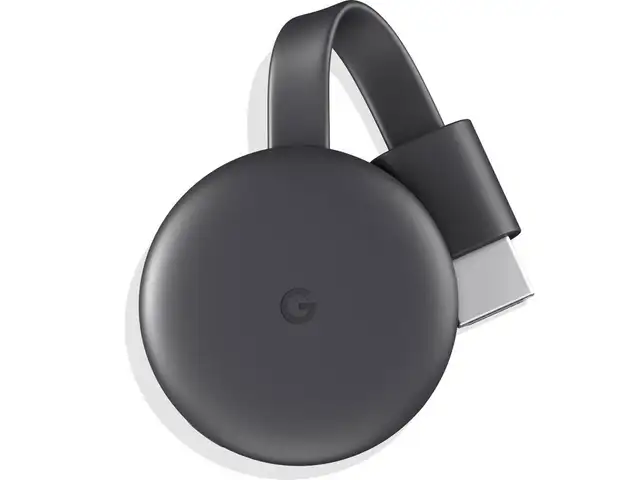
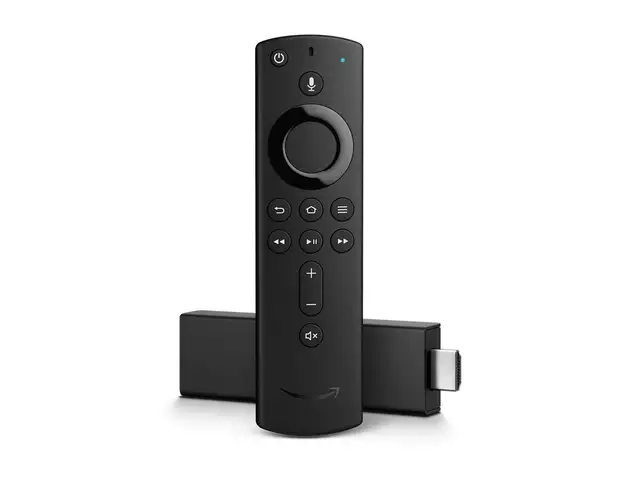
With multiple streaming services vying for your attention, it’s no surprise that on-demand video is seeing a massive uptick in subscribers. If you already use a streaming service, chances are it’s probably through a Chromecast, Fire TV Stick or Apple TV. These devices are a lot more powerful than we give them credit for. Hitesh Raj Bhagat shares some of his favourite tips & tricks for all three.

The overall picture quality will please you and there is a touch of premiumness to it. While the blacks actually appear blacker in this TV, which is, of course, a good thing, there is a certain amount of backlight bleed that is easily noticeable around the edges.
The TV also boasts of Dolby Vision, Dolby Audio and DTS TruSurround sound with a 24 watt built-in speaker tuned by JBL, the American audio equipment maker.
The audio quality is exceptional when compared to TVs in this price (around Rs 42,000). However, on higher volume levels, you will need to customise the equaliser to avoid the crackling sound. But be sure you do not need to buy a separate soundbar with this TV.
ADVERTISEMENT
The TV has a full-fledged Android TV Play Store where you can download streaming apps along with other content.
It is a Google certified TV and comes with support for Google Assistant and Chromecast. There is support for streaming apps like Netflix, YouTube, Prime Video and Hotstar, among others.
ADVERTISEMENT
The TV is powered by a quad-core processor with 2.25 GB RAM and 16 GB storage. For connectivity, there are three HDMI ports, two USB ports, A/V, Wi-Fi support and a LAN port. The power button along the ports are located at the rear of the TV. The smart TV comes bundled with a stand as well.
Download
The Economic Times Business News App for the Latest News in Business, Sensex, Stock Market Updates & More.
The Economic Times Business News App for the Latest News in Business, Sensex, Stock Market Updates & More.
ADVERTISEMENT


