Dip in productivity, switching from family to ‘work mode’: Borosil CEO talks WFH challenges and how he overcame them
The Borosil boss shares his learning during the Covid-19 lockdown.
By Maleeva Rebello, ET Bureau |

Agencies
Shreevar Kheruka, CEO and MD, Borosil admits that his working from home has been slightly unstructured since he has three small children.
He told ET Panache, "They are attending school via online mediums from home so managing that takes up some time. My work essentially starts in the afternoon. Given the change in format, working hours productivity initially went down but we are all adjusting to a new normal now."
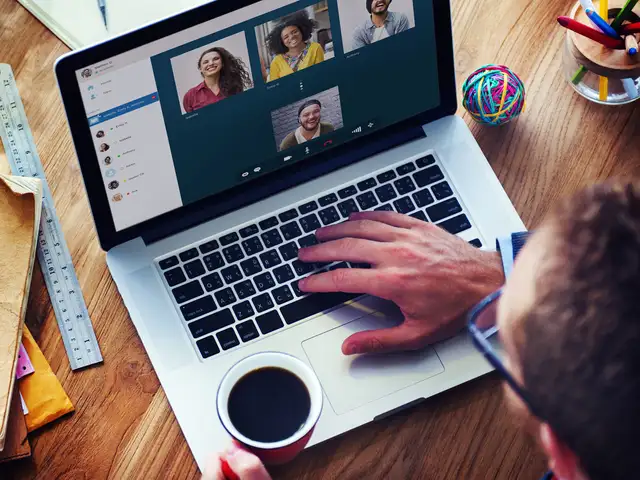
The company is primarily using Google Hangouts to connect with their teams. "I must compliment my team which has very quickly adapted well to new mediums to connect and communicate with each other. We use these mediums to connect with customers as well as internally," Kheruka said.
The best part about working from home is getting more time with the family for the Borosil boss who says he is getting a lot of quality time with his children.
"The challenge is the dip in productivity. It isn’t always easy to switch on and switch off between family and work mode. We also need to ensure that we are well connected with our customers as well as with the employees," he explained.
Managing personal and professional time is Kheruka's biggest challenge. "You can’t make watertight timings and things need to be in a flow which can be different on each day," he said.
Kheruka feels everyone should use this time wisely. "Every crisis brings with it learning and new opportunities. This time has given me two key learnings. The first is how we must innovate on product development to be relevant to the current times. Our focus has always been on trust, hygiene and safety. That will be at the forefront of the new products we develop.
The second thing I feel this situation teaches us is how we can increase our productivity. A lot of working norms which were pre-conceived notions can be dispelled. We can use technology effectively to reduce wastage of time," he ended.
He told ET Panache, "They are attending school via online mediums from home so managing that takes up some time. My work essentially starts in the afternoon. Given the change in format, working hours productivity initially went down but we are all adjusting to a new normal now."
The company is primarily using Google Hangouts to connect with their teams. "I must compliment my team which has very quickly adapted well to new mediums to connect and communicate with each other. We use these mediums to connect with customers as well as internally," Kheruka said.
The best part about working from home is getting more time with the family for the Borosil boss who says he is getting a lot of quality time with his children.
"The challenge is the dip in productivity. It isn’t always easy to switch on and switch off between family and work mode. We also need to ensure that we are well connected with our customers as well as with the employees," he explained.
Managing personal and professional time is Kheruka's biggest challenge. "You can’t make watertight timings and things need to be in a flow which can be different on each day," he said.
ADVERTISEMENT
Kheruka feels everyone should use this time wisely. "Every crisis brings with it learning and new opportunities. This time has given me two key learnings. The first is how we must innovate on product development to be relevant to the current times. Our focus has always been on trust, hygiene and safety. That will be at the forefront of the new products we develop.
The second thing I feel this situation teaches us is how we can increase our productivity. A lot of working norms which were pre-conceived notions can be dispelled. We can use technology effectively to reduce wastage of time," he ended.
Working from home can take a toll on your computer as the time spent on laptops, notebooks, desktops, monitors and tablets has increased substantially.
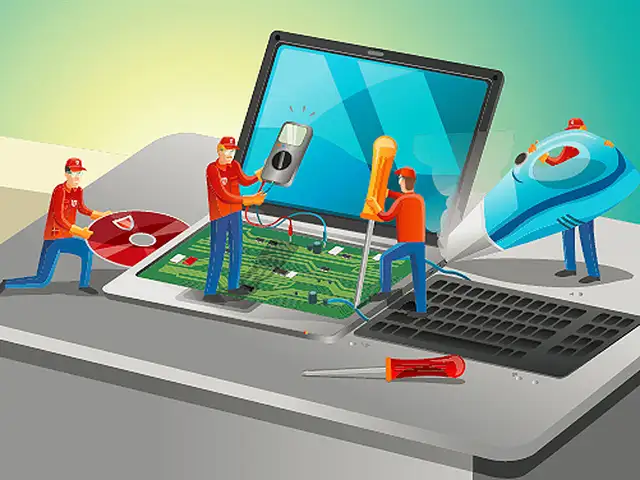
With endless food crumbs, sticky liquid stains and ants finding a home in your system, it is time to give your computer the much need attention it needs.








Download
The Economic Times Business News App for the Latest News in Business, Sensex, Stock Market Updates & More.
The Economic Times Business News App for the Latest News in Business, Sensex, Stock Market Updates & More.
ADVERTISEMENT


