Default settings are restricting your device's full potential. Change them to enjoy technology better
Not all default settings do sneaky things with our information.
By New York Times |

Getty Images
Many default settings buried deep inside our technology make us share superfluous amounts of data with tech companies. In my last column, I went over how to shut those off.
But not all default settings do sneaky things with our information. There are also some that need to be activated or disabled to make our devices more enjoyable to use.
Newer iPhones, for one, come with a fancy camera that can shoot extremely clear videos in ultrahigh "4K" resolution - but most people probably aren't using their cameras to their full potential because, by default, the phone is set to shoot videos at a lower resolution.
TVs are another example. Many modern televisions come with an effect known as motion smoothing turned on to make videos look as if they are playing at a higher frame rate, which is supposed to make fast-motion scenes look more detailed. But in many applications, especially when you're watching movies, it creates a soap-opera effect that many find looks fake. It's the setting on a TV that many tech-inclined people switch off immediately.
Our consumer electronics are among our most expensive household purchases, so it's worthwhile to peruse and change the default settings to reap their maximum benefits. Here's what I and other tech writers always change to make our phones, computers and televisions work better.
Apple iPhones
- Unlock an iPhone while wearing a mask. Though mask mandates have been lifted in many places, plenty of people still wear them to feel safe, especially indoors. One of the biggest drags to using an iPhone was having to punch in a passcode, rather than use facial identification, when wearing a mask. Recent versions of Apple's iOS now let iPhone users unlock the device without removing their mask. Go to Settings → Face ID & Passcode → Face ID with a Mask and toggle this setting on (green).
- Shoot 4K video. To make an iPhone camera shoot video at its highest resolution, go to Settings → Camera → Record Video and choose a 4K option. (I prefer "4K at 30 fps" because it works well when uploading videos to social media apps and internet sites like YouTube.) The downside is that 4K recordings will clog more of the phone's digital storage. But if you paid for that fancy camera, why not put it to use?
- Activate the camera grid. In digital photography, photographers use various composition techniques to make photos more aesthetically pleasing. The iPhone camera has a setting to show a grid to help compose shots. Go to Settings → Camera → Grid and toggle this setting on.
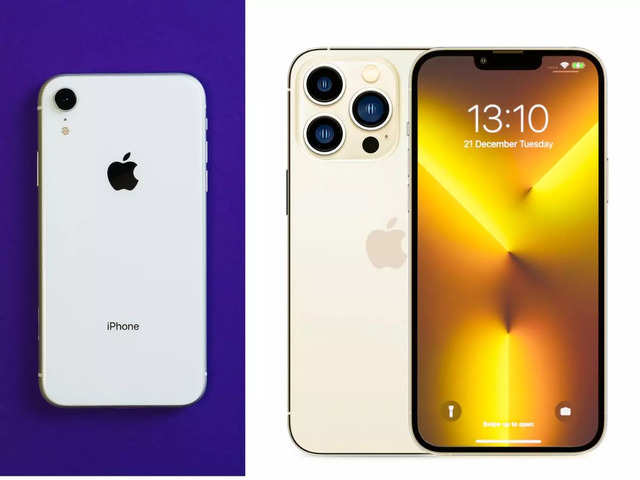
Android phones also include controls that have to be activated or modified to make the screen look better and the phone easier to use.
- Change the display's color profile. Many Android phones come with big, bright screens, but their colors may look oversaturated or too blue. Ryne Hager, an editor at the tech blog Android Police, said he typically switched out the default color profile whenever he set up a new Android phone. Instructions vary from phone to phone. For Samsung phones, go to Settings → Display → Screen mode → Natural. For Pixel phones, go to Settings → Display → Colors → Natural.
- Modify the shortcuts. On Android phones, you can customise the "quick settings" menu for shortcuts to features that you use often. Swipe down from the top of the smartphone screen, and swipe down again. If you tap the icon that looks like a pencil, you can choose to add tiles that let you, for example, activate hotspotting to share the phone's cellular connection with a computer.
- Activate the camera grid. Similar to iPhones, some Android phones can also show a grid to make photo composition easier. On Pixel phones, open the camera app, swipe down from the top of the screen, tap the gear icon and then go to Grid type → 3x3.
Mac Computers
On Macs, where Apple users tend to do work, it's useful to adjust settings to eliminate distractions and make tasks quicker. That involves switching off some features that were on by default and turning on some hidden features.
- Activate a shortcut to show the desktop. Shrinking and moving around windows just to find a file on the desktop can be tedious. The first thing I do with any Mac is activate a shortcut that immediately hides all windows to show the desktop. Go to System Preferences → Mission Control → Show Desktop and choose a keyboard key to trigger the shortcut. (I use the fn key on my MacBook keyboard.)
- Turn off notifications for distracting apps like Messages. In an era of never-ending video calls, you definitely don't want text messages bombarding your screen and making sounds when you're in a meeting. Just switch those notifications off permanently. Go to System Preferences → Notifications & Focus → Messages → Allow Notifications and toggle the setting to off (gray). In this menu, turn off notifications for any other noisy apps.
- Add the Bluetooth icon to the menu bar. Most of us use Bluetooth accessories like wireless earphones and mice, so to make it easier to connect and disconnect these devices on a Mac, it helps to have quick access to the Bluetooth menu. Go to System Preferences → Bluetooth → Show Bluetooth in menu bar and check the box. This will show the Bluetooth icon in the upper-right portion of the screen, where you can quickly connect and disconnect earbuds and other wireless accessories.
Windows Computers
Like Macs, Windows computers, by default, blast us with lots of notifications, but most frustrating are the many bleeps and bloops that go off when something goes wrong. Kimber Streams, a Wirecutter editor who tests laptops, shuts all these annoyances off.
- Turn off notifications. Go to Settings → System → Notifications. Uncheck all the boxes and toggle off all the switches to disable all notifications.
- Turn off system sounds. Go to Settings → System → Sound → More Sound Settings → Sounds → Sound Scheme: No sounds, and then hit Apply.
TV
Virtually every TV comes with default settings that are far from ideal for showing the best picture.
With any TV, it's worthwhile to adjust colors, brightness and contrast to suit your space. There's no universal set of steps because the best settings will differ for every TV and living room. But there are helpful TV calibration tools to make this simple, including my go-to tool, Disney's World of Wonder, a Blu-ray Disc with instructional videos on adjusting your TV settings.
By far the most important step on any TV, though, is to turn off the hideous motion smoothing effect. Steps vary across TVs, so do a web search on disabling it for your model. On my LG TV, I went to All Settings → Pictures → Picture Mode Settings → Picture Options → TruMotion → Off.
Good riddance.
But not all default settings do sneaky things with our information. There are also some that need to be activated or disabled to make our devices more enjoyable to use.
Newer iPhones, for one, come with a fancy camera that can shoot extremely clear videos in ultrahigh "4K" resolution - but most people probably aren't using their cameras to their full potential because, by default, the phone is set to shoot videos at a lower resolution.
TVs are another example. Many modern televisions come with an effect known as motion smoothing turned on to make videos look as if they are playing at a higher frame rate, which is supposed to make fast-motion scenes look more detailed. But in many applications, especially when you're watching movies, it creates a soap-opera effect that many find looks fake. It's the setting on a TV that many tech-inclined people switch off immediately.
Our consumer electronics are among our most expensive household purchases, so it's worthwhile to peruse and change the default settings to reap their maximum benefits. Here's what I and other tech writers always change to make our phones, computers and televisions work better.
Apple iPhones
ADVERTISEMENT
Apple's iPhones include various settings that are turned off by default and must be activated to make the device more convenient to use and to take better photos.- Unlock an iPhone while wearing a mask. Though mask mandates have been lifted in many places, plenty of people still wear them to feel safe, especially indoors. One of the biggest drags to using an iPhone was having to punch in a passcode, rather than use facial identification, when wearing a mask. Recent versions of Apple's iOS now let iPhone users unlock the device without removing their mask. Go to Settings → Face ID & Passcode → Face ID with a Mask and toggle this setting on (green).
- Shoot 4K video. To make an iPhone camera shoot video at its highest resolution, go to Settings → Camera → Record Video and choose a 4K option. (I prefer "4K at 30 fps" because it works well when uploading videos to social media apps and internet sites like YouTube.) The downside is that 4K recordings will clog more of the phone's digital storage. But if you paid for that fancy camera, why not put it to use?
- Activate the camera grid. In digital photography, photographers use various composition techniques to make photos more aesthetically pleasing. The iPhone camera has a setting to show a grid to help compose shots. Go to Settings → Camera → Grid and toggle this setting on.
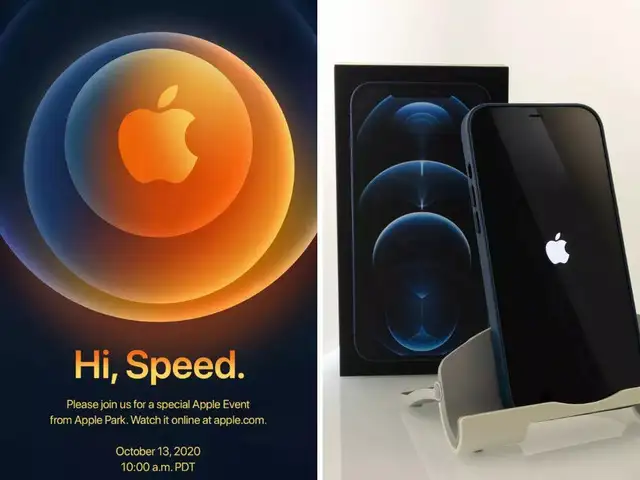
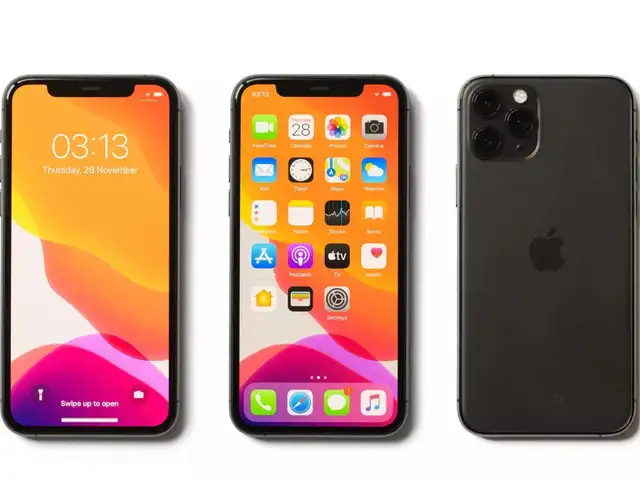
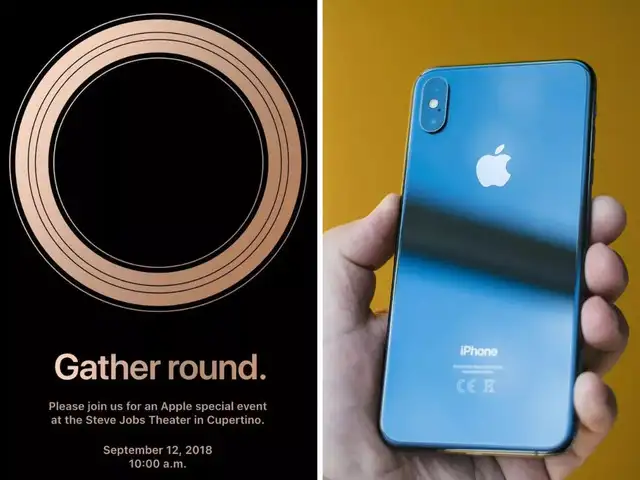
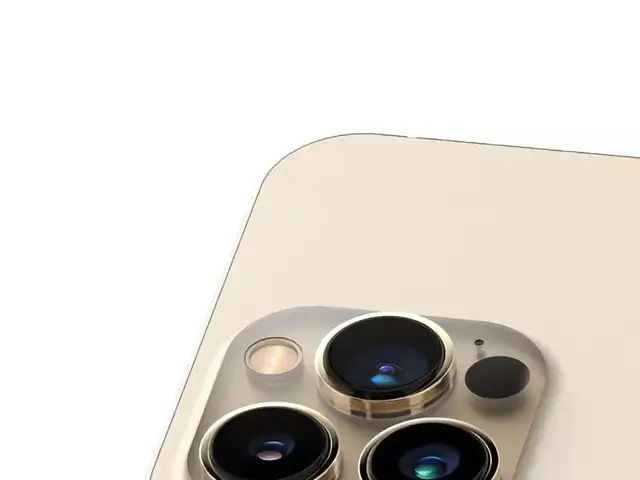
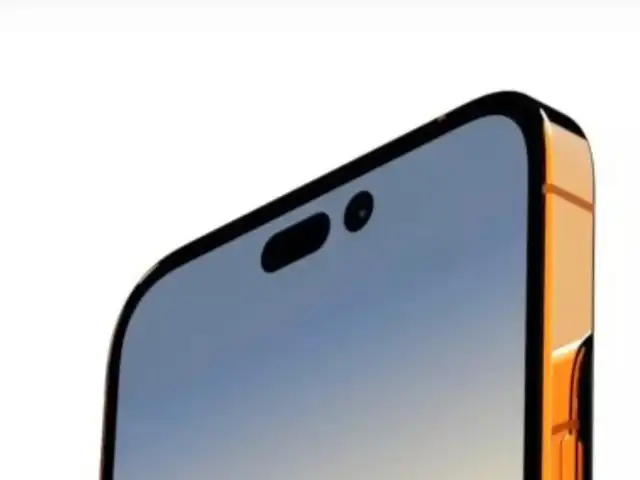
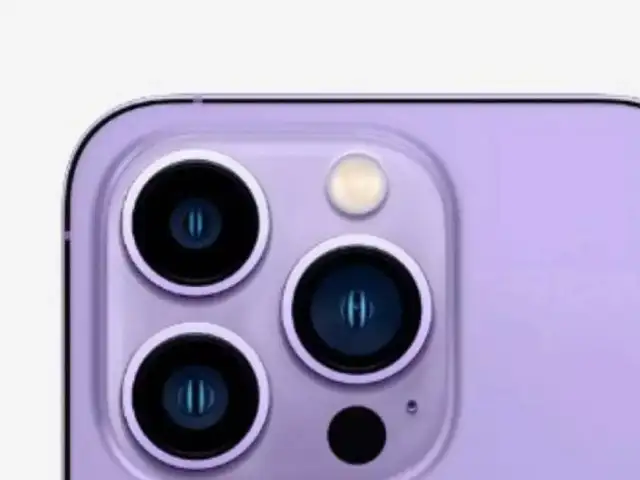
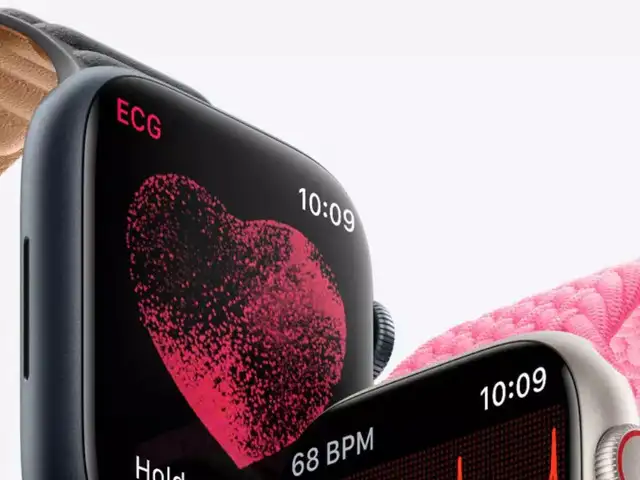
Apple is known to come out with the best of communication technology each year. The annual Apple event is viewed by millions of tech enthusiasts and consumers who have grown to admire the Apple iPhones and other devices. As part of the event, a new model of iPhone is introduced each year. And, each year, Apple strives to offer value and innovation to its consumers. Here’s a look at the takeaways from past few Apple events.



ADVERTISEMENT
Android PhonesAndroid phones also include controls that have to be activated or modified to make the screen look better and the phone easier to use.
- Change the display's color profile. Many Android phones come with big, bright screens, but their colors may look oversaturated or too blue. Ryne Hager, an editor at the tech blog Android Police, said he typically switched out the default color profile whenever he set up a new Android phone. Instructions vary from phone to phone. For Samsung phones, go to Settings → Display → Screen mode → Natural. For Pixel phones, go to Settings → Display → Colors → Natural.
ADVERTISEMENT
- Modify the shortcuts. On Android phones, you can customise the "quick settings" menu for shortcuts to features that you use often. Swipe down from the top of the smartphone screen, and swipe down again. If you tap the icon that looks like a pencil, you can choose to add tiles that let you, for example, activate hotspotting to share the phone's cellular connection with a computer.
- Activate the camera grid. Similar to iPhones, some Android phones can also show a grid to make photo composition easier. On Pixel phones, open the camera app, swipe down from the top of the screen, tap the gear icon and then go to Grid type → 3x3.
Mac Computers
On Macs, where Apple users tend to do work, it's useful to adjust settings to eliminate distractions and make tasks quicker. That involves switching off some features that were on by default and turning on some hidden features.
- Activate a shortcut to show the desktop. Shrinking and moving around windows just to find a file on the desktop can be tedious. The first thing I do with any Mac is activate a shortcut that immediately hides all windows to show the desktop. Go to System Preferences → Mission Control → Show Desktop and choose a keyboard key to trigger the shortcut. (I use the fn key on my MacBook keyboard.)
- Turn off notifications for distracting apps like Messages. In an era of never-ending video calls, you definitely don't want text messages bombarding your screen and making sounds when you're in a meeting. Just switch those notifications off permanently. Go to System Preferences → Notifications & Focus → Messages → Allow Notifications and toggle the setting to off (gray). In this menu, turn off notifications for any other noisy apps.
- Add the Bluetooth icon to the menu bar. Most of us use Bluetooth accessories like wireless earphones and mice, so to make it easier to connect and disconnect these devices on a Mac, it helps to have quick access to the Bluetooth menu. Go to System Preferences → Bluetooth → Show Bluetooth in menu bar and check the box. This will show the Bluetooth icon in the upper-right portion of the screen, where you can quickly connect and disconnect earbuds and other wireless accessories.
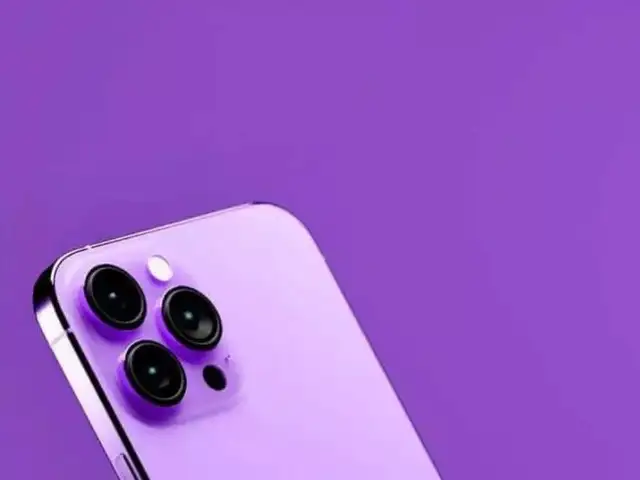
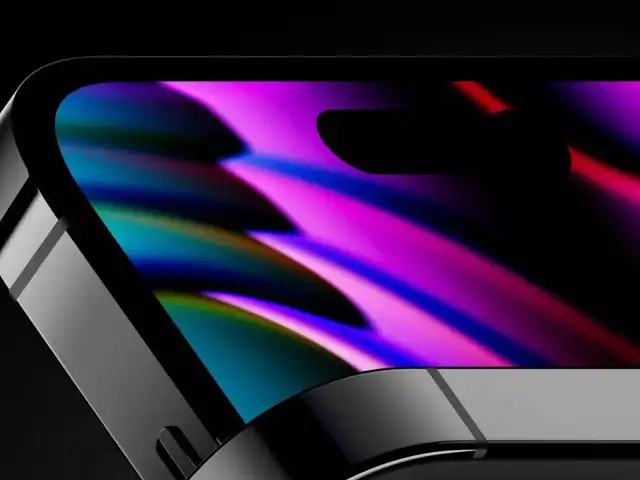
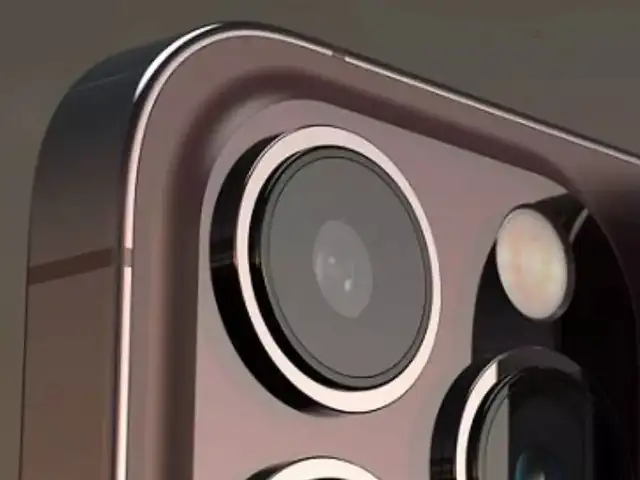
Apple has announced its next big event ‘Far Out’ on September 7. The Cupertino-based tech giant is expected to come out with an array of smartphones and other devices. Here’s a look at what to expect from the mega event.

Windows Computers
Like Macs, Windows computers, by default, blast us with lots of notifications, but most frustrating are the many bleeps and bloops that go off when something goes wrong. Kimber Streams, a Wirecutter editor who tests laptops, shuts all these annoyances off.
- Turn off notifications. Go to Settings → System → Notifications. Uncheck all the boxes and toggle off all the switches to disable all notifications.
- Turn off system sounds. Go to Settings → System → Sound → More Sound Settings → Sounds → Sound Scheme: No sounds, and then hit Apply.
TV
Virtually every TV comes with default settings that are far from ideal for showing the best picture.
With any TV, it's worthwhile to adjust colors, brightness and contrast to suit your space. There's no universal set of steps because the best settings will differ for every TV and living room. But there are helpful TV calibration tools to make this simple, including my go-to tool, Disney's World of Wonder, a Blu-ray Disc with instructional videos on adjusting your TV settings.
By far the most important step on any TV, though, is to turn off the hideous motion smoothing effect. Steps vary across TVs, so do a web search on disabling it for your model. On my LG TV, I went to All Settings → Pictures → Picture Mode Settings → Picture Options → TruMotion → Off.
Good riddance.
Download
The Economic Times Business News App for the Latest News in Business, Sensex, Stock Market Updates & More.
The Economic Times Business News App for the Latest News in Business, Sensex, Stock Market Updates & More.
ADVERTISEMENT


