
Move Wi-Fi router away from the TV: What it does and its benefits
1/7
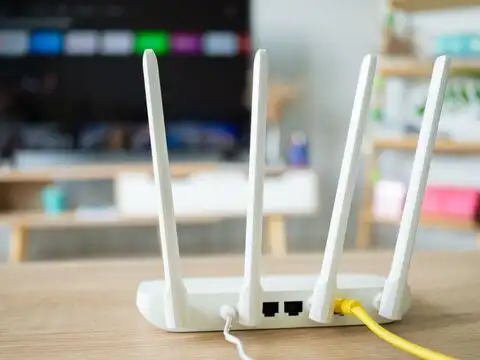
TVs Are Full Of Metal, And Metal Kills Wi-Fi Signals
A television is packed with metal components, and metal is the worst material for Wi-Fi signals. IEEE research confirms that metal absorbs and reflects electromagnetic waves, weakening signal strength significantly. Keeping the router right behind the TV is essentially placing it inside a partial signal-blocking cage.
2/7
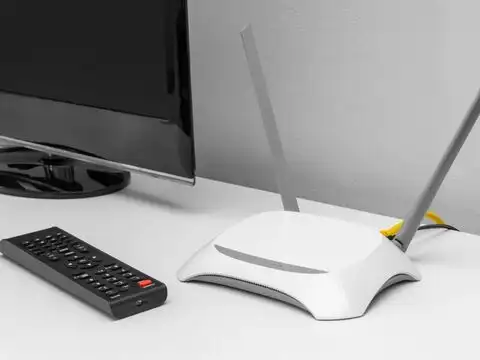
Your TV And Router Compete On The Same Frequency
Smart TVs, especially when streaming, actively compete with your router on the 2.4 GHz band. A peer reviewed study published in ResearchGate found that audio and video transmitters operating in the 2.4 GHz band caused up to 85% throughput reduction, nearly making the Wi-Fi network unusable for other devices in the home.
3/7
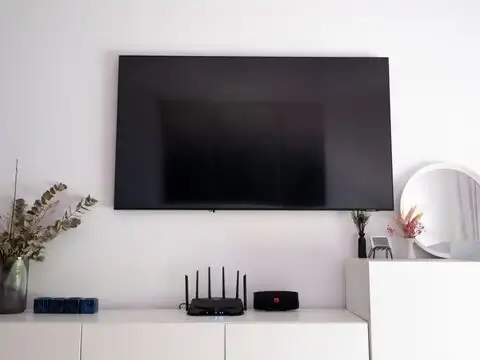
Distance From The Router Matters More Than You Think
The further the router is from your devices, and the more objects in between, the weaker the signal. Research in the Journal of Digital Network Technology found that signal strength decreased significantly with every added metre of distance, and electronic interference made that degradation even worse. Router placement is not a minor detail.
Amazon Top Deals
POWERED BY
4/7
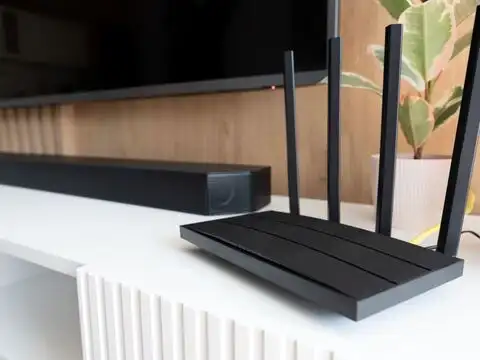
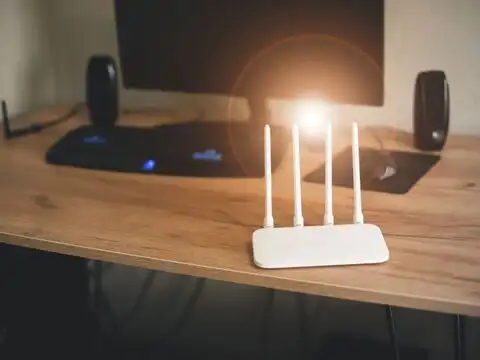
The TV's Own Wireless Activity Adds To The Congestion
When you stream on a smart TV, it pulls large amounts of data continuously. This competes directly with every other device on the same network. The more devices fighting for bandwidth near a congested router, the slower everything becomes. Separating the router from the TV gives both devices cleaner signal paths and reduces competition on the network.
5/7
Other Electronics Around The TV Make Things Worse
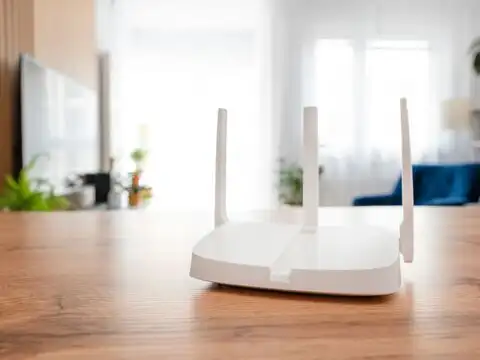
Entertainment units typically have soundbars, gaming consoles, set-top boxes, and power strips all clustered together. An IEEE study on ambient interference in Wi-Fi networks found that devices not used for data communication still radiate in the 2.4 GHz band, causing unintentional interference that degrades Wi-Fi performance meaningfully.
6/7
Keeping The Router Central And Elevated Solves Most Of This
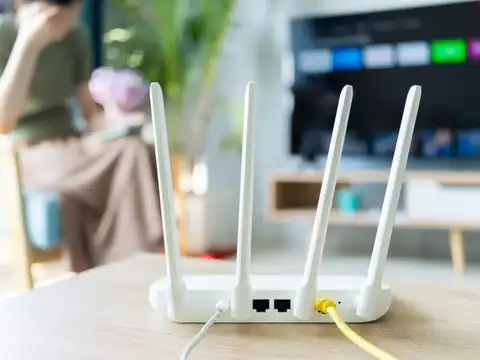
Wi-Fi signals spread outward and slightly downward. A central, elevated position, away from the TV corner, gives your router the best possible range. A signal propagation study in the Journal of Digital Network Technology confirmed that eliminating electronic obstacles and maximising open space around the router directly improves coverage and transmission speeds across the home.
7/7
The Fix Is Simple And Costs Nothing
Move the router to a central shelf or wall mount, away from the TV, ideally at mid-room height with no large electronics nearby. This small relocation can noticeably improve speed, reduce buffering during video calls, and extend reliable coverage to other rooms without spending anything on a new device or plan.