
Don't leave your deceased parent's TDS refund unclaimed; here's the step-by-step process to claim it back

1/7
Your deceased parent's TDS refund isn't gone — you can still claim it
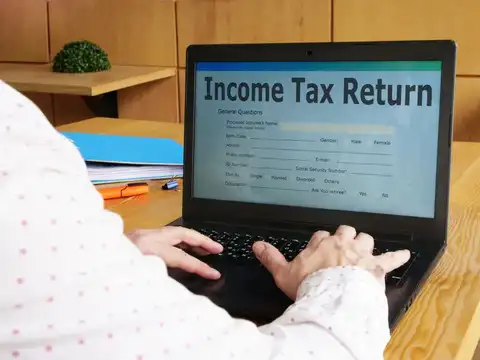
Tax Deducted at Source (TDS) on a deceased parent's income doesn't lapse. As a legal heir, you have a clear, legally recognised path to file an ITR and receive the refund directly in your bank account.
2/7
First step: You must become a "representative assessee" on the IT portal — here's how
1 Log in to the Income Tax e-filing portal with your own credentials
2. Go to Authorised Partners → Register as Representative
3. Select "Deceased (Legal Heir)" as the category
4. Upload required documents and submit the request
2. Go to Authorised Partners → Register as Representative
3. Select "Deceased (Legal Heir)" as the category
4. Upload required documents and submit the request

3/7
Keep these 4 documents ready before you start
- Death certificate
- Official copy of your parent's death certificate
- Deceased's PAN
- PAN card of the deceased taxpayer
- Your PAN (self-attested)
- Your own PAN card copy, signed
- Legal heir proof
- Court-issued certificate or registered Will
Amazon Top Deals
POWERED BY

4/7
File the ITR for the period April 1 up to the date of death — nothing more
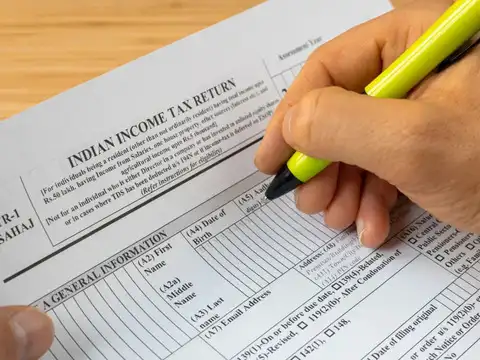
Once your representative registration is approved (usually within a few days), file the ITR on behalf of your parent. Cover only income from April 1st of that financial year to the exact date of death. Report all TDS deducted in the "TDS Schedule" within the return.

5/7
Missed the ITR due date? You can still file — belated or updated returns are allowed
The law permits filing a belated return or an updated return (ITR-U) even after the normal due date has passed. You can claim the refund for the relevant assessment year without being time-barred, as long as the window for that AY is still open.

6/7
Bank account closed?
If the refund fails because the old bank account is closed, here's the fix
1. Log in to the portal as the legal heir
2. Go to Services → Refund Reissue
3. Enter the deceased's PAN and verify the assessment year
4. Choose a validated bank account in your name and submit
Your PAN must be linked to your Aadhaar for the reissue request to go through.
1. Log in to the portal as the legal heir
2. Go to Services → Refund Reissue
3. Enter the deceased's PAN and verify the assessment year
4. Choose a validated bank account in your name and submit
Your PAN must be linked to your Aadhaar for the reissue request to go through.

7/7
The entire process in 6 words: Register >File >Claim >Done
- Register as legal heir
- Upload documents
- File ITR for deceased
- Report TDS in TDS Schedule
- Refund to your bank
- Reissue if bank is closed