
10 bank app settings you're probably ignoring and hackers are counting on it

1/10
Your bank account has more open doors than you think
Most people set up their banking app once and never look back. But hackers, scammers, and even old devices you forgot about could still have a way in. Here are 10 settings worth checking today.
2/10
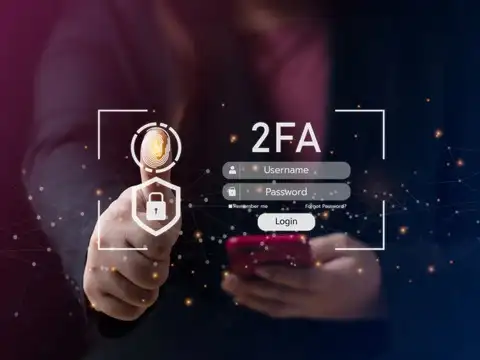
Turn on 2-factor authentication now
If you haven't enabled 2FA yet, do it before anything else. Use an authenticator app, Face ID, fingerprint login, or a physical security key. This single step blocks most unauthorized login attempts, even if someone gets your password.

3/10
Check who else can access your account
Open the "Authorized Devices" section in your app. You might find an old phone, a tablet you sold, or a laptop you no longer use still logged in. Revoke access for anything you don't recognize or no longer own.
Amazon Top Deals
POWERED BY
4/10
Cap how much money can move at once
Set daily limits for UPI, NEFT, IMPS transfers, and card purchases. If a scammer does get in, low limits mean they can't drain your account in one shot. This is one of the simplest ways to limit real damage.
5/10
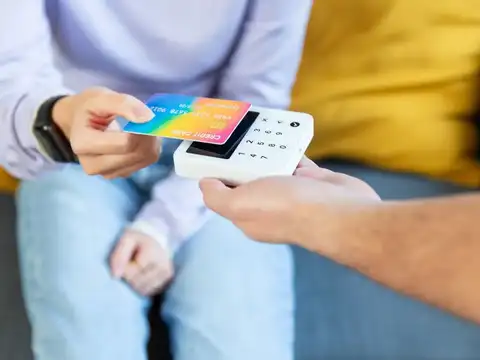
Control exactly how your card can be used
Most banking apps let you toggle international transactions, tap-and-pay, and online purchases on or off. If you never shop abroad or use contactless payments, switch those off. Fewer active features mean fewer ways to be exploited.
6/10
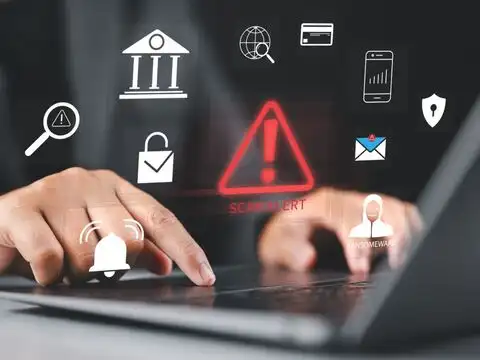
Never miss a suspicious transaction again
Turn on notifications for every login, transfer, and profile change. A single alert can be the difference between catching fraud in minutes versus discovering it weeks later. Enable SMS, email, and push alerts wherever possible.

7/10
Clean out your list of saved payees
Old beneficiaries you no longer send money to are just extra risk sitting in your account. Remove anyone unfamiliar and double-check the cooling-off period required before new payees can receive large transfers.

8/10
Shorten your auto-logout window
Set your session timeout to the shortest option available. If you step away from your phone or leave a browser tab open, a short timeout automatically locks your account before anyone else can use it.

9/10
Disconnect apps you don't use anymore
Budgeting tools, wallets, and payment apps linked to your bank account can become weak points if you stop using them. Go through your connected apps list and revoke access for anything inactive.

10/10
Update your contact details and password
Make sure your registered email and phone number are current, since fraud alerts are useless if they go to an old inbox. Finally, set a strong 12+ character password and refresh it every 3 to 6 months.