
YONO Cash: Withdraw cash through SBI ATM without using a debit card

1/5
SBI ATM: Withdraw cash without using a debit card
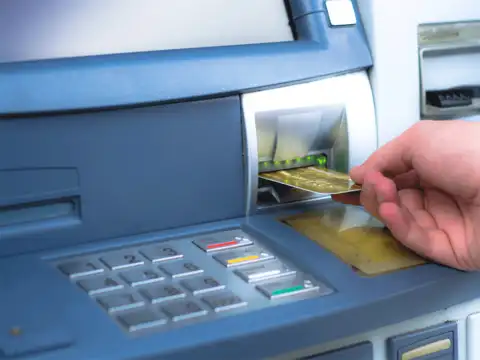
Now you can withdraw cash through SBI ATM without using a debit card. It is convenient for travellers who may be concerned about losing their debit card or facing card related issues while on the move. It can also be good for individuals who prefer not to carry a physical debit card for security or minimalistic lifestyle reasons.

2/5
What is YONO Cash?
YONO Cash is a facility available under the YONO SBI application, which allows customers to withdraw money from ATM, merchant point of sale (POS) and customer service points (CSP) without the need of a physical debit card. You can withdraw cash by generating a YONO Cash PIN, ensuring a cardless and hassle-free experience.
3/5
How to withdraw cash through SBI ATM without using a debit card
Step-by-step guide for YONO cash transactions at ATM
Step 1: Log in to the YONO App and navigate to the 'YONO Cash' tab.
Step 2: Choose your delivery channel: ATM, POS, CSP, or Shopping.
Step 3: Enter the amount you wish to withdraw or pay and select the account to be debited (your primary account is selected by default).
Step 4: Create a YONO Cash PIN for the specific transaction, which will only be displayed on the screen at the time of creation.
Step 5: Your request will be registered and a transaction reference number will be generated and will be valid for 4 hours
Step 6: At your selected channel (ATM/Merchant POS/CSP), enter the amount, transaction reference number and YONO Cash PIN.
Step 7: For cash withdrawals, the full amount must be withdrawn in a single transaction.
Upon completion, you will receive a debit notification on your registered mobile number, and you can view recent transactions in the YONO app.
Step 1: Log in to the YONO App and navigate to the 'YONO Cash' tab.
Step 2: Choose your delivery channel: ATM, POS, CSP, or Shopping.
Step 3: Enter the amount you wish to withdraw or pay and select the account to be debited (your primary account is selected by default).
Step 4: Create a YONO Cash PIN for the specific transaction, which will only be displayed on the screen at the time of creation.
Step 5: Your request will be registered and a transaction reference number will be generated and will be valid for 4 hours
Step 6: At your selected channel (ATM/Merchant POS/CSP), enter the amount, transaction reference number and YONO Cash PIN.
Step 7: For cash withdrawals, the full amount must be withdrawn in a single transaction.
Upon completion, you will receive a debit notification on your registered mobile number, and you can view recent transactions in the YONO app.
Amazon Top Deals
POWERED BY


4/5
YONO Cash: How to shop and withdraw at merchant POS
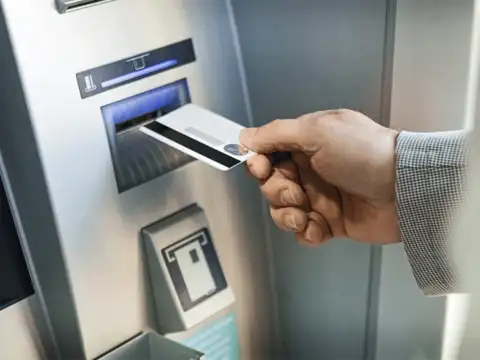
YONO Cash allows you to not only withdraw money from SBI ATMs, but also make purchases and withdraw cash from SBI POS systems in specified merchant outlets. This function allows you to shop and withdraw cash at the same time, eliminating the need for a debit card, streamlining transactions and making shopping more easy. Simply input the amount, transaction reference number, and PIN generated for the YONO Cash transaction on the YONO SBI app to withdraw your money.
5/5
Benefits of cardless withdrawals with YONO Cash
Customers can enjoy improved security with no debit card involved, reducing the risk of card fraud and skimming. Withdraw cash easily and quickly at ATMs, POS terminals, and Customer Service Points (CSPs). This method is especially convenient for travellers or individuals who prefer not to carry a physical debit card. It also offers the flexibility to withdraw cash up to the transaction limits set by your bank.