
Update PF KYC online: A step-by-step guide to avoid PF claim rejection

1/7
Wrong name on your PF account? Fix it in minutes; no forms needed
EPF members can now correct key KYC details — name, date of birth, and gender — entirely online through the UAN Member Portal.
No physical forms. No office visits. Just your Aadhaar and internet access.
No physical forms. No office visits. Just your Aadhaar and internet access.

2/7
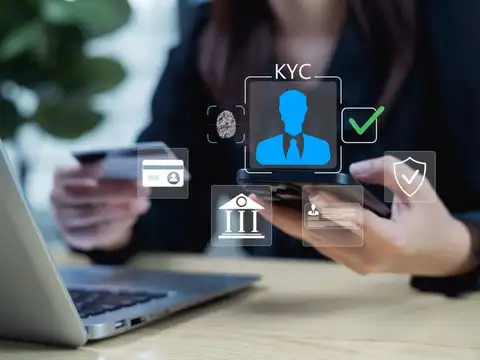
One mismatch can block your entire PF claim
EPFO cross-checks your PF records against your Aadhaar data before processing any withdrawal. If your name, date of birth, or gender don't match exactly — your claim gets rejected.
3/7
Correcting your KYC now means zero friction when you actually need the money.
How to correct your PF KYC online in 5 simple steps
1. Log in at the Unified Member Portal using your UAN and password.
2. Go to Manage → Modify Basic Details.
3. Enter your correct Name, DOB, or Gender exactly as on your Aadhaar. The system auto-verifies with UIDAI.
4. Click Update Details. Status changes to "Pending for Employer Approval".
5. Your employer logs in and approves the request online. Done.
1. Log in at the Unified Member Portal using your UAN and password.
2. Go to Manage → Modify Basic Details.
3. Enter your correct Name, DOB, or Gender exactly as on your Aadhaar. The system auto-verifies with UIDAI.
4. Click Update Details. Status changes to "Pending for Employer Approval".
5. Your employer logs in and approves the request online. Done.
Amazon Top Deals
POWERED BY

4/7
Bank details? You can update those without your employer
Most KYC changes need employer approval — but your bank account is an exception.
If your UAN is active and your Aadhaar is linked, you can update your bank details directly on the EPFO Member Portal under Manage KYC; No employer sign-off required.
This applies to bank accounts and IFSC code updates only. Name, DOB, and gender corrections still need employer approval.
If your UAN is active and your Aadhaar is linked, you can update your bank details directly on the EPFO Member Portal under Manage KYC; No employer sign-off required.
This applies to bank accounts and IFSC code updates only. Name, DOB, and gender corrections still need employer approval.
5/7
4 things to get right before you start
Aadhaar seeding
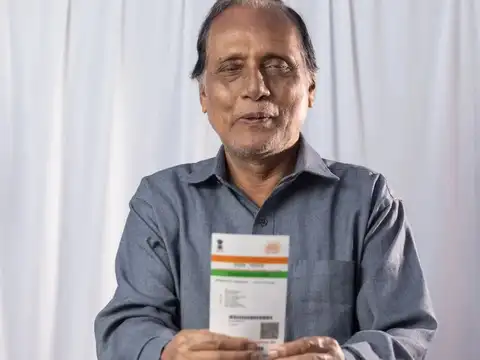
Your Aadhaar must be linked to your UAN before any correction can proceed.
Documents ready
Keep Aadhaar, PAN, and bank passbook handy for upload.
Track status
Check progress under Manage → KYC → Digitally Approved KYC.
Need help?
Helpline: 1800 118 005 or uanepf@epfindia.gov.in
Your Aadhaar must be linked to your UAN before any correction can proceed.
Documents ready
Keep Aadhaar, PAN, and bank passbook handy for upload.
Track status
Check progress under Manage → KYC → Digitally Approved KYC.
Need help?
Helpline: 1800 118 005 or uanepf@epfindia.gov.in
6/7
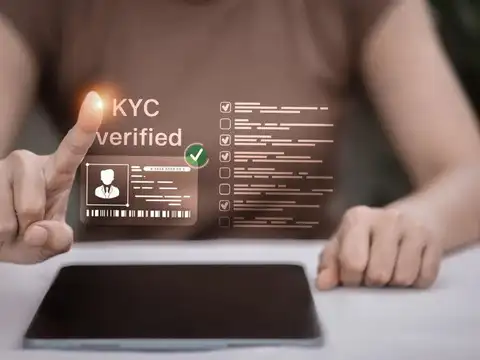
No KYC, no withdrawal; it's that simple
Online PF withdrawals are only possible with a fully verified KYC. You need all four of these in place:
✓ Active UAN — your account must be activated.
✓ Aadhaar-linked mobile number — for OTP authentication.
✓ Active bank account — linked and verified in your UAN profile.
✓ PAN linked — else 30% TDS applies if service is under 5 years.
✓ Active UAN — your account must be activated.
✓ Aadhaar-linked mobile number — for OTP authentication.
✓ Active bank account — linked and verified in your UAN profile.
✓ PAN linked — else 30% TDS applies if service is under 5 years.

7/7
Do it today; future you will be grateful
The old process meant filing joint declarations at an EPF field office. The new online system cuts that entirely.Your action checklist:
- Link Aadhaar to UAN if not done
- Log in to the UAN portal and check your basic details
- Submit a correction if anything mismatches your Aadhaar
- Link PAN and verify your bank account
- Ask your employer to approve any pending requests