
SIM swap attack: How hackers steal your OTPs and empty your bank account
1/7
What is SIM swap fraud?
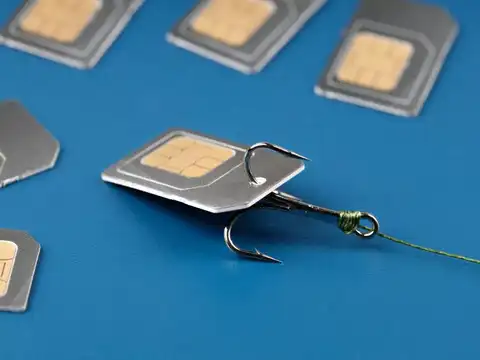
SIM swap fraud is a type of cybercrime where a criminal tricks your telecom provider into transferring your mobile number to a new SIM card that they control. Once they gain access to your number, they can intercept all your OTPs and verification codes. This allows them to break into your bank accounts, email, and social media, often before you even realize something is wrong.
2/7
How does the fraudster pull it off?
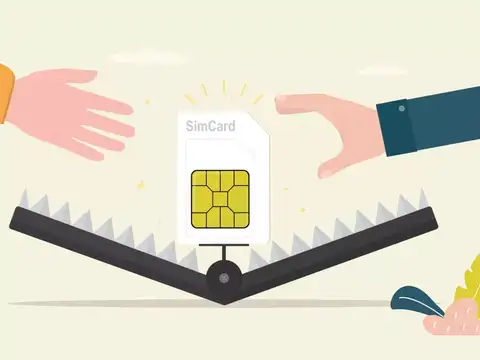
The attack starts long before the SIM swap takes place. Criminals collect your personal information through phishing emails, data leaks, or social engineering. They then walk into a telecom store, impersonate you, and request a duplicate SIM. Once issued, your real SIM stops working and theirs becomes active. From that moment, every OTP meant for you goes straight to them, giving them full access to your accounts.

3/7
Is UPI safe from SIM swap fraud?
Good news for UPI users, there's an extra layer of protection. Even if a fraudster successfully swaps your SIM, they still can't access your UPI app on a new phone without your Aadhaar number or bank debit card details. This additional verification step acts as a strong safety net, making it significantly harder for criminals to misuse UPI even after a successful SIM swap.
Amazon Top Deals
POWERED BY

4/7
Warning signs you've been SIM swapped
Watch out for these red flags:
* Your phone suddenly loses network signal
* You stop receiving calls or SMS messages
* You get alerts about account changes you didn't make
* Your bank sends unauthorized transaction notifications
If your SIM stops working without reason, don't assume it's a network issue. Contact your telecom provider immediately, every minute of delay gives the fraudster more time to steal.
* Your phone suddenly loses network signal
* You stop receiving calls or SMS messages
* You get alerts about account changes you didn't make
* Your bank sends unauthorized transaction notifications
If your SIM stops working without reason, don't assume it's a network issue. Contact your telecom provider immediately, every minute of delay gives the fraudster more time to steal.
5/7
What to do immediately if you're a victim
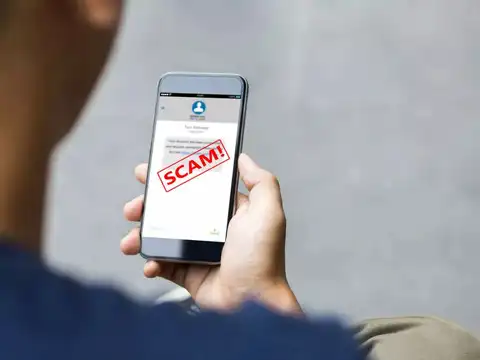
Act fast, speed is everything in SIM swap fraud. First, call your telecom provider to suspend the compromised SIM and reclaim your number. Then reset passwords for your bank, email, and social media accounts, most sensitive ones first. Check all recent account activity for unauthorized transactions and alert your bank right away. Also enable app-based authentication instead of SMS-based OTPs going forward.
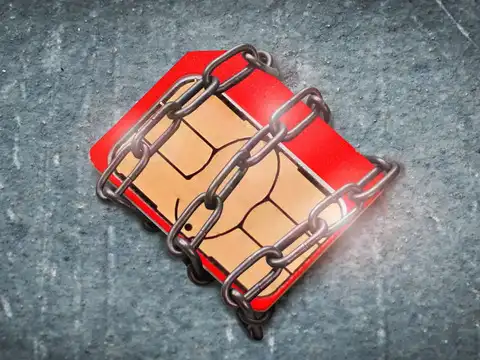
6/7
Does SIM binding solve the problem?
SIM binding links your account to a specific SIM card or device, making it harder for fraudsters to access your accounts even after a swap. When a login attempt occurs, the system checks if it's coming from your trusted device, and flags anything suspicious. However, SIM binding alone isn't foolproof. Criminals combine SIM swapping with phishing and malware to bypass it, so it should be used as one layer among many.

7/7
How to protect yourself from SIM swap fraud
Stay protected with these steps:
* Never share personal details over calls or suspicious links
* Use authenticator apps (Google/Microsoft Authenticator) instead of SMS OTPs
* Set a SIM card lock on your phone (available on Samsung and most Android devices)
* Regularly monitor your bank and account activity
* Add a PIN or passcode with your telecom provider for any SIM-related requests
* Your mobile number is the key to your financial life, guard it like your ATM PIN.
* Never share personal details over calls or suspicious links
* Use authenticator apps (Google/Microsoft Authenticator) instead of SMS OTPs
* Set a SIM card lock on your phone (available on Samsung and most Android devices)
* Regularly monitor your bank and account activity
* Add a PIN or passcode with your telecom provider for any SIM-related requests
* Your mobile number is the key to your financial life, guard it like your ATM PIN.