
Online fraud: Do you often use QR codes to pay? Check these tips to avoid getting duped
1/7
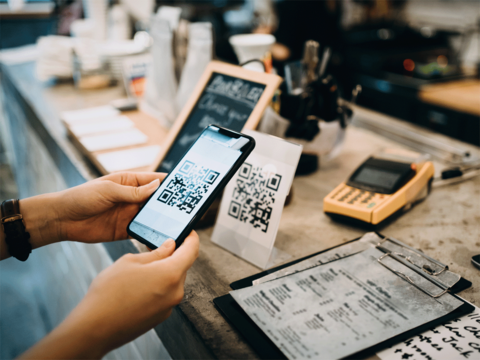
Do you often scan QR codes to pay online?
From your neighbourhood kirana shop to social media posts of great deals — QR codes are everywhere these days. With more and more people using Unified Payments Interface (UPI) payment, scanning QR codes for online transactions have become a day-to-day affair. The cases of online fraud have also increased simultaneously in the last few years.
If you regularly use QR codes to pay online, read on.
If you regularly use QR codes to pay online, read on.
2/7
QR code scam: What is it?
Scammers have started exploiting this latest technology to duper people. They are creating their QR codes and trick people into sharing their banking details and personal information. Numerous scams involving QR codes have been reported in the last few years.
3/7
How do scammers use the QR code to dupe people?
The scamsters usually send a QR code and ask people to scan it to receive money from them. Once you scan the QR code, a significant amount gets deducted from your bank account. The fraudsters also get access to your bank account details and use them later to do multiple transactions.
Amazon Top Deals
POWERED BY

4/7
Don't scan the QR code to receive money
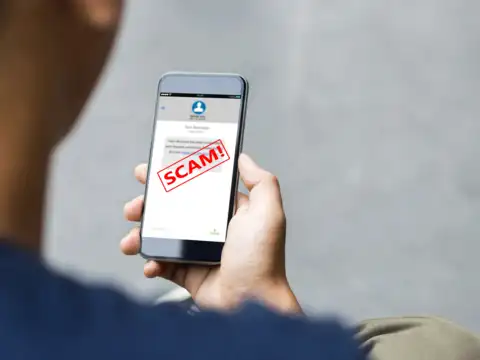
Do note that you do not have to scan QR codes to receive money. So if someone sends you a QR code on WhatsApp or any other platform to credit money into your account, you should never scan it.
5/7
How to avoid QR code scam
a) Once you scan a QR code, check the URL to make sure it is the intended site and looks authentic. A fraudulent domain name may be similar to a URL with typos and misplaced letters.
6/7
Be careful
b) When you are scanning a QR code, look carefully at whether the code is tampered with, such as with a sticker placed on the top of the original code.
c) You do not need to download any app to pay via a QR code. Most smartphones have a built-in scanner through a camera application. So if a QR code is directing you toward downloading an app, avoid it.
d) Whenever you are paying via QR code to an unknown entity, make sure you verify it and then pay. You can call the company before making a payment. You can also check online whether the company exists or not.
c) You do not need to download any app to pay via a QR code. Most smartphones have a built-in scanner through a camera application. So if a QR code is directing you toward downloading an app, avoid it.
d) Whenever you are paying via QR code to an unknown entity, make sure you verify it and then pay. You can call the company before making a payment. You can also check online whether the company exists or not.
7/7
Don't share details or OTP with strangers
e) You should not share your UPI ID or bank account details with unknown people.
f) Never share OTPs with anyone as they are confidential
f) Never share OTPs with anyone as they are confidential