
How to withdraw cash from ATMs using UPI: A step-by-step guide
1/5
Cardless cash withdrawal
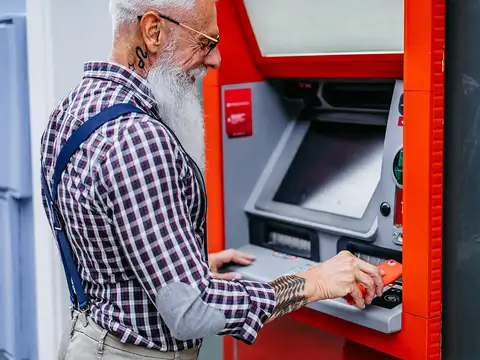
Cardless cash withdrawal allows bank customers to withdraw cash from their bank ATMs, without using their cards. The bank should be live on UPI to allow this facility. The ATM should also enable UPI-ATM Interoperable Card-less Cash Withdrawal facility.

2/5
How to withdraw cash from an ATM using UPI
First, a customer needs to select the option of UPI cash withdrawal at the ATM while withdrawing cash.
3/5
Keep this in mind
Then, there will be a prompt where the customer needs to enter the amount he or she wants to withdraw.
Amazon Top Deals
POWERED BY

4/5
Scan the QR code
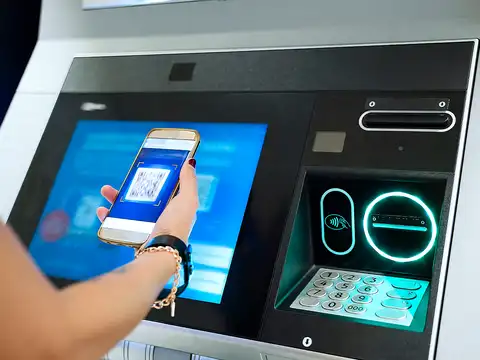
In the next step, a single-use dynamic QR code (signed) will appear on the ATM screen. Now, the customer has to scan the QR code using any UPI application on his or her mobile. He or she needs to authorise the transaction using UPI PIN.

5/5
And it's done
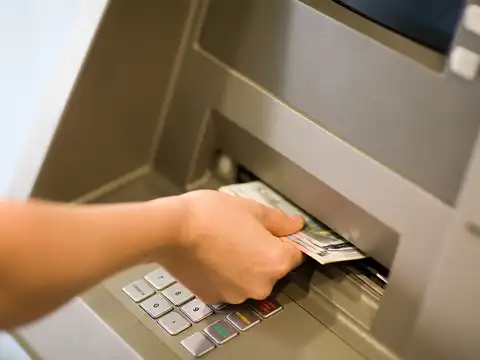
Once the amount is debited in UPI, the user has to select 'Press here for cash' on the ATM. If the transaction is successful, the cash will be dispensed. Source: National Payments Corporation of India (NPCI) website.