
e-OCI card launched: How OCI cardholder can generate and download electronic-OCI card
1/5
Good news for Overseas Citizenship of India (OCI) cardholders!
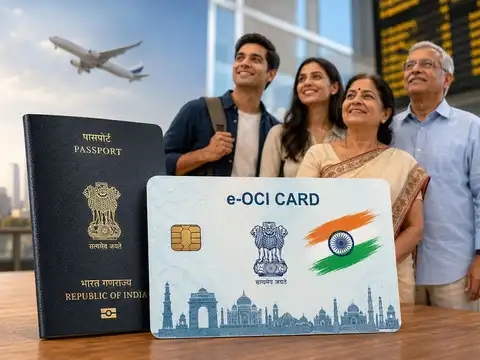
The government has officially launched e-OCI (Electronic OCI Card). Now, Overseas Citizenship of India (OCI) cardholders no longer need to carry their physical OCI booklet everywhere. They can now download their digital e-OCI card on their mobile phone and present it at immigration check posts and to airlines whenever required.

2/5
Log in to the OCI Services Portal
OCI cardholders can visit https://ociservices.gov.in and log in using their existing user ID and password. If not already registered, they can complete their registration process using the email address provided at the time of your OCI application.

3/5
Generate your e-OCI card
After logging in, click on the e-OCI tab on the dashboard. Your application details will appear on the page. In the last column, click on Generate e-OCI card to create your digital OCI card.
Amazon Top Deals
POWERED BY
4/5
Download your e-OCI card
Once your e-OCI card is generated, download it and save it on your mobile phone. You can present the digital e-OCI card at immigration.

5/5
Will a physical OCI card still remain valid?
Your existing physical OCI card continues to remain valid. Download your e-OCI card today to enjoy the added convenience, and share this information with your family and friends who are OCI cardholders.