
5 steps to withdraw EPF money online
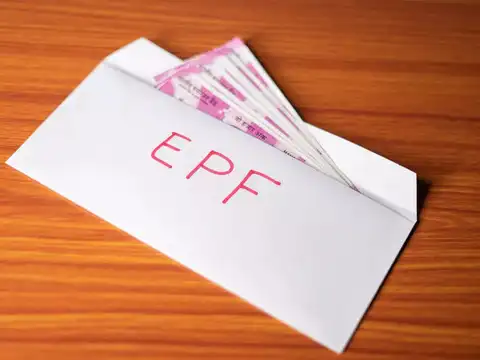
1/5
Know when you can withdraw EPF money
You can withdraw EPF money online for reasons like retirement after 58 years, if you’re unemployed for over two months, or for certain needs like marriage, education or buying a house. You must have an active UAN linked to Aadhaar, PAN and your bank account.

2/5
Check eligibility and update details
Before applying, check if your KYC is updated in the EPFO portal. Make sure your Aadhaar, PAN and bank details are verified. Without updated KYC, your claim may get rejected.

3/5
Log in to the EPFO Member portal
Visit unifiedportal-mem.epfindia.gov.in. Log in using your UAN and password. From the menu, click 'Online Services' and select 'Claim (Form-31, 19 & 10C)' to start the withdrawal process.
Amazon Top Deals
POWERED BY


4/5
Submit your claim request
Verify your bank account details shown on the screen. Enter the last four digits of your bank account and click 'Verify'. Then, accept the terms and conditions. Choose 'Proceed for Online Claim'.

5/5
Select withdrawal type
In the claim form, choose 'PF Advance (Form-31)' for partial withdrawal or the relevant option for full settlement or pension withdrawal. Enter the amount, upload scanned documents if needed, and submit the request. The money is usually credited within 15–20 days.