Microsoft can't decide if it's giving away Windows 10 for free
Seems pretty clear, then: only users upgrading from Windows 7 or 8 will get a free upgrade, which is in line with Microsoft's previous announcements.
By Gizmodo | Updated:

By Chris Mills
In an announcement on Friday, Microsoft dropped the unusually generous news that it is giving away free copies of Windows 10 to anyone who participates in the beta Insider Program for Redmond's latest OS. Sound a little too good to be true? You bet.
As noted by Ars Technica, Microsoft has since sneakily updated its blog post announcing the move, changing some crucial language:
Previously it said that signed up members of the Insider Program running a preview version would "receive the Windows 10 final release build and remain activated." Now it says only that they will "receive the Windows 10 final release build."
Moreover, Microsoft added some clarifying language, saying that "It's important to note that only people running Genuine Windows 7 or Windows 8.1 can upgrade to Windows 10 as part of the free upgrade offer."
Seems pretty clear, then: only users upgrading from Windows 7 or 8 will get a free upgrade, which is in line with Microsoft's previous announcements.
But that's not all! On Twitter this evening, Microsoft exec Gabriel Aul stated in no uncertain terms that anyone with a prerelease build of Windows 10 (with a registered Microsoft Account) would remain activated on the final version of Windows 10.
June 21, 2015
Reading between the lines, it seems that Microsoft might be providing a way for individual users to upgrade, without making the whole process above board. Microsoft makes most of its Windows money off businesses and OEMs, the companies that sell new PCs already running a (licensed, paid-for) version of Windows. The wording in the latest blog post implies that upgrading to full-fat Windows 10 will work; it just won't be officially sanctioned by Microsoft, meaning that businesses will still have to pony up for the upgrade.
We reached out to Microsoft for comment, and will update if anyone manages to clarify this mess.
In an announcement on Friday, Microsoft dropped the unusually generous news that it is giving away free copies of Windows 10 to anyone who participates in the beta Insider Program for Redmond's latest OS. Sound a little too good to be true? You bet.
As noted by Ars Technica, Microsoft has since sneakily updated its blog post announcing the move, changing some crucial language:
Previously it said that signed up members of the Insider Program running a preview version would "receive the Windows 10 final release build and remain activated." Now it says only that they will "receive the Windows 10 final release build."
Moreover, Microsoft added some clarifying language, saying that "It's important to note that only people running Genuine Windows 7 or Windows 8.1 can upgrade to Windows 10 as part of the free upgrade offer."
Seems pretty clear, then: only users upgrading from Windows 7 or 8 will get a free upgrade, which is in line with Microsoft's previous announcements.
ADVERTISEMENT
But that's not all! On Twitter this evening, Microsoft exec Gabriel Aul stated in no uncertain terms that anyone with a prerelease build of Windows 10 (with a registered Microsoft Account) would remain activated on the final version of Windows 10.
June 21, 2015
Reading between the lines, it seems that Microsoft might be providing a way for individual users to upgrade, without making the whole process above board. Microsoft makes most of its Windows money off businesses and OEMs, the companies that sell new PCs already running a (licensed, paid-for) version of Windows. The wording in the latest blog post implies that upgrading to full-fat Windows 10 will work; it just won't be officially sanctioned by Microsoft, meaning that businesses will still have to pony up for the upgrade.
We reached out to Microsoft for comment, and will update if anyone manages to clarify this mess.
Download
The Economic Times Business News App for the Latest News in Business, Sensex, Stock Market Updates & More.
The Economic Times Business News App for the Latest News in Business, Sensex, Stock Market Updates & More.
Download
The Economic Times News App for Quarterly Results, Latest News in ITR, Business, Share Market, Live Sensex News & More.
The Economic Times News App for Quarterly Results, Latest News in ITR, Business, Share Market, Live Sensex News & More.
Related Articles
 Bill Gates reveals details about Jeffrey Epstein meeting as Microsoft co-founder faces tough questions about relationship with financier2026-06-10T16:26:22Z
- LinkedIn cofounder Reid Hoffman to step down from Microsoft's board2026-06-05T16:14:57Z
- India leading the pack in AI adoption: Microsoft’s Puneet Chandok2026-06-03T00:30:00Z
Text: Karan Bajaj, ET Bureau
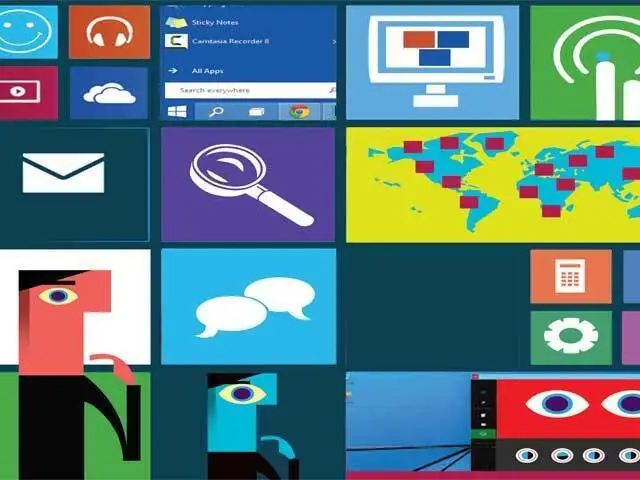
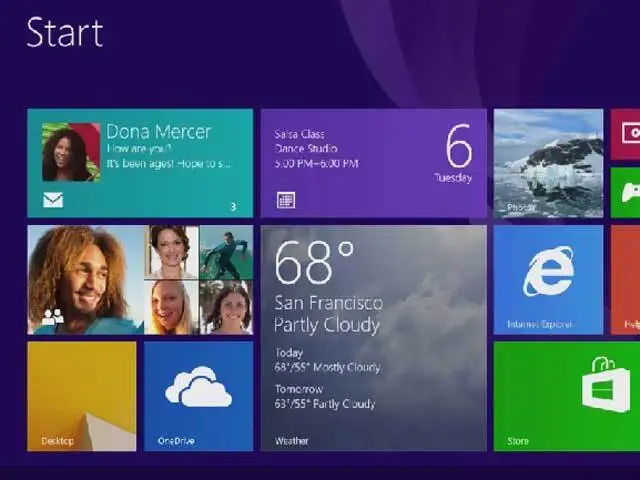
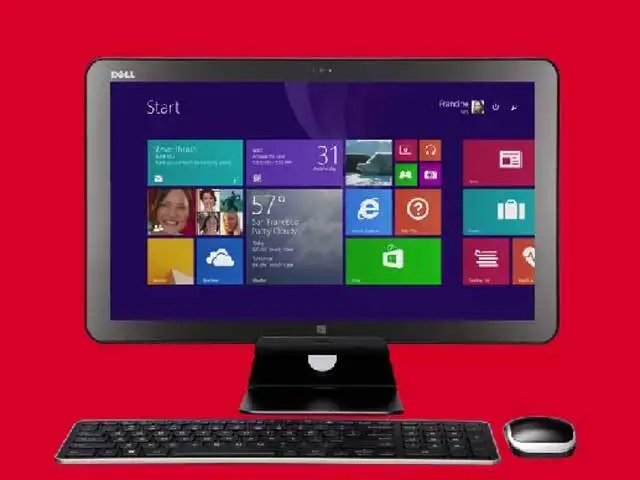
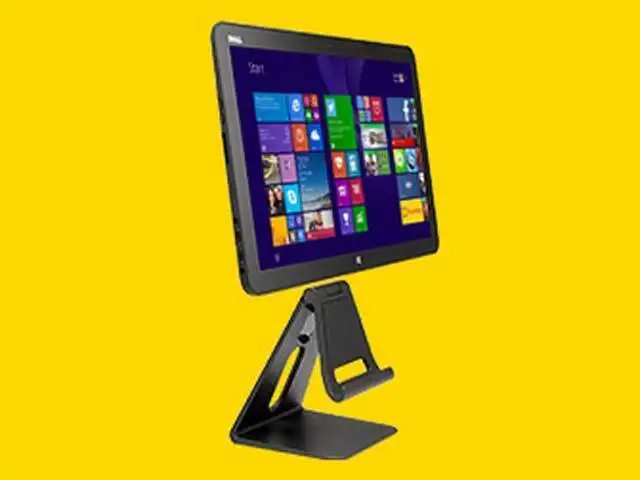
Microsoft has announced the next iteration of their Windows OS, dubbed Windows 10.
Although availability is still about a year away, the technical preview of the OS is available to try the new features.
ET takes a look at some of the biggest changes you can expect
Microsoft has announced the next iteration of their Windows OS, dubbed Windows 10.
Although availability is still about a year away, the technical preview of the OS is available to try the new features.
ET takes a look at some of the biggest changes you can expect

ADVERTISEMENT


