HP launches enterprise services for Windows 10
HP will offer a comprehensive portfolio of services available for the Microsoft enterprise ecosystem which includes Enterprise Services for Office 365.
By ET Online | Updated:

HP has today announced the availability of a full suite of Windows 10 services designed to help enterprises control costs while expediting the move to the new Microsoft operating system.
HP will offer a comprehensive portfolio of services available for the Microsoft enterprise ecosystem which includes Enterprise Services for Office 365, Readiness Workshop for Office 365, Enterprise Mobility Suite, Skype for Business and the new Windows 10 enterprise suite of services. The new Windows 10 services include HP Test Drive Services for Windows 10, HP Transformation Services for Windows 10, HP Roadmap Service for Windows 10 and HP WebApp Accelerator Service for Internet Explorer 11.
"HP's unique relationship with Microsoft allows us to offer Windows 10 in a controlled manner integrated into the client's world - giving both IT and the User the chance to experience the new operating system," said Marshal Correia, vice president & general manager, Enterprise Services, HP India, "IT & developers get to validate the application portfolio in advance - lowering the cost & risk of a large scale migration, and the user sees innovation and a more personal computing experience."
HP Test Drive Services for Windows 10 will allow customers considering a migration to test the new operating system with a control group of users to evaluate the new user experience, capabilities and potential incompatibilities in advance of any wholesale migration. By validating the environment in advance, IT is able to shape its end user computing strategy, balance the pace of migration, the introduction of virtualization while maintaining a low risk / low cost profile.
During the test drive, a select set of users would move to a new Windows 10 device as their primary workplace device. The package will consist of PC or tablet hardware, with Windows 10 already installed, plus transformation services that include migrating user data, migrating user settings and ensuring that all included users get the core apps they need on the new device. This enables the customer's IT department, developers and users to gain valuable experience in the new environment without the typically large investment that normally accompanies the initiation of a migration to a new operating system.
"We are excited to continue building on the strong record we have established with HP in the enterprise," said Susan Hauser, Corporate Vice President, Enterprise and Partner Group, Microsoft. "The solutions and services HP has built on the Microsoft platform will help our joint customers take full advantage of the unique and innovative features of Microsoft Enterprise Cloud Suite including Windows 10, Office 365 and the Enterprise Mobility Suite."
HP also recently announced solutions and services designed to help businesses of all sizes, including small- and medium-sized businesses, deploy Windows 10 across their organization.
HP will offer a comprehensive portfolio of services available for the Microsoft enterprise ecosystem which includes Enterprise Services for Office 365, Readiness Workshop for Office 365, Enterprise Mobility Suite, Skype for Business and the new Windows 10 enterprise suite of services. The new Windows 10 services include HP Test Drive Services for Windows 10, HP Transformation Services for Windows 10, HP Roadmap Service for Windows 10 and HP WebApp Accelerator Service for Internet Explorer 11.
"HP's unique relationship with Microsoft allows us to offer Windows 10 in a controlled manner integrated into the client's world - giving both IT and the User the chance to experience the new operating system," said Marshal Correia, vice president & general manager, Enterprise Services, HP India, "IT & developers get to validate the application portfolio in advance - lowering the cost & risk of a large scale migration, and the user sees innovation and a more personal computing experience."
HP Test Drive Services for Windows 10 will allow customers considering a migration to test the new operating system with a control group of users to evaluate the new user experience, capabilities and potential incompatibilities in advance of any wholesale migration. By validating the environment in advance, IT is able to shape its end user computing strategy, balance the pace of migration, the introduction of virtualization while maintaining a low risk / low cost profile.
During the test drive, a select set of users would move to a new Windows 10 device as their primary workplace device. The package will consist of PC or tablet hardware, with Windows 10 already installed, plus transformation services that include migrating user data, migrating user settings and ensuring that all included users get the core apps they need on the new device. This enables the customer's IT department, developers and users to gain valuable experience in the new environment without the typically large investment that normally accompanies the initiation of a migration to a new operating system.
ADVERTISEMENT
"We are excited to continue building on the strong record we have established with HP in the enterprise," said Susan Hauser, Corporate Vice President, Enterprise and Partner Group, Microsoft. "The solutions and services HP has built on the Microsoft platform will help our joint customers take full advantage of the unique and innovative features of Microsoft Enterprise Cloud Suite including Windows 10, Office 365 and the Enterprise Mobility Suite."
HP also recently announced solutions and services designed to help businesses of all sizes, including small- and medium-sized businesses, deploy Windows 10 across their organization.
Download
The Economic Times Business News App for the Latest News in Business, Sensex, Stock Market Updates & More.
The Economic Times Business News App for the Latest News in Business, Sensex, Stock Market Updates & More.
Download
The Economic Times News App for Quarterly Results, Latest News in ITR, Business, Share Market, Live Sensex News & More.
The Economic Times News App for Quarterly Results, Latest News in ITR, Business, Share Market, Live Sensex News & More.
Related Articles
 HP TET 2026 admit cards released: Direct link, how to downloand, exam date, and other details2026-06-10T13:25:01Z
- Nihang Sikhs impose symbolic 'Khalsa tax' on HP vehicles at Punjab border point2026-06-04T10:31:48Z
- Homeowner having possession must pay maintenance charges even if builder did not give OC, independent water connection and sewerage facilities, rules HP RERA2026-06-01T01:41:00Z
Text: Karan Bajaj, ET Bureau
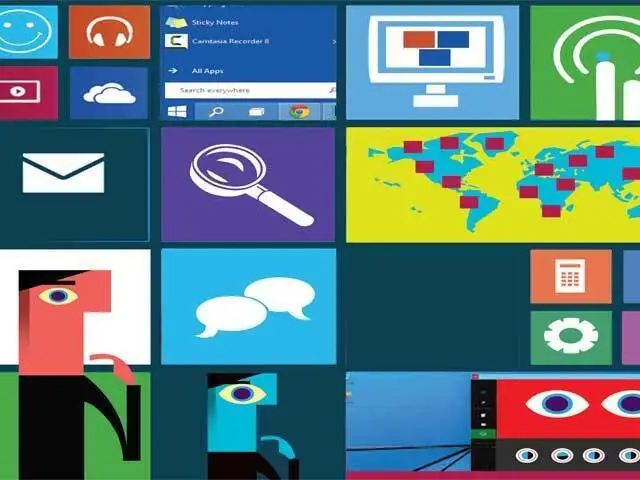
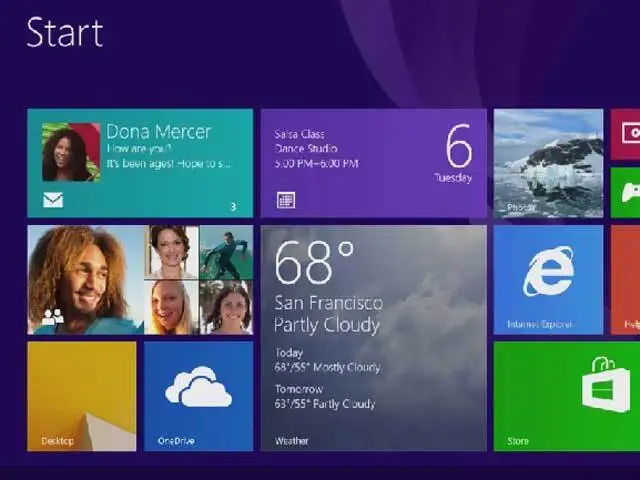
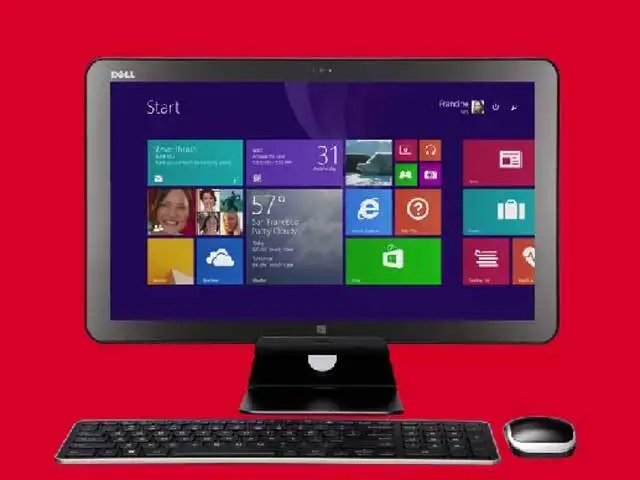
Microsoft has announced the next iteration of their Windows OS, dubbed Windows 10.
Although availability is still about a year away, the technical preview of the OS is available to try the new features.
ET takes a look at some of the biggest changes you can expect
Microsoft has announced the next iteration of their Windows OS, dubbed Windows 10.
Although availability is still about a year away, the technical preview of the OS is available to try the new features.
ET takes a look at some of the biggest changes you can expect

ADVERTISEMENT


