Apple is likely to announce iOS 9 at its Developers Conference today. What else can we expect?
Apple is likely to make some small but significant changes to the way app icons look and might also end up announcing a new keyboard for iPhones, iPads.
By Mehak Chawla, ET Online | Updated:

As always, there is a lot of excitement around what will emerge from Apple’s kitty today as it gets set to kick-off its Worldwide Developers Conference later tonight. While it is almost certain that we shall get our first look of the new iOS 9 tonight, there are also likely to be some announcements around iTunes and overall security and performance features of Apple devices.
Changing small and steady with iOS 9
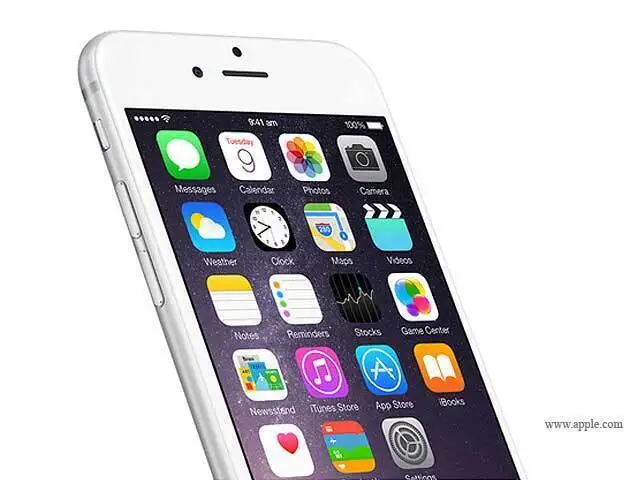
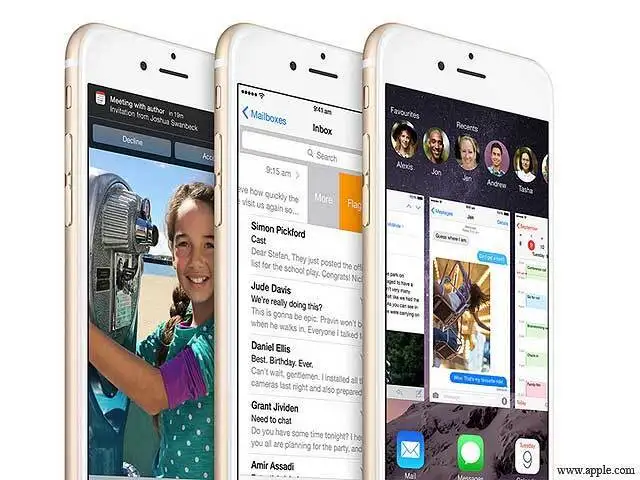
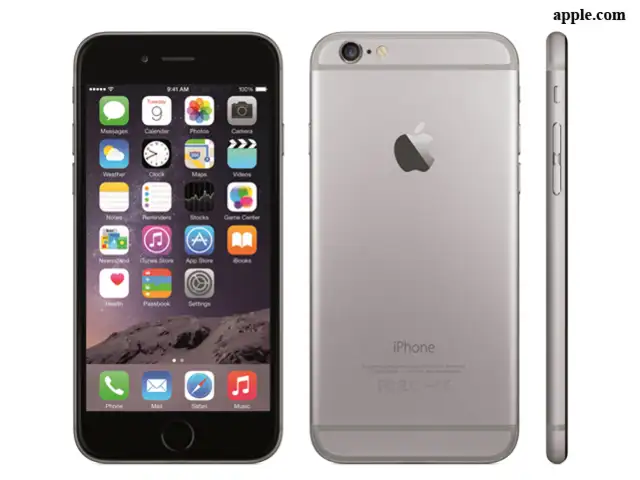
The general buzz is that Apple is looking at improving the existing stuff this year and we can expect no major overhaul with iOS 9. Apple is likely to make some small but significant changes to the way app icons look and might also end up announcing a new keyboard for its iPhones and iPads. The overall interface will get closer to that of Apple Watch, which was made available earlier this year. Apple is also likely to bring in several bug fixes that help its new software run better on existing and older devices. Apple could finally announce that its mobility devices will support multiple users account- something that Android has been offering since quite some time.
Walking the security talk
There has been no Apple event in the past couple of years where security did not find a substantial mention. This year’s WWDC is expected to be no exception. Apple is likely to announce several security enhancements as well as a deeper integration with iCloud. Apple is likely to bring in a feature called 'rootless'. Rootless is going to bring in tighter controls around user data, define more precise access permissions and avoid malpractices like jailbreak which have been fairly common in India. A feature called “Trusted Wi-Fi” with better encryption might also be in the offing.
Making Music
Sony’s CEO recently announced that Apple will be launching a new paid music streaming service at this year’s WWDC. Thought Apple’s acquisition of Beats Music has been in the news for the wrong reasons, Apple is likely to announce a streaming service like Spotify on the back of this acquisition today. There are also enhancements for iTunes in store.
OS X 10.11 Improvements
For Mac users, there is a glimpse of the new OS X in store. Yosemight was a major visual upgrade to the Mac OS. Much like iOS 9, Apple is likely to focus on performance and security aspects with the new version of OS X. A new font might be announced and there could be extensions of features like Control Center and Trusted Wi-Fi.
Changing small and steady with iOS 9
The general buzz is that Apple is looking at improving the existing stuff this year and we can expect no major overhaul with iOS 9. Apple is likely to make some small but significant changes to the way app icons look and might also end up announcing a new keyboard for its iPhones and iPads. The overall interface will get closer to that of Apple Watch, which was made available earlier this year. Apple is also likely to bring in several bug fixes that help its new software run better on existing and older devices. Apple could finally announce that its mobility devices will support multiple users account- something that Android has been offering since quite some time.
Walking the security talk
There has been no Apple event in the past couple of years where security did not find a substantial mention. This year’s WWDC is expected to be no exception. Apple is likely to announce several security enhancements as well as a deeper integration with iCloud. Apple is likely to bring in a feature called 'rootless'. Rootless is going to bring in tighter controls around user data, define more precise access permissions and avoid malpractices like jailbreak which have been fairly common in India. A feature called “Trusted Wi-Fi” with better encryption might also be in the offing.
ADVERTISEMENT
 |
Sony’s CEO recently announced that Apple will be launching a new paid music streaming service at this year’s WWDC. Thought Apple’s acquisition of Beats Music has been in the news for the wrong reasons, Apple is likely to announce a streaming service like Spotify on the back of this acquisition today. There are also enhancements for iTunes in store.
OS X 10.11 Improvements
For Mac users, there is a glimpse of the new OS X in store. Yosemight was a major visual upgrade to the Mac OS. Much like iOS 9, Apple is likely to focus on performance and security aspects with the new version of OS X. A new font might be announced and there could be extensions of features like Control Center and Trusted Wi-Fi.
ADVERTISEMENT
At the WWDC last year, Apple announced its HomeKit software development kit- which is a sure shot of sign of the company entering the IoT game. With rivals like Google stepping up on the IoT front, Apple is likely to announce a dedicated app for HomeKit. The HomeKit app is likely to see synchronizations with Apple TV and Apple Watch. There could also be some announcements around HealthKit, Apple’s prime focus with the Apple Watch.
Making Siri ‘Proactive’
Siri has been usurped by voice assistants like Google Now and recently Microsoft's Cortana for Windows. Apple might announce a feature called Proactive to give Siri enhanced predictive abilities, much like Google Now. With Proactive, when you search something the results will be shown in Google Now-like cards with information from apps, contacts etc. This Proactive feature might be a result of Apple’s acquisition of the app Cue for over $40 million back in 2013.
Download
The Economic Times Business News App for the Latest News in Business, Sensex, Stock Market Updates & More.
The Economic Times Business News App for the Latest News in Business, Sensex, Stock Market Updates & More.
Download
The Economic Times News App for Quarterly Results, Latest News in ITR, Business, Share Market, Live Sensex News & More.
The Economic Times News App for Quarterly Results, Latest News in ITR, Business, Share Market, Live Sensex News & More.
Related Articles
 Specs stopped selling smartphones. Intelligence is the new benchmark - A breakdown of Google I/O and Apple’s WWDC 20262026-06-10T09:58:31Z
- Apple stocks: Why are AAPL shares down? Morgan Stanley sounds warning over Siri AI update2026-06-09T15:05:38Z
- No tech rule exemption for Apple, EU regulators say amid spat over Siri AI delay2026-06-09T14:02:40Z
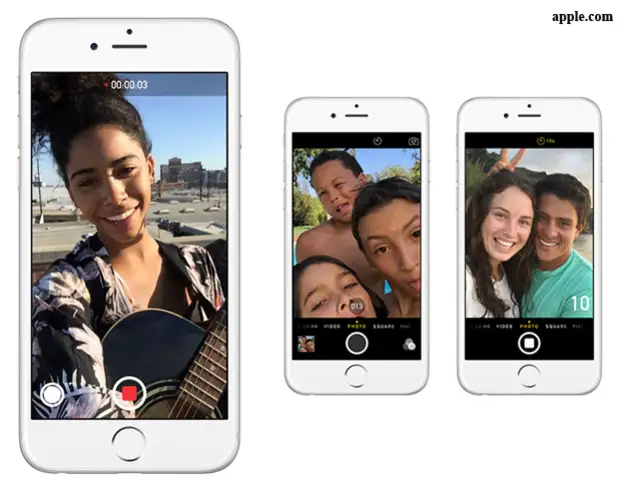
You can send audio snippets and video messages that expire after two minutes.
If you head to Settings>Messages and scroll to the bottom, you’ll notice a section for audio and video messages.
You can choose to let them expire after two minutes or never.
If you head to Settings>Messages and scroll to the bottom, you’ll notice a section for audio and video messages.
You can choose to let them expire after two minutes or never.

ADVERTISEMENT


