IT Minister Ravi Shankar Prasad requests Apple to set up R&D facility in India
The Minister said though the US firm did not have a powerful presence in the country, it sold products worth $730 million here in 2013-14 fiscal.
By ET Bureau |

NEW DELHI: Communications and IT Minister Ravi Shankar Prasad has asked Apple Inc to set up a research & development facility in India, even as the iconic brand increases focus on the country.
In a meeting with Apple's regulatory head for Europe, Middle East, India and Africa (EMEIA) John Reynolds on Friday, Prasad suggested that the Cupertino-based company deepen its presence in the country.
“Apple has a very strong presence in India despite having no manufacturing or R&D facility. I welcome them to explore India in a big way and have requested them to open an R&D base here,” Prasad said after his meeting with Reynolds.
The minister has also told Apple that the government will be willing to help the company attain more benefits, in addition to the incentives currently offered by the central government, a person privy to the meeting said separately. The person was referring to additional benefits that state governments could offer for setting up a facility in the country.
The Apple representative is believed to have told the minister that the company was excited about the Digital India initiative and was keenly observing the space.
According to recent media reports, Apple’s revenue from India had crossed the $1-billion mark in the year to March 31, as the company increased focus on the? smartphone market considered among the fastest growing in the world.
As per filings to the Registrar of Companies, Apple India has grown sales seven-fold over the past three years to Rs 4,479 crore in 2013-2014 from Rs 620 crore in 20101-11. Profit after tax doubled to Rs 119 crore in 2013-14 from Rs 58.6 crore during this period.
Apple India has set a target to double iPhone sales to two million units and revenue to more than Rs 8,000 crore during its financial year to September 2015 as it focuses on e-commerce for the first time in the country.
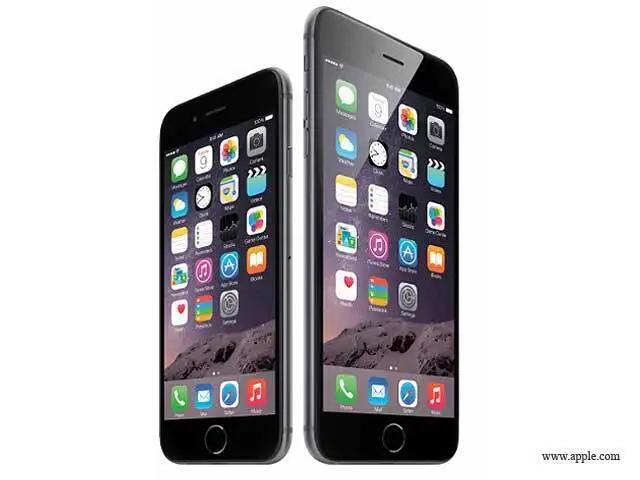
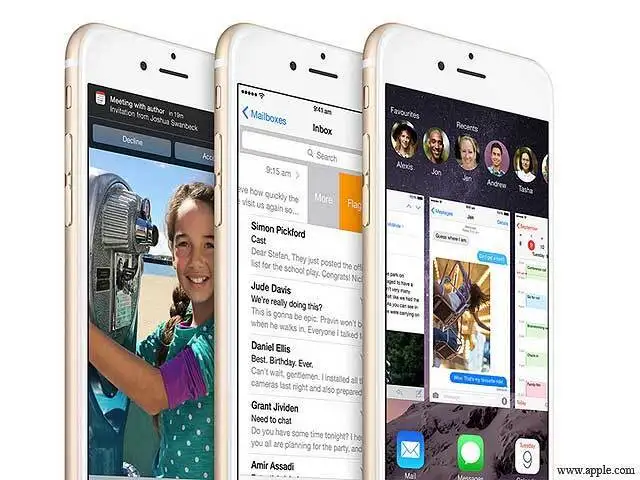
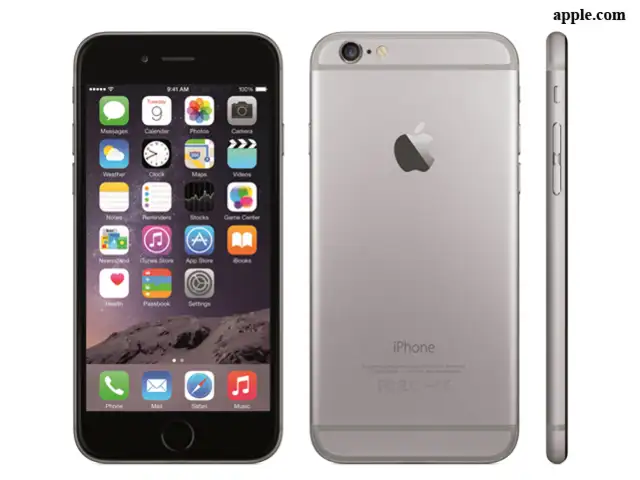
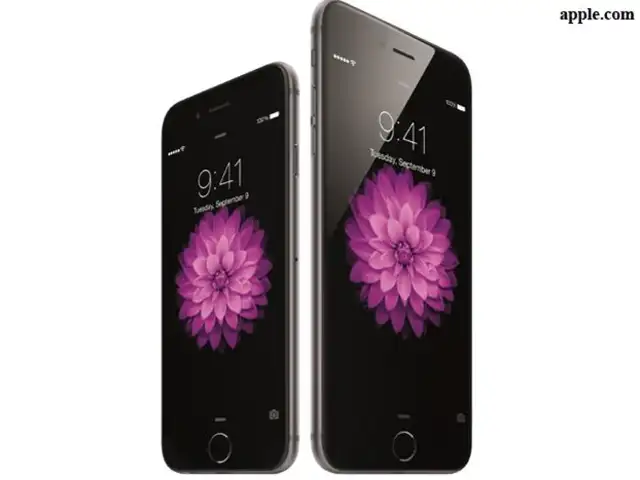
The company's bullishness springs from the strong demand for iPhone 6, which continues to see more orders than the company is able to fulfill despite having sold 500,000 units during October-December 2014 or half of what it had sold in India in the entire previous fiscal, as per market trackers.
In a meeting with Apple's regulatory head for Europe, Middle East, India and Africa (EMEIA) John Reynolds on Friday, Prasad suggested that the Cupertino-based company deepen its presence in the country.
“Apple has a very strong presence in India despite having no manufacturing or R&D facility. I welcome them to explore India in a big way and have requested them to open an R&D base here,” Prasad said after his meeting with Reynolds.
The minister has also told Apple that the government will be willing to help the company attain more benefits, in addition to the incentives currently offered by the central government, a person privy to the meeting said separately. The person was referring to additional benefits that state governments could offer for setting up a facility in the country.
The Apple representative is believed to have told the minister that the company was excited about the Digital India initiative and was keenly observing the space.
According to recent media reports, Apple’s revenue from India had crossed the $1-billion mark in the year to March 31, as the company increased focus on the? smartphone market considered among the fastest growing in the world.
ADVERTISEMENT
As per filings to the Registrar of Companies, Apple India has grown sales seven-fold over the past three years to Rs 4,479 crore in 2013-2014 from Rs 620 crore in 20101-11. Profit after tax doubled to Rs 119 crore in 2013-14 from Rs 58.6 crore during this period.
Apple India has set a target to double iPhone sales to two million units and revenue to more than Rs 8,000 crore during its financial year to September 2015 as it focuses on e-commerce for the first time in the country.
The company's bullishness springs from the strong demand for iPhone 6, which continues to see more orders than the company is able to fulfill despite having sold 500,000 units during October-December 2014 or half of what it had sold in India in the entire previous fiscal, as per market trackers.
Download
The Economic Times Business News App for the Latest News in Business, Sensex, Stock Market Updates & More.
The Economic Times Business News App for the Latest News in Business, Sensex, Stock Market Updates & More.
Download
The Economic Times News App for Quarterly Results, Latest News in ITR, Business, Share Market, Live Sensex News & More.
The Economic Times News App for Quarterly Results, Latest News in ITR, Business, Share Market, Live Sensex News & More.
Related Articles
 Tata says India pollution board drops scrutiny of Apple iPhone parts plant2026-06-16T16:23:56Z
- Italy's antitrust regulator probes Apple over cloud services under Digital Market rules2026-06-16T07:54:55Z
- New OTT releases this week (June 15 - June 21): What's new on Netflix, ZEE5, Prime Video, JioHotstar, Apple TV+ and more2026-06-16T03:49:44Z
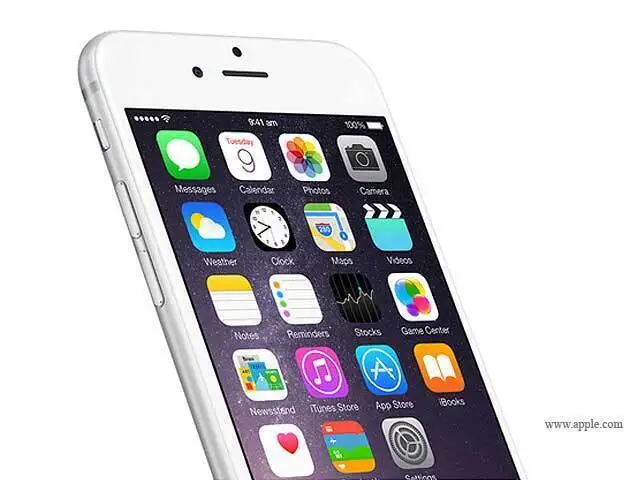
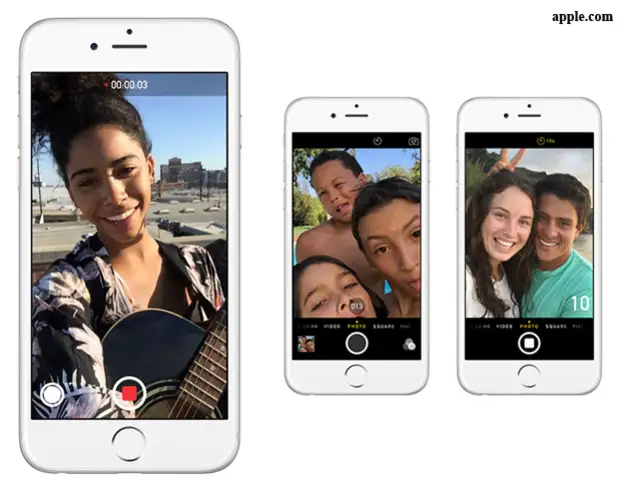
You can send audio snippets and video messages that expire after two minutes.
If you head to Settings>Messages and scroll to the bottom, you’ll notice a section for audio and video messages.
You can choose to let them expire after two minutes or never.
If you head to Settings>Messages and scroll to the bottom, you’ll notice a section for audio and video messages.
You can choose to let them expire after two minutes or never.


ADVERTISEMENT


