Samsung still ahead of Micromax in India, says Counterpoint
According to Counterpoint, smartphone shipments stood close to 22 million during October-December 2014 quarter and crossing 80 million units in 2014.
By PTI | Updated:

NEW DELHI: As Korea's Samsung and homegrown Micromax slug it out for their market share in India, sectoral research firms have thrown contrasting data on who leads in the world's third largest smartphone market.
A day after Canalys said Micromax with 22 per cent share had overtaken Samsung (20 per cent) as number one seller, Counterpoint today stated that the Korean giant continues to be at the top with 27.4 per cent smartphone market share in the October-December 2014 quarter.
Samsung had refuted the Canalys report saying it had 34.3 per cent share in the Indian smartphone market as per GfK data, which is based on actual sales numbers, putting it ahead of the domestic rival.
According to Counterpoint, smartphone shipments stood close to 22 million during October-December 2014 quarter and crossing 80 million units in 2014.
The overall mobile phone market in India grew by six per cent year-on-year but declined sequentially on account of a mixed seasonality during the quarter.
Smartphones contributed close to 32 per cent of the overall mobile phone shipments in 2014.
India is the world's third largest smartphone market and shipped almost twice as many smartphones shipped in Japan in 2014, Counterpoint added.
Samsung led the overall mobile phone too with 16.1 per cent share, according to the Counterpoint report.
Its domestic rival, Micromax maintained the second position in overall (14.4 per cent share) and smartphone market (19.5 per cent), it added.
Intex entered the top 5 smartphone vendor rankings for the first time in a quarter capturing slightly under 7 per cent of the market, buoyed by strong demand in sub-USD 100 smartphone segment, especially for its Aqua 3G and Y Pro models.
"The competition for the third-fifth spots in India smartphone market will be a close race between the fast growing smartphone brands like Intex, Lava, Lenovo (Including Motorola), Karbonn, Xiaomi, Sony and others," it said.
Lava and Lenovo (including Motorola) had 5.1 per cent and 4.7 per cent share of the Indian smartphone market.
For the full year, the online-only brands -- Xiaomi and Motorola -- crossed one million and three million mark (cumulative shipments), respectively.
Also, Apple's iPhone shipment touched half a million units for the first time in a quarter with strong demand for iPhone 6 and 6 Plus, Counterpoint said.
"While the vendors are looking to expand their smartphone strategy beyond China, it is interesting to note that domestic brands occupy strong position in these three markets by capturing a share of 62 per cent, 52 per cent and 50 per cent in Bangladesh, India and Indonesia, respectively," Counterpoint research Senior Analyst Tarun Pathak said.
In such a scenario, new vendor entering these geographies must play on the strength of regional brands which primarily is their distribution reach and price competitiveness, he added.
A day after Canalys said Micromax with 22 per cent share had overtaken Samsung (20 per cent) as number one seller, Counterpoint today stated that the Korean giant continues to be at the top with 27.4 per cent smartphone market share in the October-December 2014 quarter.
Samsung had refuted the Canalys report saying it had 34.3 per cent share in the Indian smartphone market as per GfK data, which is based on actual sales numbers, putting it ahead of the domestic rival.
According to Counterpoint, smartphone shipments stood close to 22 million during October-December 2014 quarter and crossing 80 million units in 2014.
The overall mobile phone market in India grew by six per cent year-on-year but declined sequentially on account of a mixed seasonality during the quarter.
Smartphones contributed close to 32 per cent of the overall mobile phone shipments in 2014.
ADVERTISEMENT
India is the world's third largest smartphone market and shipped almost twice as many smartphones shipped in Japan in 2014, Counterpoint added.
Samsung led the overall mobile phone too with 16.1 per cent share, according to the Counterpoint report.
Its domestic rival, Micromax maintained the second position in overall (14.4 per cent share) and smartphone market (19.5 per cent), it added.
Intex entered the top 5 smartphone vendor rankings for the first time in a quarter capturing slightly under 7 per cent of the market, buoyed by strong demand in sub-USD 100 smartphone segment, especially for its Aqua 3G and Y Pro models.
ADVERTISEMENT
"The competition for the third-fifth spots in India smartphone market will be a close race between the fast growing smartphone brands like Intex, Lava, Lenovo (Including Motorola), Karbonn, Xiaomi, Sony and others," it said.
Lava and Lenovo (including Motorola) had 5.1 per cent and 4.7 per cent share of the Indian smartphone market.
ADVERTISEMENT
For the full year, the online-only brands -- Xiaomi and Motorola -- crossed one million and three million mark (cumulative shipments), respectively.
Also, Apple's iPhone shipment touched half a million units for the first time in a quarter with strong demand for iPhone 6 and 6 Plus, Counterpoint said.
"While the vendors are looking to expand their smartphone strategy beyond China, it is interesting to note that domestic brands occupy strong position in these three markets by capturing a share of 62 per cent, 52 per cent and 50 per cent in Bangladesh, India and Indonesia, respectively," Counterpoint research Senior Analyst Tarun Pathak said.
In such a scenario, new vendor entering these geographies must play on the strength of regional brands which primarily is their distribution reach and price competitiveness, he added.
Download
The Economic Times Business News App for the Latest News in Business, Sensex, Stock Market Updates & More.
The Economic Times Business News App for the Latest News in Business, Sensex, Stock Market Updates & More.
Download
The Economic Times News App for Quarterly Results, Latest News in ITR, Business, Share Market, Live Sensex News & More.
The Economic Times News App for Quarterly Results, Latest News in ITR, Business, Share Market, Live Sensex News & More.
Related Articles
 South Korea concrete delivery halt threatens Samsung, SK Hynix chip plant work: Report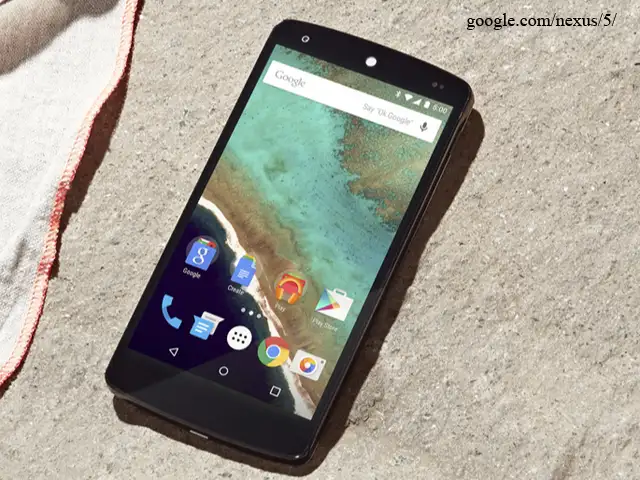
BusinessInsider.in
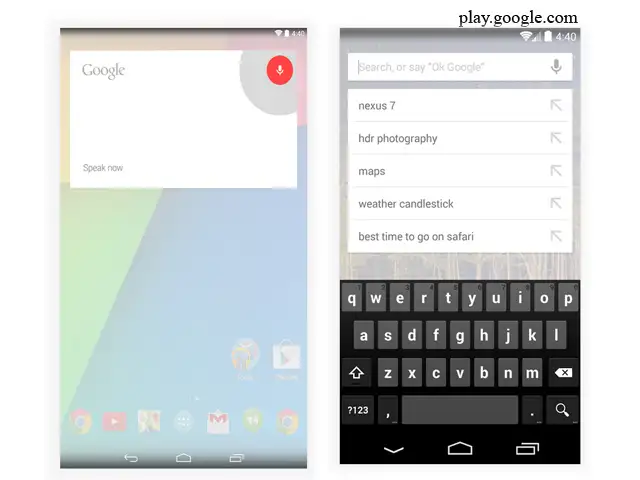
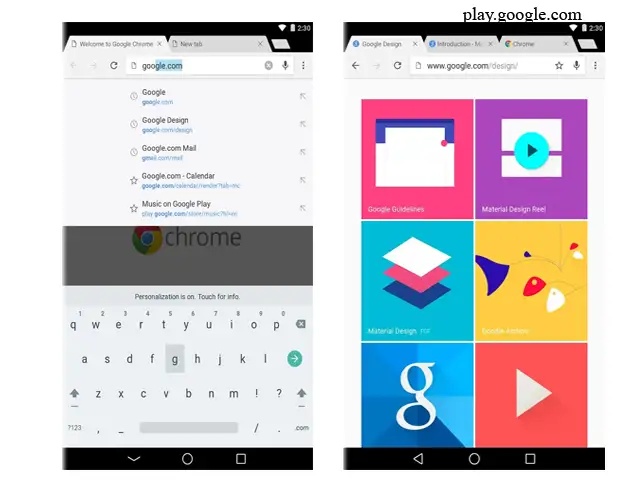
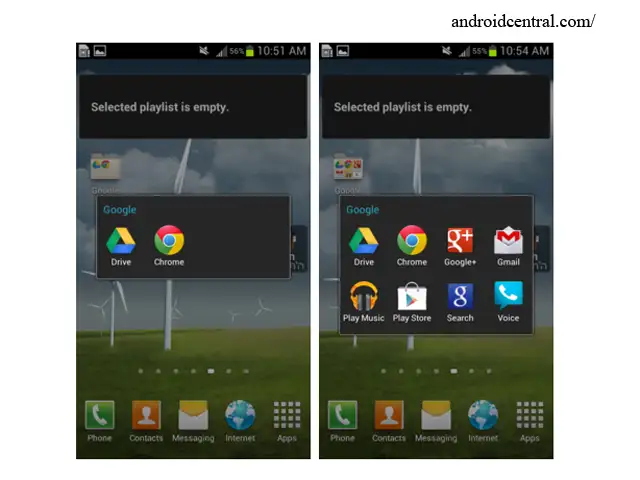
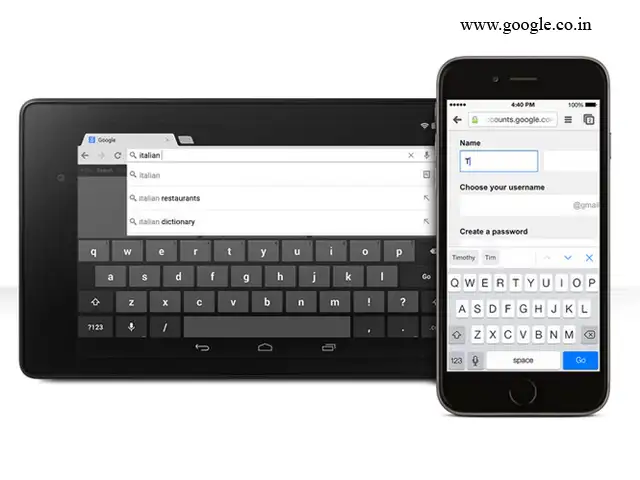
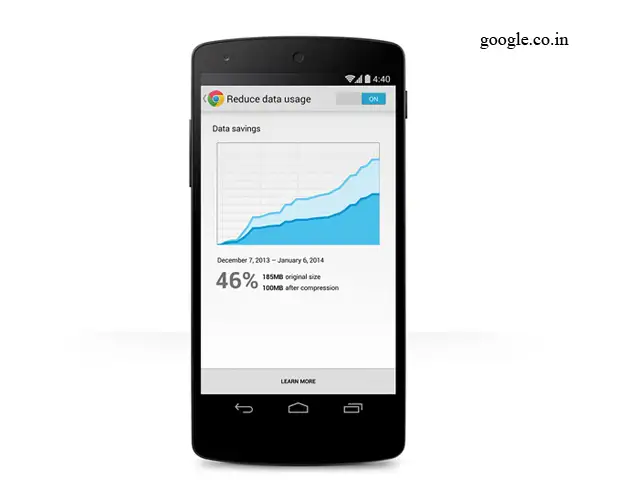
Most Android phones are already pretty easy to use, but there are some easy steps you can take to make them even more enjoyable and efficient.
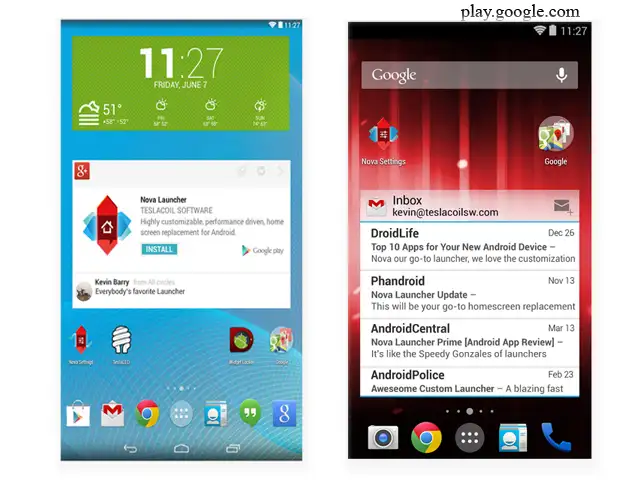
Since Android is an open platform, there's plenty of room for customization. Beyond personalizing your phone, there are a few easy practices that can keep your phone neat and organized with plenty of battery life to last all day.
Here are nine tips and tricks every Android user should know.
Most Android phones are already pretty easy to use, but there are some easy steps you can take to make them even more enjoyable and efficient.
Since Android is an open platform, there's plenty of room for customization. Beyond personalizing your phone, there are a few easy practices that can keep your phone neat and organized with plenty of battery life to last all day.
Here are nine tips and tricks every Android user should know.


ADVERTISEMENT


