Motorola sells over 10 million smartphones in Q3
The Beijing-based company completed the acquisition of Motorola from Google on October 30, following the announcement of the $2.9 billion deal in January 2014.
By ET Bureau | Updated:

NEW DELHI: China’s PC and smartphone maker Lenovo Tuesday, in its third quarter results, said that Motorola Mobility sold more than 10 million smartphones in the quarter that ended December, a 118% increase over the same period last year
Motorola's revenue was $1.9 billion, out of the total of $3.4 billion generated by Lenovo’s mobile unit, which saw a loss of $89 million this quarter. Lenovo said that it expects its mobile division to become profitable in less than a year.
Lenovo said that its overall smartphone sales have doubled since its acquisition of Motorola with its united mobile division growing 78% in a year. According to market research firm IDC, Lenovo with the help of Motorola grabbed 6.6% of the global smartphone market, behind only Samsung and Apple in the last quarter.
The Beijing-based company completed the acquisition of Motorola from Google on October 30, following the announcement of the $2.9 billion deal in January 2014.
Motorola India has already revealed that it has sold 3 million smartphones in the country since its re-entry into the market in February last year.
Lenovo Group, which is the world's leading PC maker, said its third-quarter revenue rose 31% to $14.1 billion. It said net profit was $253 million, down from $265 million a year prior due to ballooning expenses associated with closing two major acquisitions. The company also acquired IBM's low-end server unit for $2.1 billion.
Motorola's revenue was $1.9 billion, out of the total of $3.4 billion generated by Lenovo’s mobile unit, which saw a loss of $89 million this quarter. Lenovo said that it expects its mobile division to become profitable in less than a year.
Lenovo said that its overall smartphone sales have doubled since its acquisition of Motorola with its united mobile division growing 78% in a year. According to market research firm IDC, Lenovo with the help of Motorola grabbed 6.6% of the global smartphone market, behind only Samsung and Apple in the last quarter.
The Beijing-based company completed the acquisition of Motorola from Google on October 30, following the announcement of the $2.9 billion deal in January 2014.
Motorola India has already revealed that it has sold 3 million smartphones in the country since its re-entry into the market in February last year.
Lenovo Group, which is the world's leading PC maker, said its third-quarter revenue rose 31% to $14.1 billion. It said net profit was $253 million, down from $265 million a year prior due to ballooning expenses associated with closing two major acquisitions. The company also acquired IBM's low-end server unit for $2.1 billion.
Download
The Economic Times Business News App for the Latest News in Business, Sensex, Stock Market Updates & More.
The Economic Times Business News App for the Latest News in Business, Sensex, Stock Market Updates & More.
Download
The Economic Times News App for Quarterly Results, Latest News in ITR, Business, Share Market, Live Sensex News & More.
The Economic Times News App for Quarterly Results, Latest News in ITR, Business, Share Market, Live Sensex News & More.
Related Articles
 Not seeking to suppress legitimate product reviews, consumer feedback: Motorola on defamation case2026-04-17T10:20:24Z
- Motorola seeks removal of YouTube, Instagram, X content in defamation case2026-04-16T19:06:02Z
- Motorola Edge 70 Fusion Review: Great design, but performance holds it back2026-03-16T16:44:44Z
BusinessInsider.in
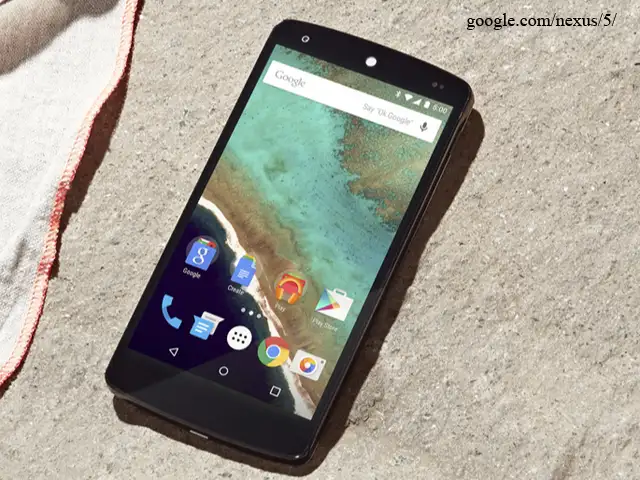
Most Android phones are already pretty easy to use, but there are some easy steps you can take to make them even more enjoyable and efficient.
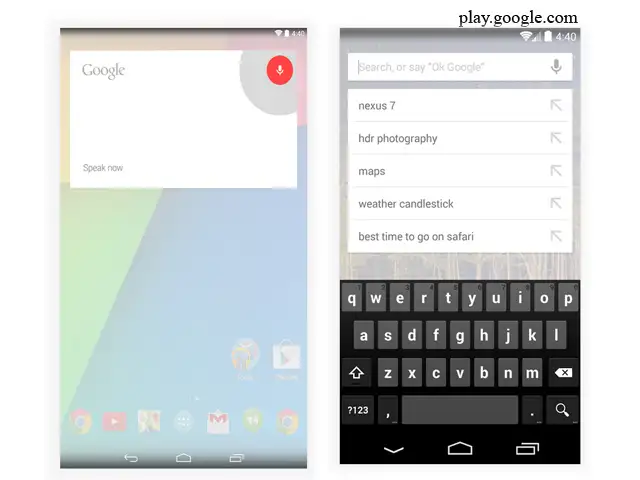
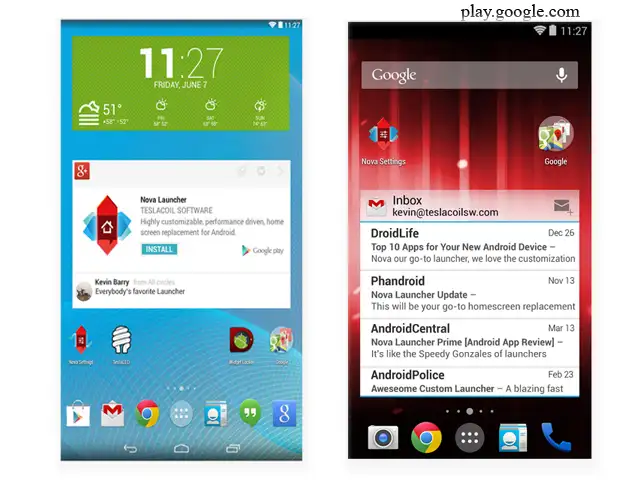
Since Android is an open platform, there's plenty of room for customization. Beyond personalizing your phone, there are a few easy practices that can keep your phone neat and organized with plenty of battery life to last all day.
Here are nine tips and tricks every Android user should know.
Most Android phones are already pretty easy to use, but there are some easy steps you can take to make them even more enjoyable and efficient.
Since Android is an open platform, there's plenty of room for customization. Beyond personalizing your phone, there are a few easy practices that can keep your phone neat and organized with plenty of battery life to last all day.
Here are nine tips and tricks every Android user should know.

ADVERTISEMENT


