iOS 16.4 beta update: Over 30 new emojis and other new features. Here’s what we know
iOS 16.4 beta update has been rolled out for Apple Development Program members. These updates include the addition of 31 new emojis and other various features.
By The Feed |

Agencies
Apple has released 31 new emojis with the iOS 16.4 beta update, alongside various other new features for iPhone users. The first glimpse of these new emojis has already been unveiled. These include a shaking smiley face, which can be used to express physical shaking from external forces or internal emotions. In addition, there are three new colored heart emojis in light blue, grey, and pink, which will provide users with more options for expressing emotions, according to reports.
There are also two new hand gesture emojis—Rightwards Pushing Hand and Leftwards Pushing Hand—which are expected to support the usual five skin tone modifiers.
In the categories of animals and nature emojis, as well as food and drink emojis, users can expect eight new characters and designs. These include a donkey, moose, goose, wing, jellyfish, hyacinth, pea pod, and ginger.
Furthermore, there are two new additions to each of the activity, object, and symbol categories. These include a folding hand fan, a hair pick, a flute, maracas, a khanda, and wireless emojis.
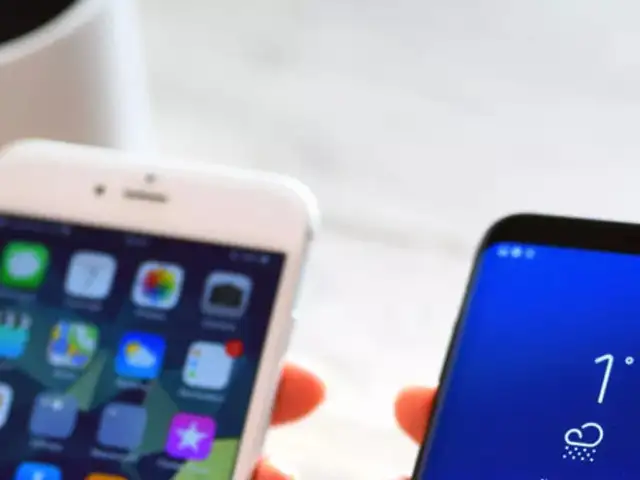
Aside from the new emojis, the iOS 16.4 update is expected to bring in other exciting features. Apple users can expect to see improvements to existing features, bug fixes, and other performance enhancements.
It is anticipated that these changes will hit iOS sometime in the approaching spring. However, the iOS 16.4 beta 1 that includes these upgrades is currently only available to Apple Development Program members. Due to this, general iPhone users will have to wait a bit longer for the updates to arrive on their devices.
There are also two new hand gesture emojis—Rightwards Pushing Hand and Leftwards Pushing Hand—which are expected to support the usual five skin tone modifiers.
In the categories of animals and nature emojis, as well as food and drink emojis, users can expect eight new characters and designs. These include a donkey, moose, goose, wing, jellyfish, hyacinth, pea pod, and ginger.
Furthermore, there are two new additions to each of the activity, object, and symbol categories. These include a folding hand fan, a hair pick, a flute, maracas, a khanda, and wireless emojis.
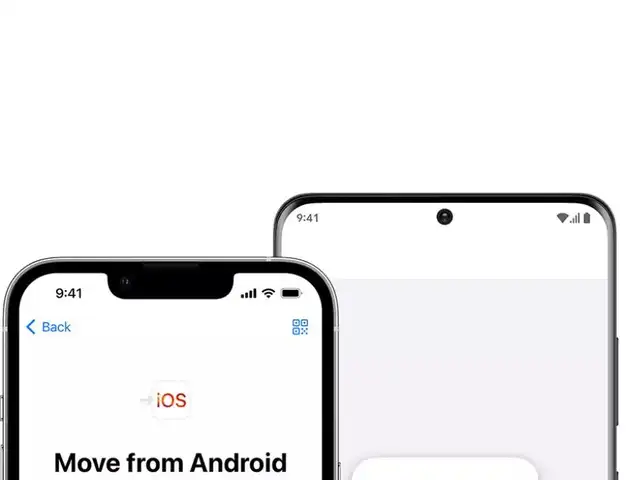
If you've bought a new iPhone recently and are now moving from Android to iOS, then you must be worried about losing your WhatsApp data.





Aside from the new emojis, the iOS 16.4 update is expected to bring in other exciting features. Apple users can expect to see improvements to existing features, bug fixes, and other performance enhancements.
ADVERTISEMENT
It is anticipated that these changes will hit iOS sometime in the approaching spring. However, the iOS 16.4 beta 1 that includes these upgrades is currently only available to Apple Development Program members. Due to this, general iPhone users will have to wait a bit longer for the updates to arrive on their devices.
FAQs:
- Will the iOS 16.4 update be available to all iPhone models?
Yes, the update will be available for all iOS 16-compatible devices. - What is the release date of the iOS 16.4 update for general users?
While the release date of the iOS 16.4 update has not been officially announced, it is projected that consumers will be able to download it in March or April 2023.
Download
The Economic Times Business News App for the Latest News in Business, Sensex, Stock Market Updates & More.
The Economic Times Business News App for the Latest News in Business, Sensex, Stock Market Updates & More.
Download
The Economic Times News App for Quarterly Results, Latest News in ITR, Business, Share Market, Live Sensex News & More.
The Economic Times News App for Quarterly Results, Latest News in ITR, Business, Share Market, Live Sensex News & More.
ADVERTISEMENT


