University of Wisconsin-Madison cites two Indians' work in $862 million patent case against Apple
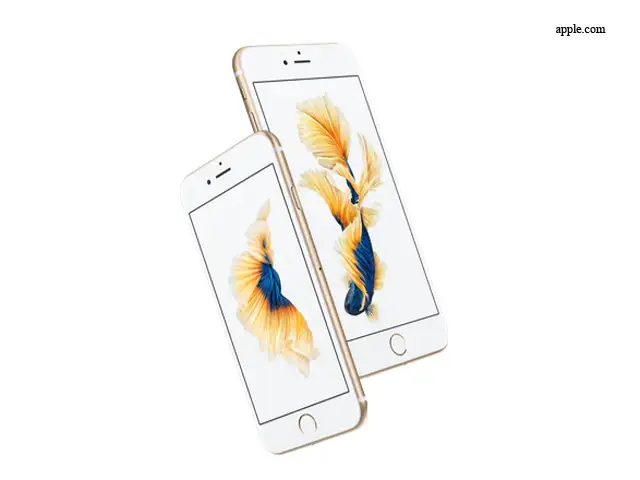
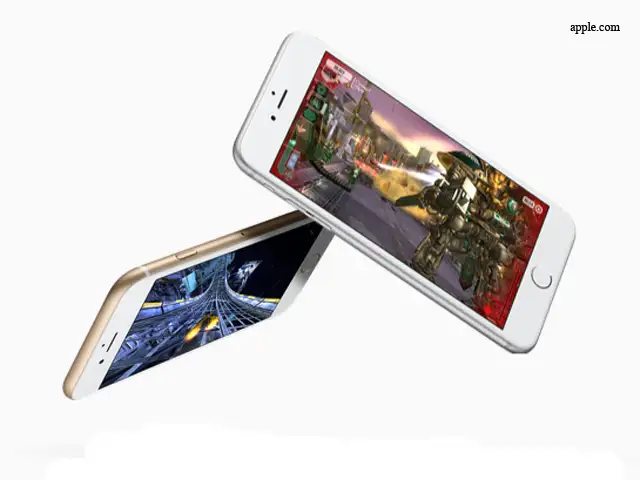
The case relates to Apple's use of A7, A8, and A8X chips, which are present in the iPhone 5S, iPhone 6 and the new iPhone 6S (plus some models of he iPad).
By Chidanand Rajghatta, TNN | Updated:

WASHINGTON: Gurindar Sohi and T N Vijaykumar are not names that will leap out of your latest iPhones as you gush over the performance of Apple's much-coveted devices. But the work of these two Indian researchers, alumni of BITS-Pilani, is central to a patent lawsuit that may result in Apple having to cough up $862 million in alandmark case that underscores the seminal role that university research -and Indian engineers -play in the American high-tech eco-system.
A US jury on Tuesday found the iPhone maker incorporated technology owned by the University of Wisconsin-Madison's licensing arm without permission in chips found in many of its most popular devices. The case relates to Apple's use of A7, A8, and A8X chips, which are present in the iPhone 5S, iPhone 6 and the new iPhone 6S (plus some models of he iPad), and which are said to contain technology covered by a 1998 patent filed by the Wisconsin Alumni Research Foundation (aka WARF).
In court documents, WARF, which is the designated patent management organization of University of Wisconsin-Madison and uses revenue from patents to support research of its alumni, cited the work of four researchers, including Sohi and Vijaykumar, as being central to improving the performance of the chips Apple used. Their work, outlined in a paper titled "Table based Data Speculation Circuit for Parallel Processing Computer," had received patent # 5781752 or the simply known as the `752 patent,' the University said.
US District Judge William Conley , who is presiding over the case, has indicated Apple could be liable for up to $862.4 million in damages. He has scheduled the trial to proceed in three phases: liability , damages, and finally , whether Apple infringed the patent willfully , which could lead to enhanced penalties.
Sohi has been a faculty member at the University of Wisconsin-Madison since 1985. Vijaykumar is professor of electrical and computer engineering at Purdue University .
A US jury on Tuesday found the iPhone maker incorporated technology owned by the University of Wisconsin-Madison's licensing arm without permission in chips found in many of its most popular devices. The case relates to Apple's use of A7, A8, and A8X chips, which are present in the iPhone 5S, iPhone 6 and the new iPhone 6S (plus some models of he iPad), and which are said to contain technology covered by a 1998 patent filed by the Wisconsin Alumni Research Foundation (aka WARF).
In court documents, WARF, which is the designated patent management organization of University of Wisconsin-Madison and uses revenue from patents to support research of its alumni, cited the work of four researchers, including Sohi and Vijaykumar, as being central to improving the performance of the chips Apple used. Their work, outlined in a paper titled "Table based Data Speculation Circuit for Parallel Processing Computer," had received patent # 5781752 or the simply known as the `752 patent,' the University said.
US District Judge William Conley , who is presiding over the case, has indicated Apple could be liable for up to $862.4 million in damages. He has scheduled the trial to proceed in three phases: liability , damages, and finally , whether Apple infringed the patent willfully , which could lead to enhanced penalties.
Sohi has been a faculty member at the University of Wisconsin-Madison since 1985. Vijaykumar is professor of electrical and computer engineering at Purdue University .
ADVERTISEMENT
Download
The Economic Times Business News App for the Latest News in Business, Sensex, Stock Market Updates & More.
The Economic Times Business News App for the Latest News in Business, Sensex, Stock Market Updates & More.
Download
The Economic Times News App for Quarterly Results, Latest News in ITR, Business, Share Market, Live Sensex News & More.
The Economic Times News App for Quarterly Results, Latest News in ITR, Business, Share Market, Live Sensex News & More.
Related Articles
 Russia warns Apple of $52 million fine over alleged bias against local apps2026-07-01T17:40:34Z
- EU tech chief and Apple CEO had a constructive talk on topics of common interest2026-07-01T08:15:11Z
- Apple’s new Creator Studio brings AI video editing, image generation, and Logic Pro upgrades2026-07-01T07:18:40Z
Text: Anick Jesdanun, AP Technology Writer
If you're getting one of the new iPhones, you'll be able to turn still images into video.
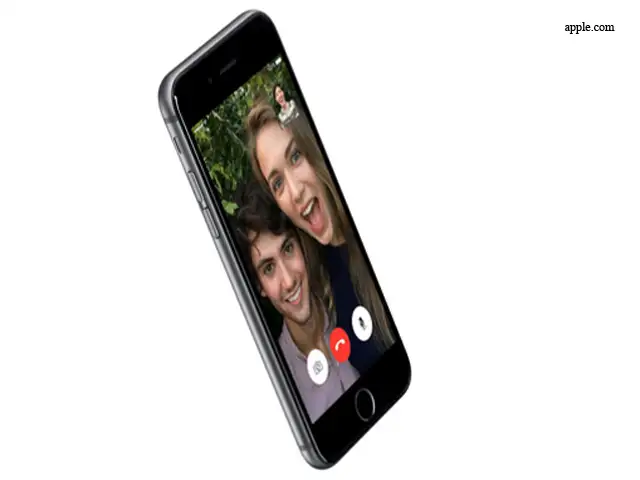
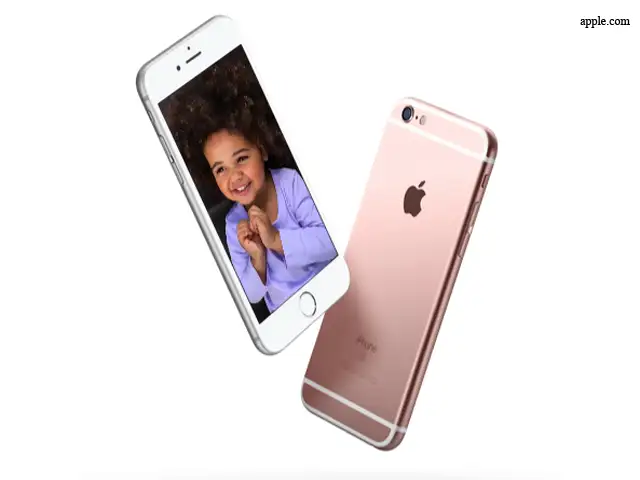
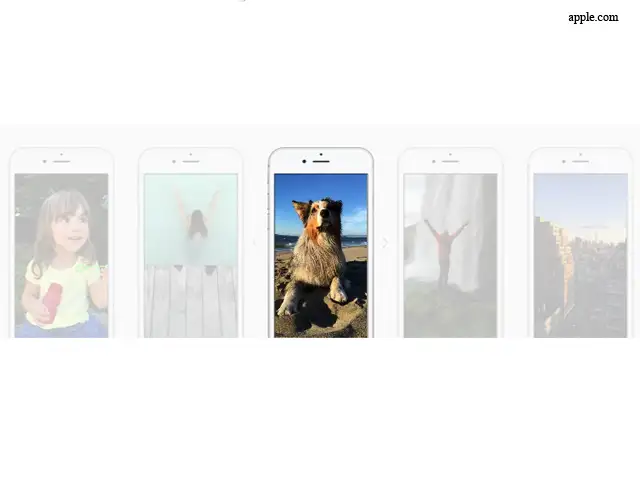
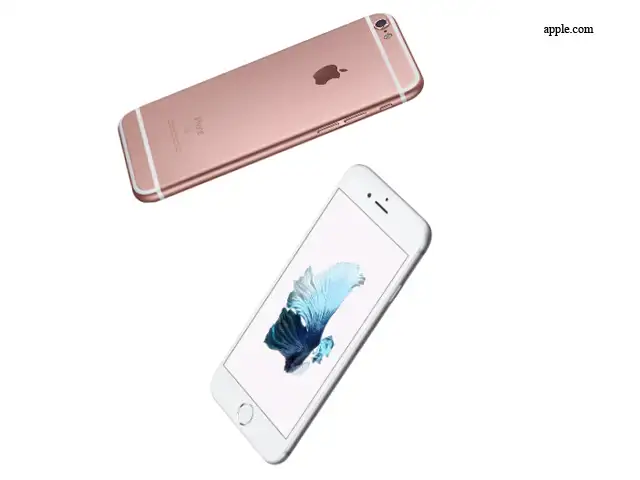
The iPhone 6s and 6s Plus, which started shipping in the US and other markets, automatically take three-second videos to accompany your regular shots, including selfies.
Imagine snapping a shot of your kid blowing out birthday candles - and getting video showing the flame going out as everyone sings "Happy Birthday." Yes, sound is included. You can also enhance shots of your pets and landscapes, such as a waterfall.
You need one of the 6s models to capture these "Live Photos," but older phones are fine for viewing.
This feature takes practice, so check out these tips:
If you're getting one of the new iPhones, you'll be able to turn still images into video.
The iPhone 6s and 6s Plus, which started shipping in the US and other markets, automatically take three-second videos to accompany your regular shots, including selfies.
Imagine snapping a shot of your kid blowing out birthday candles - and getting video showing the flame going out as everyone sings "Happy Birthday." Yes, sound is included. You can also enhance shots of your pets and landscapes, such as a waterfall.
You need one of the 6s models to capture these "Live Photos," but older phones are fine for viewing.
This feature takes practice, so check out these tips:

ADVERTISEMENT


