
Phone speaker sounding low? Try these 7 easy DIY cleaning hacks to improve sound
1/7
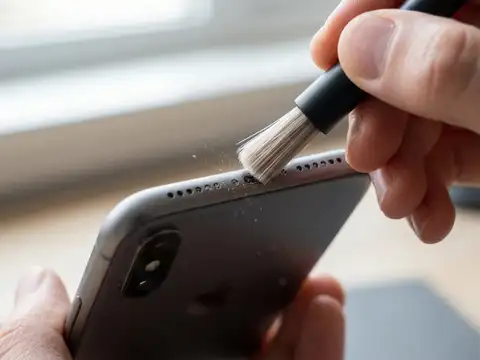
Clean the Speaker With a Soft Brush
Dust and pocket lint can collect around the speaker grille and block sound. Use a clean, soft-bristled brush to gently remove the dirt. Avoid using pins, needles or other sharp objects, as they can damage the speaker.
2/7
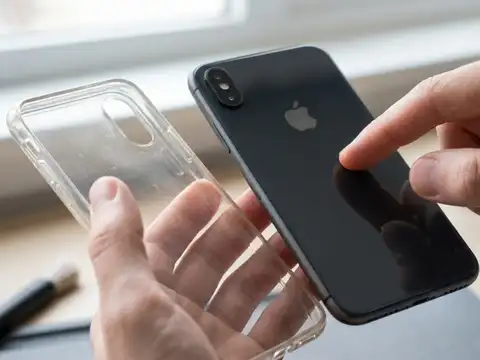
Remove the Phone Case
Sometimes a thick or incorrectly fitted phone case can partly cover the speaker openings. Remove the case and play some audio to check whether the sound becomes clearer.
3/7
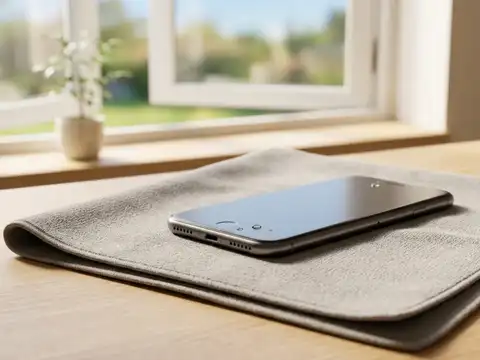
Keep the Speaker Dry
Moisture inside or around the speaker can make the sound muffled or distorted. If your phone has become wet, let it dry naturally in a well-ventilated area. Do not use a hair dryer or direct heat to dry it.
Amazon Top Deals
POWERED BY

Crompton Ozone 75 Litres Desert Air Cooler for home | Large & Easy Clean Ice Chamber | 4-Way Air Deflection | High Density Honeycomb Pads | Everlast Pump | Auto Fill| 3 Year Brand Warranty
₹9,798Buy Now43%
OFF
LG 32 L Convection Microwave Oven (MC3286BRUM, Black, 360° Motorised Rotisserie for Bar-be-queing, 301 Auto Cook Menu, Stainless steel cavity, Indian Cuisine, Tandoor Se, Steam Clean & Diet Fry)
₹19,090Buy Now20%
OFF
4/7
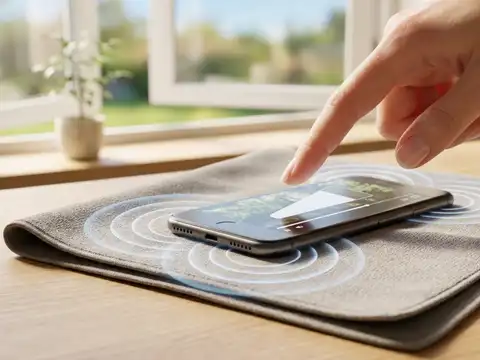
Turn Up the Volume
Check the media volume before assuming there is a speaker problem. Press the volume-up button while playing a video or song and make sure the volume is not set too low.
5/7
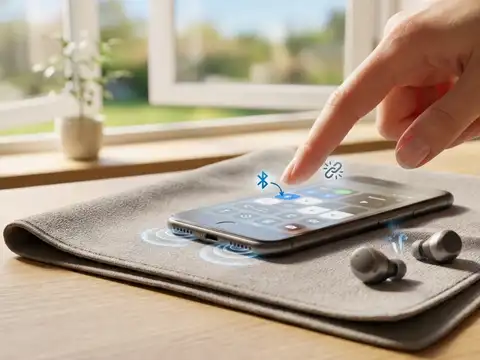
Turn Off Bluetooth
Your phone may still be connected to wireless earbuds, headphones or another speaker. Turn off Bluetooth and play audio again through the phone's built-in speaker.
6/7
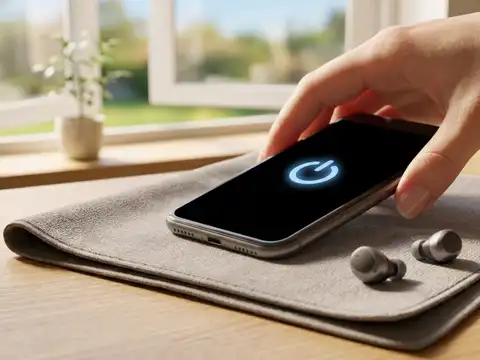
Restart Your Smartphone
A temporary software glitch can sometimes affect audio. Restart your phone and check the speaker again once it turns back on.
7/7
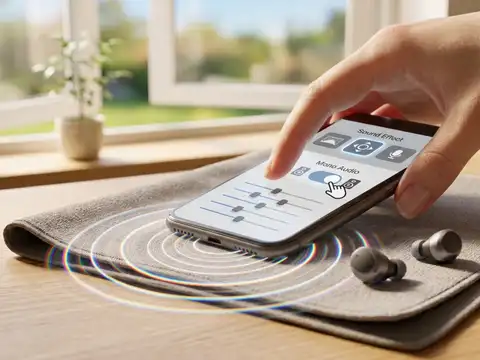
Check Your Phone's Sound Settings
Look through your phone's sound and accessibility settings for options such as equaliser, mono audio or sound effects. Changing these settings may improve the way audio sounds through the speaker.