
Nothing OS 4.0 open beta update is live: What’s new, how and where to get it
1/8
Beta update
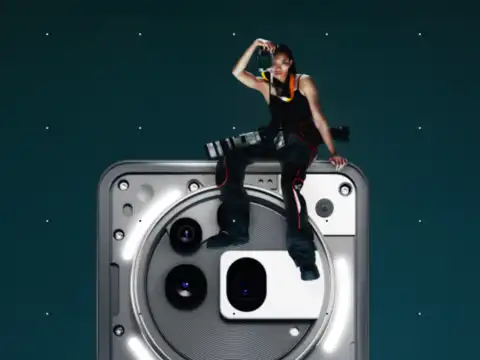
The beta is based on Android 16, and this software update by nothing is offering easier ways to add new widgets and camera upgrades and more. This story will explain how and where to download this beta update and what are some notable features of this software update.
2/8
Who can get it
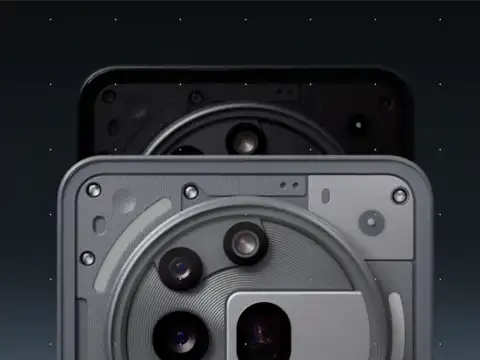
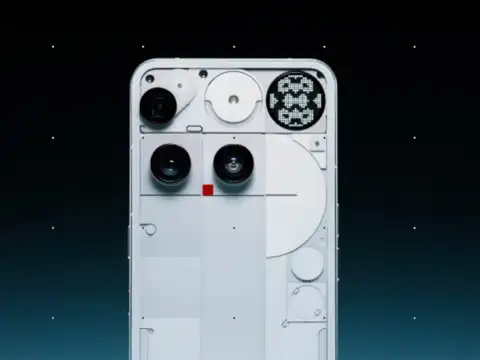
The open beta is available for Phone (3), Phone (2), Phone (2a), and Phone (2a) Plus, which means many recent Nothing phones can try it—not just the newest model.
3/8
What looks different
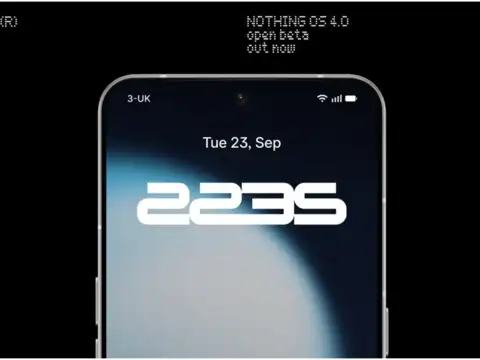
The lock screen clocks are clearer, the Quick Settings (Wi‑Fi, Bluetooth, torch) are easier to reach, and an “Extra Dark Mode” makes the screen softer on eyes at night and can help save battery.
Amazon Top Deals
POWERED BY


4/8
Multitasking made simple
A new Pop‑up View shows two floating app icons so jumping between apps (like WhatsApp and Maps) is quicker, without fully closing or reopening screens each time.

5/8
Camera upgrades
Older models (Phone 2, 2a, 2a Plus) get a “Stretch” camera preset made with a pro photographer to give photos deeper shadows and brighter highlights—like a stylish filter ready to use.

6/8
AI dashboard (what it means)
On Phone (3), an AI usage dashboard simply tells when background AI features are working, so it’s less mysterious; it’s like a simple “activity report” for smart features on the phone.

7/8
Essential Apps (no coding needed)
Essential Apps let anyone make small, useful widgets by describing what’s needed (for example, “show my daily steps”); these can be shared in Playground and placed on the home screen. During beta, Phone (3) can place up to six Essential widgets, while Phone (2/2a/2a Plus) can place two; this helps keep things stable while testing.
8/8
How to join (step‑by‑step)
Install the Beta Updates Hub from the community page, then open Settings > System > Nothing Beta Hub, tap Join Beta, and check System updates to download—enrollment stays open till October 14.
(Disclaimer: Keep backups, avoid installing on primary devices, and expect rolling fixes and firmware updates through the test window.)
(Disclaimer: Keep backups, avoid installing on primary devices, and expect rolling fixes and firmware updates through the test window.)