How to activate severe weather alerts for heavy rain, flood, storm on your iPhone or android phones
Enabling severe weather alerts on your iPhone or Android phone is a crucial step in staying informed and prepared for adverse weather conditions. By following the simple steps, you can activate these alerts and receive timely notifications to help...
By ET Online | Updated:

Reuters
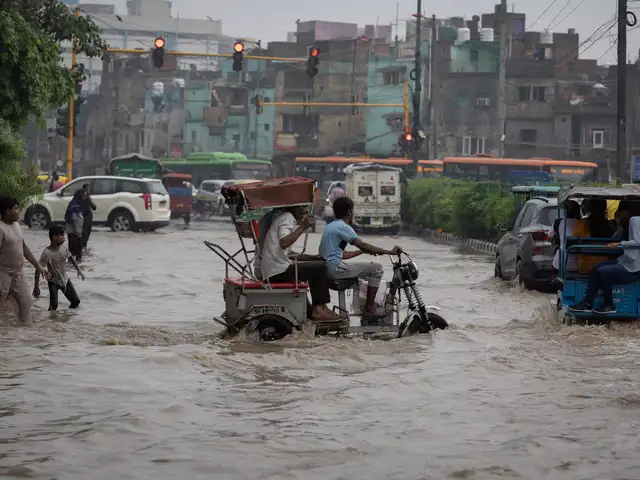
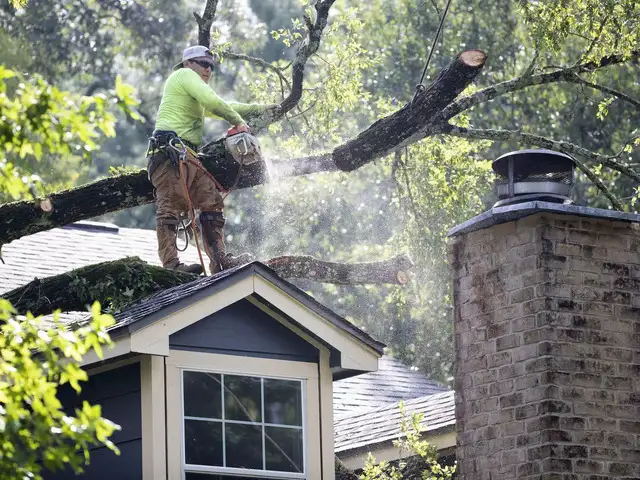
Severe weather conditions can pose risks to our safety and well-being. Thankfully, modern smartphones offer the capability to receive important weather alerts directly to our devices. By activating severe weather alerts on your iPhone or Android phone, you can stay informed and take necessary precautions when adverse weather conditions are expected. In this article, we will guide you through the steps to enable severe weather alerts on both iPhone and Android devices.
Activate Severe Weather Alerts on iPhone:
Apple's iPhone comes equipped with a built-in Weather App that offers the option to enable 'Severe Weather notifications', including flood alerts. By enabling this feature, the app will automatically send notifications regarding adverse weather conditions in your vicinity. Here's how to enable Severe Weather alerts on your iPhone:
Open the Weather App: Locate and open the Weather app on your iPhone's home screen.
Access Notification Settings: Tap on the List icon located in the lower-right corner of the Weather app interface. This will lead you to the additional options.
Enable Severe Weather Alerts: Within the options menu, locate and tap on "Notifications." From there, toggle the switch next to "Severe Weather" to the "On" position. This enables the alerts for severe weather conditions, including floods.
Select the Preferred Location: Choose the location for which you want to receive the Severe Weather alerts.
Once you have completed these steps, the Weather app on your iPhone will automatically display flood alerts, as well as other notifications related to inclement weather, both within the app and on the lock screen. However, please ensure that you have added the Weather widget to your lock screen for the notifications to appear prominently.
How to activate Severe Weather Alerts on an Android Phone:
While most Android phone manufacturers offer their own Weather apps, they may not always include a built-in weather warning feature. However, the 'Weather App' on Google Play store provides comprehensive weather updates, including alerts. Here's how you can set it up to receive flood alerts and warnings on your Android device:
Activate Severe Weather Alerts on iPhone:
Apple's iPhone comes equipped with a built-in Weather App that offers the option to enable 'Severe Weather notifications', including flood alerts. By enabling this feature, the app will automatically send notifications regarding adverse weather conditions in your vicinity. Here's how to enable Severe Weather alerts on your iPhone:
Open the Weather App: Locate and open the Weather app on your iPhone's home screen.
Access Notification Settings: Tap on the List icon located in the lower-right corner of the Weather app interface. This will lead you to the additional options.
Enable Severe Weather Alerts: Within the options menu, locate and tap on "Notifications." From there, toggle the switch next to "Severe Weather" to the "On" position. This enables the alerts for severe weather conditions, including floods.
Select the Preferred Location: Choose the location for which you want to receive the Severe Weather alerts.
ADVERTISEMENT
Customize Alert Settings (optional): You can further customize the types of alerts you receive by selecting "Alert Tone" and "Vibration" options. This allows you to set a distinct sound or vibration pattern for severe weather alerts.Once you have completed these steps, the Weather app on your iPhone will automatically display flood alerts, as well as other notifications related to inclement weather, both within the app and on the lock screen. However, please ensure that you have added the Weather widget to your lock screen for the notifications to appear prominently.
How to activate Severe Weather Alerts on an Android Phone:
While most Android phone manufacturers offer their own Weather apps, they may not always include a built-in weather warning feature. However, the 'Weather App' on Google Play store provides comprehensive weather updates, including alerts. Here's how you can set it up to receive flood alerts and warnings on your Android device:
- Open the Settings App: Access the "Settings" app on your Android phone.
- Open "Notifications": Scroll down within the Settings menu and tap on "Notifications."
- Tap on "Advanced" or "More" (depending on your device): Depending on your Android device, you may need to tap on "Advanced" or "More" to access additional settings options.
- Select "Emergency Alerts": Within the advanced settings, locate and tap on "Emergency Alerts", "weather alerts" or a similar option related to emergency notifications.
- Customize Alert Settings (optional): Some Android devices offer the ability to customize the alert settings. Look for options such as "Alert Sound," "Vibration," or "Emergency Tone" to personalize your severe weather alerts.
Download
The Economic Times Business News App for the Latest News in Business, Sensex, Stock Market Updates & More.
The Economic Times Business News App for the Latest News in Business, Sensex, Stock Market Updates & More.
Download
The Economic Times News App for Quarterly Results, Latest News in ITR, Business, Share Market, Live Sensex News & More.
The Economic Times News App for Quarterly Results, Latest News in ITR, Business, Share Market, Live Sensex News & More.
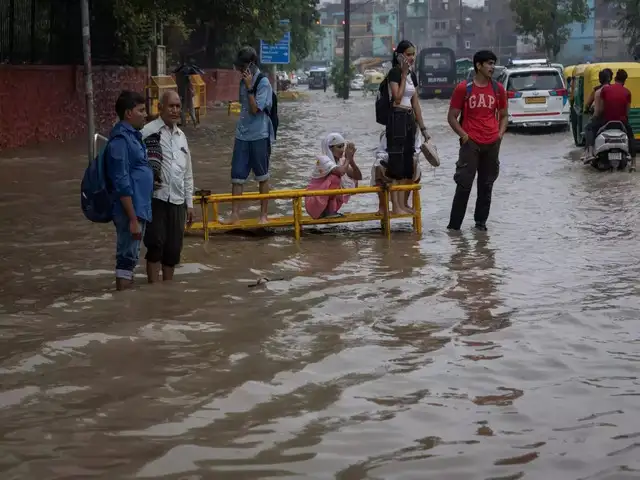
Severe weather conditions can pose risks to our safety and well-being. Thankfully, modern smartphones offer the capability to receive important weather alerts directly to our devices. By activating severe weather alerts on your iPhone or Android phone, you can stay informed and take necessary precautions when adverse weather conditions are expected.








ADVERTISEMENT


