Use Google Chrome for everything? Try these other top-notch browsers
Mozilla Firefox & Safari are the common ones. There are 3 others.
By Aabhas Sharma, TOI Contributor |

Agencies
It has become difficult to look beyond Google and the services it offers, especially since some of them are top-notch. Yet, they are far from perfect.
GOOGLE CHROME: The most widely used internet browser in the world – has issues with data privacy and who’s ‘tracking’ you. If you want to give up Chrome, here are five alternative browsers:
BRAVE
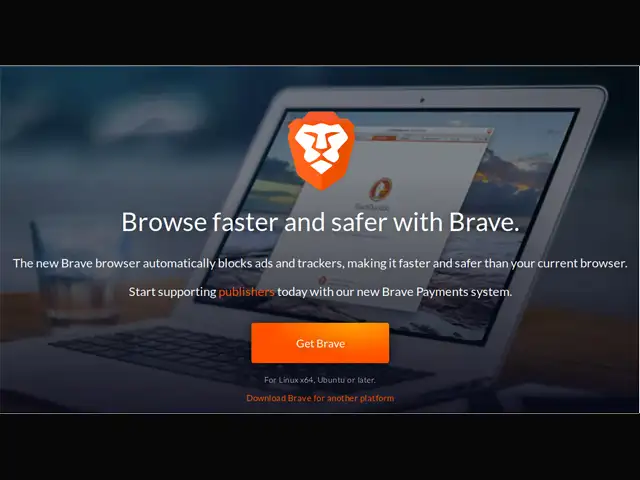
Brave has a built-in ad and tracking blocker. This ensures that you won’t see too many ads and tracking your data is not easy. It is based on the Chromium engine, which makes it similar to Chrome, but is reportedly three times faster. It also claims 35% less battery usage on mobile phones. Brave says it crossed 25 million users in February, thanks to its privacy-focused approach.
VIVALDI
Available on mobile and desktop, Vivaldi has been created by the developers who made Opera. With end-to-end encryption, Vivaldi offers security and a host of customisation options. It is also based on Chromium, which means it is easy to import settings and browsing history from Chrome. Syncing data between mobile and desktop browsers is also relatively easier on Vivaldi.
MOZILLA FIREFOX
The world’s third most popular browser and a rather well-known name. Firefox is fast, secure and gives users a lot of control over their data. It comes with a monitor feature, which sends you an alert if your password or email ID has been involved in a data breach. Firefox is also faster on mobiles and does not consume as much RAM as Google Chrome does.
TOR
Tor is a browser for those who are paranoid about their data. A hipsters’ choice, Tor blocks trackers. Any cookies or browsing history are automatically cleared once you close a session. It also obscures your public IP address, but is much slower than Chrome or Firefox. A small price, some would say, to maintain privacy and security on the web.
SAFARI
The one browser for everyone in the Apple ecosystem. It remains heavily focused on privacy and on Apple devices, it is relatively faster than Chrome. Syncing data is smooth and it comes with a tracking feature that tells you how many websites are tracking you.
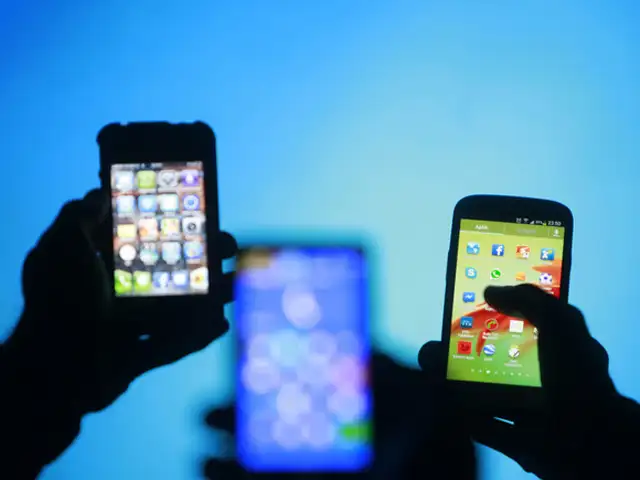
GOOGLE CHROME: The most widely used internet browser in the world – has issues with data privacy and who’s ‘tracking’ you. If you want to give up Chrome, here are five alternative browsers:
BRAVE
Brave has a built-in ad and tracking blocker. This ensures that you won’t see too many ads and tracking your data is not easy. It is based on the Chromium engine, which makes it similar to Chrome, but is reportedly three times faster. It also claims 35% less battery usage on mobile phones. Brave says it crossed 25 million users in February, thanks to its privacy-focused approach.
VIVALDI
Available on mobile and desktop, Vivaldi has been created by the developers who made Opera. With end-to-end encryption, Vivaldi offers security and a host of customisation options. It is also based on Chromium, which means it is easy to import settings and browsing history from Chrome. Syncing data between mobile and desktop browsers is also relatively easier on Vivaldi.
MOZILLA FIREFOX
The world’s third most popular browser and a rather well-known name. Firefox is fast, secure and gives users a lot of control over their data. It comes with a monitor feature, which sends you an alert if your password or email ID has been involved in a data breach. Firefox is also faster on mobiles and does not consume as much RAM as Google Chrome does.
ADVERTISEMENT
TOR
Tor is a browser for those who are paranoid about their data. A hipsters’ choice, Tor blocks trackers. Any cookies or browsing history are automatically cleared once you close a session. It also obscures your public IP address, but is much slower than Chrome or Firefox. A small price, some would say, to maintain privacy and security on the web.
SAFARI
The one browser for everyone in the Apple ecosystem. It remains heavily focused on privacy and on Apple devices, it is relatively faster than Chrome. Syncing data is smooth and it comes with a tracking feature that tells you how many websites are tracking you.
By Karan Bajaj
Still stuck with the browser that came with your Android smartphone?
You’re missing out because you can add speed, tabs, automatic ad-blocking, automatic blocking of trackers, background loading, better reading modes and a whole lot more by installing these free apps, says



ADVERTISEMENT
Download
The Economic Times Business News App for the Latest News in Business, Sensex, Stock Market Updates & More.
The Economic Times Business News App for the Latest News in Business, Sensex, Stock Market Updates & More.
ADVERTISEMENT


