How to customize look of Google search page by changing themes on Google Chrome, Firefox
If you are tired of looking at the same theme on Google search pages, here is how to change the theme. Go through this step-by-step guide to know how to change the theme of Google search pages on different browsers, including Google Chrome and Fir...
By ET Spotlight Special |

Agencies
The appearance of the Google search page matters a lot for users for various purposes. In browsers like Google Chrome and Firefox, users are allowed to customize the Google Search page as per their preferences.
Google pages include the Google homepage, Search setting, along with search results page. Now, a user can choose Light mode or Dark mode as the theme of the search page.
So, if you ever feel monotonous to seeing the same look on Google search pages, this article is for you.
Here, we will give step-by-step guidance on how to change the theme of Google search pages on various browsers –
How to change a theme for Google search pages:
Step 1: Search Google.com on your mobile, laptop, or any other device.
Step 2: If you wish to continue with the same Search options, you need to log in to the Google Account on your chosen mobile device’s browser. You will find the Sign-In option in the top right corner of the page. Tap on that.
Step 3: In the next step, you need to select the “More” option from the top left menu. It is followed by “Settings”.
Step 4: You are on a page where there will be three options, including Device default, Light theme, and Dark theme under the menu “Appearance.”

Let us explain these three modes of Google search theme:
Device Default: The option leads to automatic matching to the color scheme of your current device.
Dark theme: By choosing this theme, you can view the search results with light letters set against a dark background.
You can apply these steps in browsers like Google Chrome, Firefox, and other browsers.
Google pages include the Google homepage, Search setting, along with search results page. Now, a user can choose Light mode or Dark mode as the theme of the search page.
So, if you ever feel monotonous to seeing the same look on Google search pages, this article is for you.
Here, we will give step-by-step guidance on how to change the theme of Google search pages on various browsers –
How to change a theme for Google search pages:
Step 1: Search Google.com on your mobile, laptop, or any other device.
Step 2: If you wish to continue with the same Search options, you need to log in to the Google Account on your chosen mobile device’s browser. You will find the Sign-In option in the top right corner of the page. Tap on that.
ADVERTISEMENT
Note: Those who are already logged in, can get to see their profile photos or initials.Step 3: In the next step, you need to select the “More” option from the top left menu. It is followed by “Settings”.
Step 4: You are on a page where there will be three options, including Device default, Light theme, and Dark theme under the menu “Appearance.”



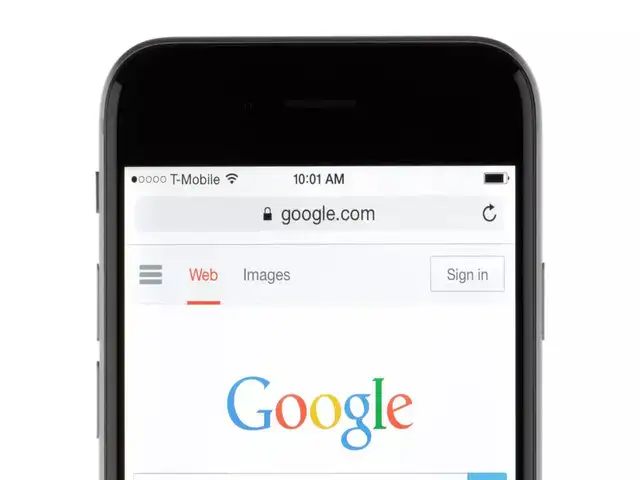






Let us explain these three modes of Google search theme:
Device Default: The option leads to automatic matching to the color scheme of your current device.
ADVERTISEMENT
Light theme: Here, you can wish to use Google search on a light background with dark text.Dark theme: By choosing this theme, you can view the search results with light letters set against a dark background.
You can apply these steps in browsers like Google Chrome, Firefox, and other browsers.
Download
The Economic Times Business News App for the Latest News in Business, Sensex, Stock Market Updates & More.
The Economic Times Business News App for the Latest News in Business, Sensex, Stock Market Updates & More.
Related Articles
 UK regulator enforces new competition requirements on Google search2026-06-03T06:14:48Z
- Google search revealing your phone number and personal details online? Here's how to protect it from fraudsters using this privacy tool2026-05-28T10:36:49Z
- US files appeal in Google search antitrust case2026-02-04T02:41:00Z
ADVERTISEMENT


