This will blow your mind: Huawei working on smartphone that can take 3D pictures
The Chinese tech giant is trying to take over Apple's market share by offering something novel.
By ET Online |

Agencies
The phone, is code-named Princeton internally, and is likely to be announced before the year ends. Everything about the phone is under close wraps at this moment and the company is going to great lengths to maintain secrecy.
The technology, apparently uses sensors developed by Sony Corp. that can accurately measure distances by bouncing light off surfaces. This is the kind of technology that has never been seen before, and also has the potential to change how we view the world.
The new camera will be able to create 3D models of people and objects, generate images from numerous angles. Developers will also be able to control apps and games in novel ways, with hand gestures.
Huawei will probably feature the camera in more than one phone model, including some slated for later in 2019.

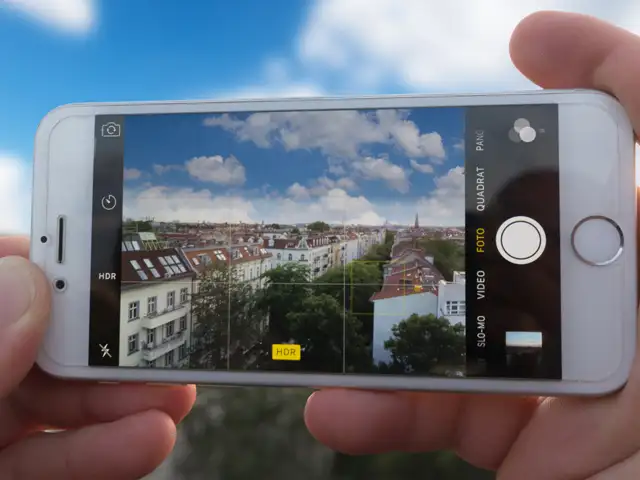
Your phone camera is a lot more capable than you think.
While it may not offer as much control as a DSLR yet, you can use you phone to capture photos with amazing trick effects.
ET tells you tips and apps to get unique captures using your phone camera.
The technology, apparently uses sensors developed by Sony Corp. that can accurately measure distances by bouncing light off surfaces. This is the kind of technology that has never been seen before, and also has the potential to change how we view the world.
The new camera will be able to create 3D models of people and objects, generate images from numerous angles. Developers will also be able to control apps and games in novel ways, with hand gestures.
Huawei will probably feature the camera in more than one phone model, including some slated for later in 2019.
While it may not offer as much control as a DSLR yet, you can use you phone to capture photos with amazing trick effects.
ET tells you tips and apps to get unique captures using your phone camera.




ADVERTISEMENT
Download
The Economic Times Business News App for the Latest News in Business, Sensex, Stock Market Updates & More.
The Economic Times Business News App for the Latest News in Business, Sensex, Stock Market Updates & More.
Related Articles
 Nvidia's AI chip sales in China stall, as local chipmakers like Huawei take the lead2026-06-29T04:45:17Z
- Singling out Huawei, China's premier defends tech rise, rejects subsidy claims2026-06-24T05:36:10Z
- Huawei CFO's admissions can be used against company at criminal trial, US judge rules2026-06-17T16:28:44Z
ADVERTISEMENT


