Samsung has given the J2 Core a premium glossy finish and rounded edges. The rear panel curves towards the edges which makes it comfortable to hold.
Price: Rs 6,190 Rating: ***
Samsung has been losing ground in the entry-level smartphone segment thanks to some aggressive competition. Their latest attempt to get a grip in this segment is the J2 Core: the company’s first phone with Android Go Edition.
If you recall, Android Go Edition is a special version of Android that is designed to run well on basic smartphones. With an entry-level quad core Exynos 7570 processor combined with 1GB RAM and 8GB storage, the J2 Core manages to work smoothly for basic tasks. However, if you keep more than 7-8 apps running in the background, the phone tends to get slow. This means launching an app or switching between apps starts to take 2-3 seconds. We were able to play compressed 720p HD videos on the phone without an issue using MX player, but the phone struggles with gaming. Even basic games like Candy Crush has choppy animations and long loading times.
Design is a strong point for the phone. Samsung has given the J2 Core a premium glossy finish and rounded edges. The rear panel curves towards the edges which makes it comfortable to hold. Underneath the removable back panel you’ll see dual nano SIM slots and dedicated microSD slot. Up front is an oldschool style 16:9 aspect ratio 5-inch display. While the screen is bright and has good viewing angles, the resolution (960 x 540 pixels) is a letdown. Phones priced at Rs 6,000 and above usually have 720p HD displays now. On the software front, you get Android 8.1 Oreo Go Edition on the phone. However, the interface is not stock Android — Samsung has opted for a custom interface. We weren’t expecting much from the primary camera but it turned out to be quite good (for the price). As long as there is good light, the 8MP camera takes photos with good detail and natural colour. In low light, detail is lost and a lot of noise creeps in. The front camera fared worse in terms of noise. We liked the wide angle lens on the 5MP shooter but the photos ultimately are nothing great.
ADVERTISEMENT
On the software front, you get Android 8.1 Oreo Go Edition on the phone. However, the interface is not stock Android — Samsung has opted for a custom interface which we think might actually be slowing it down. There are also a few additional apps (Samsung Browser, Samsung Members, Samsung Max) and a Smart Manager in settings. The smart manager helps keep the phone running smoothly by managing the storage and RAM. As with any Go Edition device, the J2 Core runs some apps on the phone while others (including Google native apps like Maps) run in the browser. The good thing is that you won’t see any major slowdowns in basic usage. It works well enough to give a smooth experience to first time smartphone users.
What we loved the most about the J2 Core is its battery life. A single charge will last a full day with almost 20-25% battery to spare. However, there is no fast charging support (a simple 5 watt charger is supplied). As for security, you won’t find a fingerprint scanner or face unlock on the device. While the earpiece is fine in terms of clarity and loudness, the loudspeaker output is low — it’s barely audible for calls even at max volume.
As the first Android Go smartphone from Samsung, the J2 Core is a welcome addition. It scores on design and works well as long as you stick to the most basic kind of use. However, there are too many compromises and the competition is stronger. At Rs 5,999, you can get the Redmi 6A or Infinix Smart 2. Both have 5.45-inch 18:9 HD displays, double the RAM and storage (2GB + 16GB), better cameras, larger batteries and AI based face unlock. We would choose either of these over the J2 Core.
Use The Right Charger, Check Battery, And Other Tips To Protect Your Phone From Catching Fire
1/8
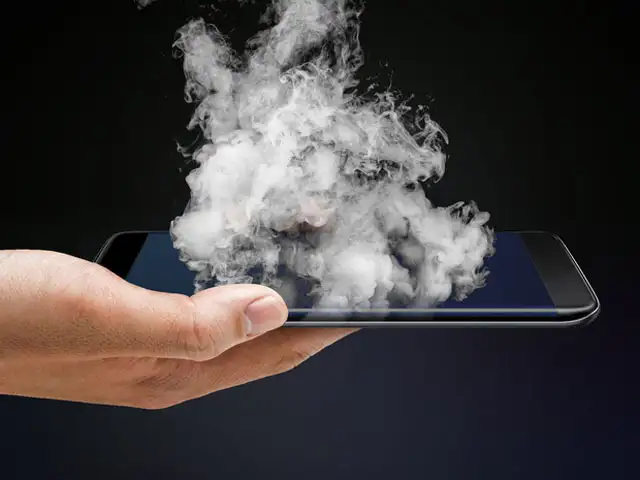
The Group CEO of Malaysian company Cradle Fund, Nazrin Hassan, recently died after his smartphone exploded. Though the exact make of the smartphone is not known, he was reportedly using devices from BlackBerry and Huawei.
And it’s not an isolated incident. There have been reports of smartphones exploding and catching fire from around the world, including India.
One of the main reasons for a smartphone exploding is the lithiumion battery that heats up while charging. But don’t worry; these tips can protect your handset from turning explosive:
(Text: Rajarshi Bhattacharjee)
The Group CEO of Malaysian company Cradle Fund, Nazrin Hassan, recently died after his smartphone exploded. Though the exact make of the smartphone is not known, he was reportedly using devices from ..
Read More
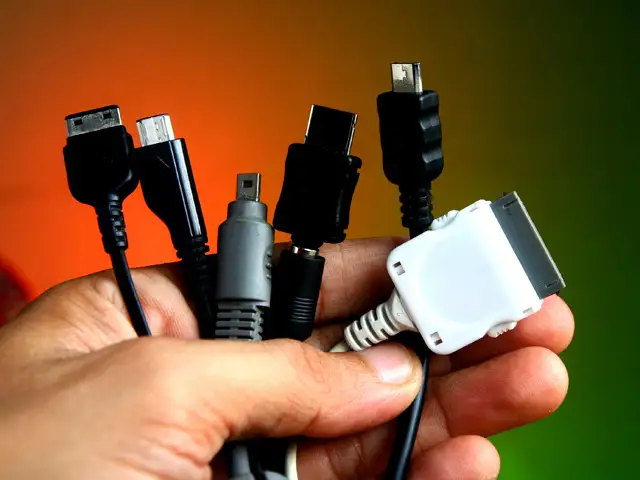
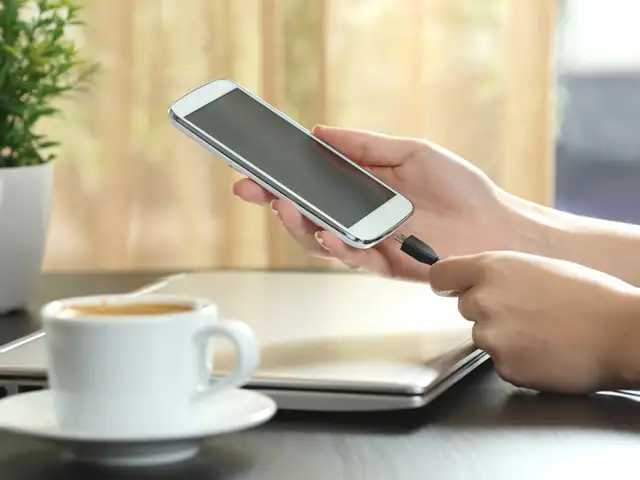
Smartphone manufacturers insist that users should only use original chargers. The purpose is not to sell more accessories, but they cannot vouch for the quality and performance of the other chargers. In case the charger gets lost or starts malfunctioning, look for an original charger or one from a company that deals in original components.
Smartphone manufacturers insist that users should only use original chargers. The purpose is not to sell more accessories, but they cannot vouch for the quality and performance of the other chargers...
Read More
Like the chargers, it is essential that a manufacturer-approved battery for the specific model is powering your handset. Also, check for any physical damage or deformity which may lead to battery leak and possibility of explosion. It is also important to change a smartphone’s old battery in time.
Like the chargers, it is essential that a manufacturer-approved battery for the specific model is powering your handset. Also, check for any physical damage or deformity which may lead to battery lea..
Read More
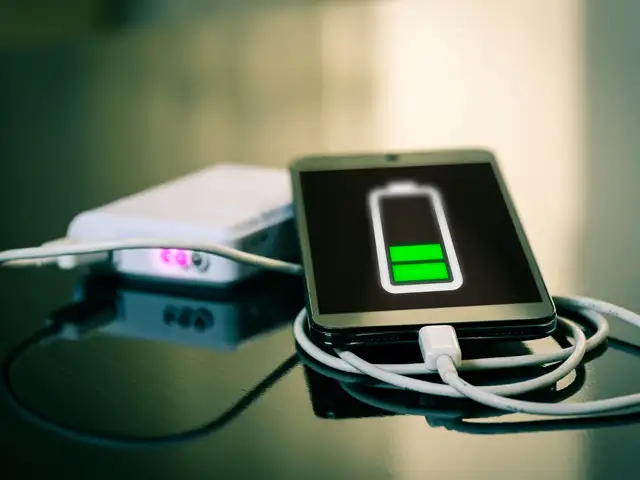
Prolonged charging of your device may reduce the efficiency of the battery. If the battery is 90 per cent charged, don’t charge it any further. Instead let it drain. Avoid leaving your smartphone to charge overnight and remember to unplug once it is charged.
Prolonged charging of your device may reduce the efficiency of the battery. If the battery is 90 per cent charged, don’t charge it any further. Instead let it drain. Avoid leaving your smartphone to ..
Read More
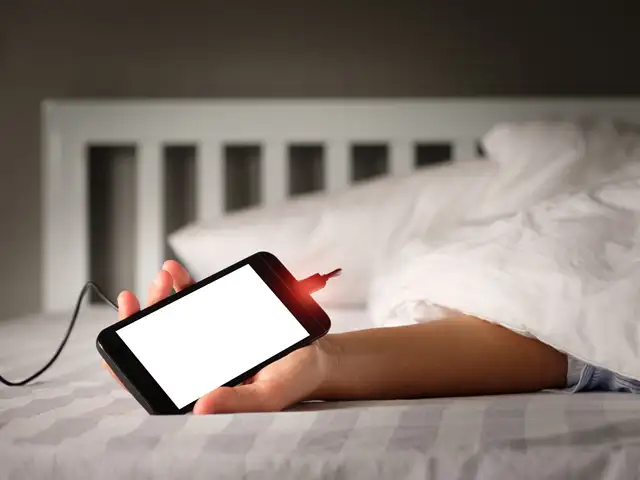
Never charge your phone near water or on the bed. Note that leaving your smartphone under a pillow while it charges can heat it up. Manufacturers also recommend minimising device exposure to direct sunlight and advise against leaving your phone in a hot place like a car’s dashboard, or next to a radiator.
Never charge your phone near water or on the bed. Note that leaving your smartphone under a pillow while it charges can heat it up. Manufacturers also recommend minimising device exposure to direct s..
Read More
It’s hard to predict how a smartphone will react after a hard drop — it depends on the external and internal damage it sustained. An impact can dislocate the internal battery separator between the cathode and anode, leading to an increase in temperature while charging and even fire.
It’s hard to predict how a smartphone will react after a hard drop — it depends on the external and internal damage it sustained. An impact can dislocate the internal battery separator between the ca..
Read More
If the battery feels extremely hot or swells up, or makes a hissing sound, turn off the device and unplug it immediately from the power source. Keep the device in an isolated area, away from anything flammable and don’t throw it in the trash.
If the battery feels extremely hot or swells up, or makes a hissing sound, turn off the device and unplug it immediately from the power source. Keep the device in an isolated area, away from anything..
Read More
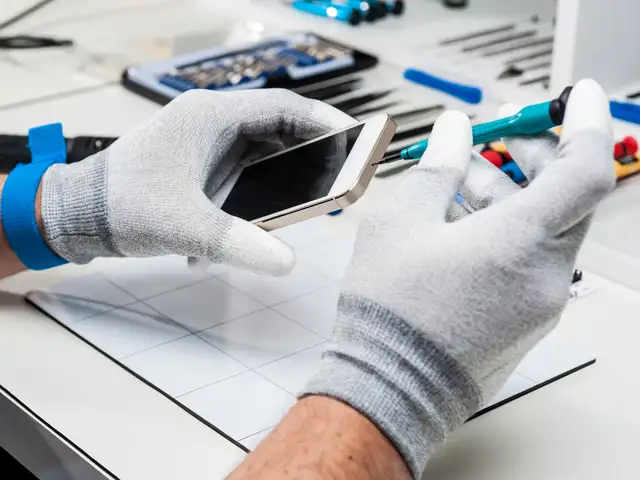
Streets of Indian metros are dotted with smartphone repair shops, but they are often not authorised. Always get your smartphone repaired from an authorised centre or an authorised third-party service centre. Authorised centres ensure your device runs on original software and hardware.
Streets of Indian metros are dotted with smartphone repair shops, but they are often not authorised. Always get your smartphone repaired from an authorised centre or an authorised third-party service..