With Navigate to Photo, you can find your way back to the location of a previous photo using any of your available navigation apps.
Navigate to Photo Free, for iOS (limited time, Rs 99 post promotion)
This app provides functionality you didn’t think you needed. Typically, the photographs you take on your phone have location information embedded in them (unless you have specifically turned this feature off).
With Navigate to Photo, you can find your way back to the location of a previous photo using any of your available navigation apps.
You can also select up to 5 different photos from different locations and see where all of them are located on a map. After installing the app, you need to enable the app’s functionality first. Open a photo from your image gallery, tap the share button and toggle on the setting for Navigate to Photo.
After that, just share any photo to the app and it feeds that location information to Apple Maps, Google Maps or even Uber.
You can also select up to 5 different photos from different locations and see where all of them are located on a map.
ADVERTISEMENT
Vyng, Drupe, Sonar Ruler: Download These 6 Brilliant Apps To Liven Up Your Smartphone
1/7
By Rajarshi Bhattarcharjee
Liven up your smartphone like never before with a digital assistant, video ringtones, stripped back music and more.
Image: Getty
By Rajarshi BhattarcharjeeLiven up your smartphone like never before with a digital assistant, video ringtones, stripped back music and more.Image: Getty
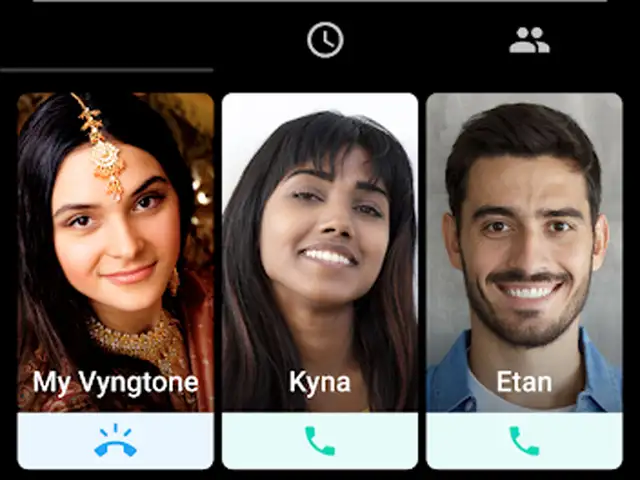
Vyng is a video ringtone app for Android handsets which lets users play a new video with every incoming call. This app from a Los Angeles-based startup aims to transform how you start mobile conversations by introducing emotions to the lock screen from its library of more than 60,00,000 music videos.
(Image: play.google.com)
Vyng is a video ringtone app for Android handsets which lets users play a new video with every incoming call. This app from a Los Angeles-based startup aims to transform how you start mobile conversa..
Read More
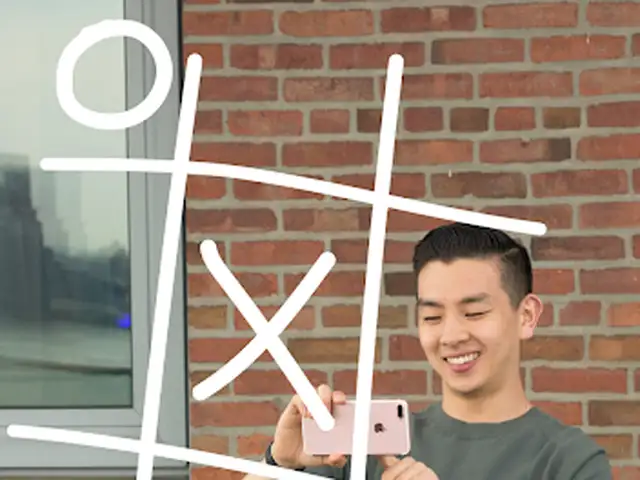
What started as an experiment by Google is now a standalone app — Just a Line. It is an augmented reality doodling tool that lets you make AR drawings in 3D space around you. You can then share your creation with a short video. It lets you doodle in the air and draw with friends in the same space by pairing your phones. The app works on any Android phone that supports ARCore and the latest iOS devices.
Image: play.google.com
What started as an experiment by Google is now a standalone app — Just a Line. It is an augmented reality doodling tool that lets you make AR drawings in 3D space around you. You can then share your ..
Read More
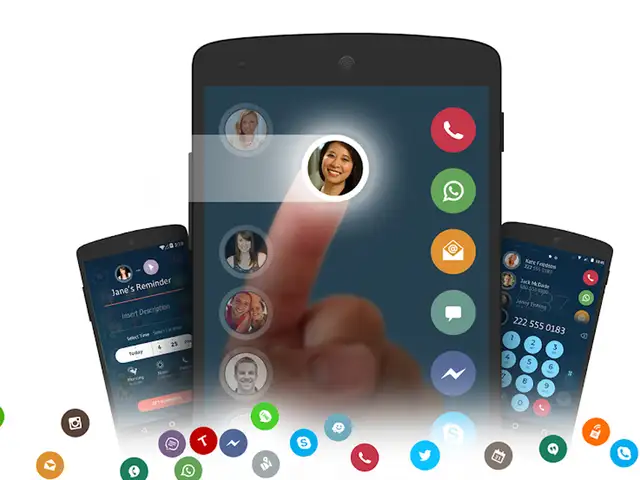
It’s a popular cross-platform dialer app from which you can voice and video call, message, schedule, tweet, email, set remind ers and do more from one place. Drupe lets you dial or WhatsApp someone who is not on your contacts list and comes with a call blocker feature. The app also has a record feature for incoming or outgoing calls.
Image: play.google.com
It’s a popular cross-platform dialer app from which you can voice and video call, message, schedule, tweet, email, set remind ers and do more from one place. Drupe lets you dial or WhatsApp someone w..
Read More
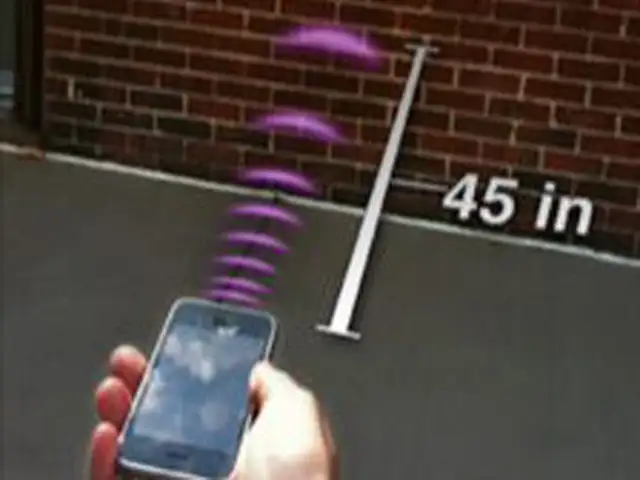
Sonar Ruler from Laan Labs is an innovative app that uses echoes to measure distances with your iPhone. The app makes your iPhone send a short pulse from the speaker and measures how long that pulse takes to bounce off something and return to the phone. It then estimates how far away you are. Sonar Ruler offers a distance measurement range up to 60 feet.
Image: play.google.com
Sonar Ruler from Laan Labs is an innovative app that uses echoes to measure distances with your iPhone. The app makes your iPhone send a short pulse from the speaker and measures how long that pulse ..
Read More
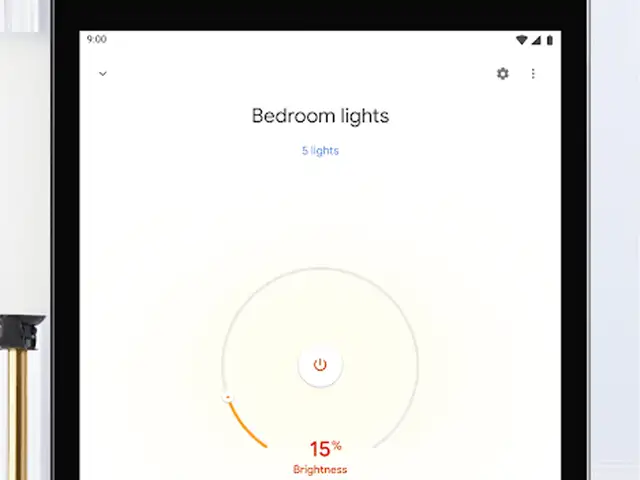
The smart assistant is now also adept at recommending what movies or TV shows to play through your Chromecast and controls multiple devices straight from your smartphone. The app can now show all your devices in one view and organises them by room. It also lets you manage devices like a smart thermostat as well as smart lights without having to go into their respective apps.
Image: play.google.com
The smart assistant is now also adept at recommending what movies or TV shows to play through your Chromecast and controls multiple devices straight from your smartphone. The app can now show all you..
Read More
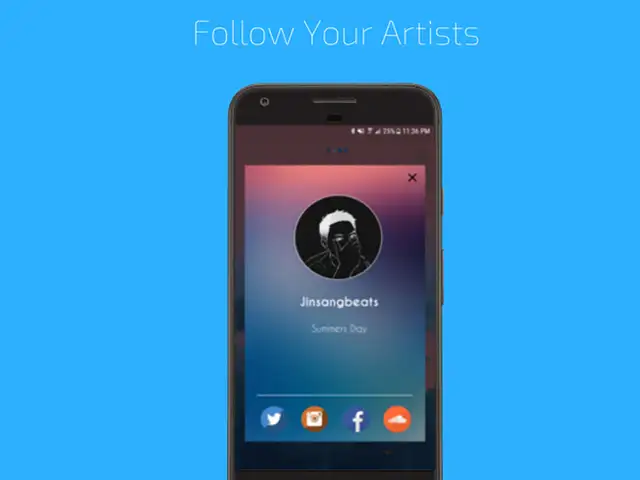
If you are a fan of low-frequency beats and stripped back music, Loffee is a must-have app on your handset. While the playlist ranges from music for focusing to music for setting the vibe on a lazy Saturday afternoon, the platform also recognises talents from around the globe. The best thing about the app is that it works offline — perfect for flights or a long journey.
Image: play.google.com
If you are a fan of low-frequency beats and stripped back music, Loffee is a must-have app on your handset. While the playlist ranges from music for focusing to music for setting the vibe on a lazy S..
Business News › Magazines › Panache › Navigate to Photo review: Find your way back to the location of a photo using any of your available navigation appsText Size:AAA