Pros:Sturdy design, runs latest Android Oreo Go Edition OS, smooth performance, great battery life, available at an effective price of Rs 2,399
Cons: Android Go skips some usual Android features, display colours could be better, average quality camera
Micromax has been on the backfoot for some time now. However, the entry level Bharat range has been doing well and the Bharat Go is their latest offering. So why does the Bharat Go stand out? It’s amongst the first phones in India to come with Android Oreo Go edition.
ADVERTISEMENT
Android Oreo Go is a strippeddown version of Android for entry-level devices with basic hardware. The idea is to bring down costs to make smartphones more accessible to a larger number of people. Not only does the operating system take up less storage, it has lightweight editions of Google’s popular apps like YouTube, Google Maps and Gmail too.
The obvious downside is that Go edition apps are not as good as the full apps. For instance, Google Maps runs within a browser instead of a stand-alone app (you don’t get turn by turn navigation, location sharing, reviews, set addresses and so on). Other limitations of the Go edition include no split screen mode, you can multitask/switch between a maximum of 9 apps and Google Assistant does not wake up with the ‘OK Google’ voice prompt. On the Google Play Store, a dedicated section shows you apps that are recommended for Android Go. Thankfully, it has all the usual apps including Facebook, Instagram, WhatsApp, Telegram and so on.
As for specs, the Bharat Go gets a quad core Mediatek processor, 1GB RAM and 8GB storage. Out of the 8GB only 2.1GB is used up by the system you so you have over 5GB space available which is great. The phone does work smoother than most entry-level phones we have seen in this price range with similar hardware. Battery life is good — a single charge will last you a full day.
Coming to the camera, you get a 5MP rear and 5MP front camera — both are fixed focus lenses. Like other entry-level phones, don’t expect too much here. You might get a half decent photo outdoors in good lighting with a steady hand. On the upside, it offers HDR, beauty mode, panorama mode, night mode and even a pro mode. Video recording is limited to 720p but the lack of autofocus proves to be a bigger issue as most videos look out of focus. The front 5MP shooter delivers similar results — soft details and visible noise. There is a front flash available for use in low light, but that mostly resulted in unnatural looking images. In our opinion, both the front and rear camera are good for occasional use only.
ADVERTISEMENT
It has a 4.5-inch TFT display with a resolution of 854 x 480 pixels. There is no ambient light sensor, so you have to manually set brightness levels. Plus, the screen colours are dull. The brightness levels are good though making it easy to read under direct sun and we liked the wide viewing angles too. Being an entry-level phone, it has an all plastic body, but it feels good in size and overall feel. The rear removable panel has a glossy finish which catches smudges and fingerprints quickly — you need to use the phone with a case.
Lastly, keep in mind that the Bharat Go can only be purchased from Airtel Store. You get it with recharge offers of Rs 2,000 which brings the effective price down to Rs 2,399. For anyone looking for a first smartphone, the Bharat Go does deliver a good experience in our opinion. However, to keep the price down, Micromax has cut corners in almost every department. At the same price, you can consider the Nokia 1 which comes with stock Android 8.1 and similar hardware features. If you can extend your budget to Rs 4,999, you can get the Mobiistar CQ, Moto E4 or the iVoomi Me 3 — all of them offer 2GB RAM, larger displays & better cameras.
ADVERTISEMENT
Use The Right Charger, Check Battery, And Other Tips To Protect Your Phone From Catching Fire
1/8
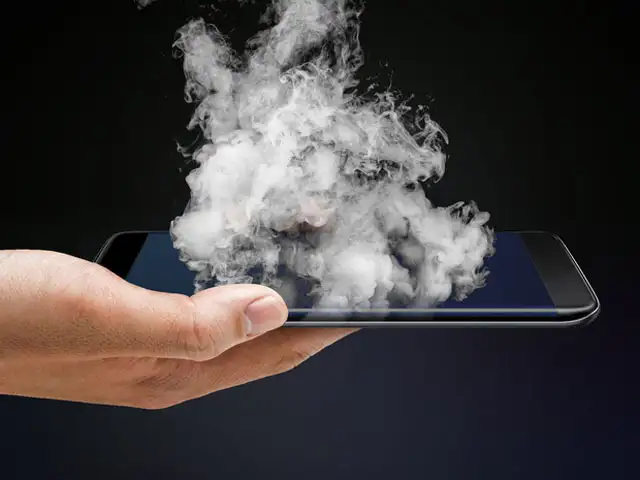
The Group CEO of Malaysian company Cradle Fund, Nazrin Hassan, recently died after his smartphone exploded. Though the exact make of the smartphone is not known, he was reportedly using devices from BlackBerry and Huawei.
And it’s not an isolated incident. There have been reports of smartphones exploding and catching fire from around the world, including India.
One of the main reasons for a smartphone exploding is the lithiumion battery that heats up while charging. But don’t worry; these tips can protect your handset from turning explosive:
(Text: Rajarshi Bhattacharjee)
The Group CEO of Malaysian company Cradle Fund, Nazrin Hassan, recently died after his smartphone exploded. Though the exact make of the smartphone is not known, he was reportedly using devices from ..
Read More
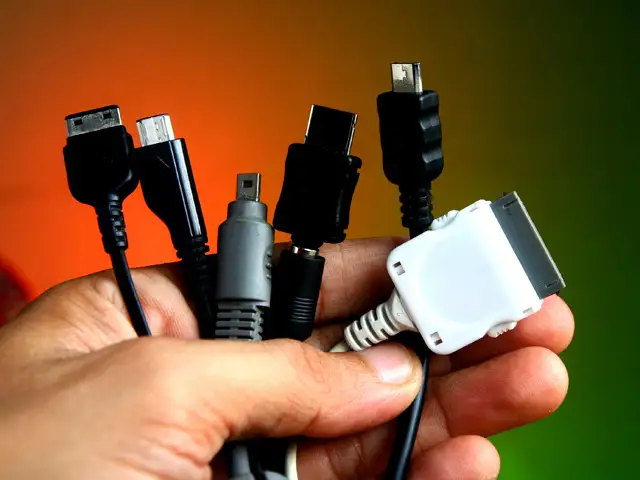
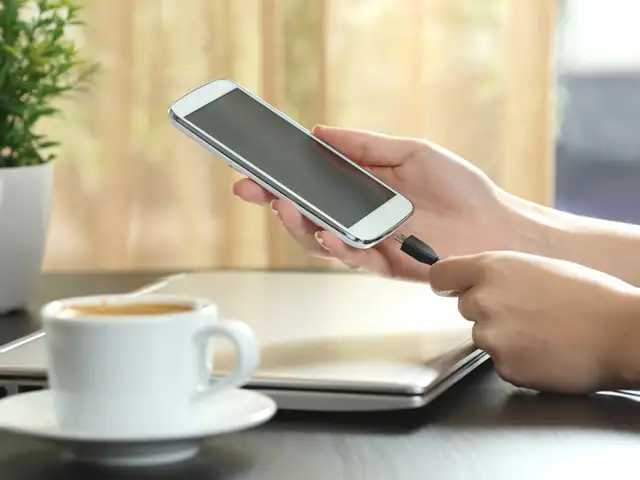
Smartphone manufacturers insist that users should only use original chargers. The purpose is not to sell more accessories, but they cannot vouch for the quality and performance of the other chargers. In case the charger gets lost or starts malfunctioning, look for an original charger or one from a company that deals in original components.
Smartphone manufacturers insist that users should only use original chargers. The purpose is not to sell more accessories, but they cannot vouch for the quality and performance of the other chargers...
Read More
Like the chargers, it is essential that a manufacturer-approved battery for the specific model is powering your handset. Also, check for any physical damage or deformity which may lead to battery leak and possibility of explosion. It is also important to change a smartphone’s old battery in time.
Like the chargers, it is essential that a manufacturer-approved battery for the specific model is powering your handset. Also, check for any physical damage or deformity which may lead to battery lea..
Read More
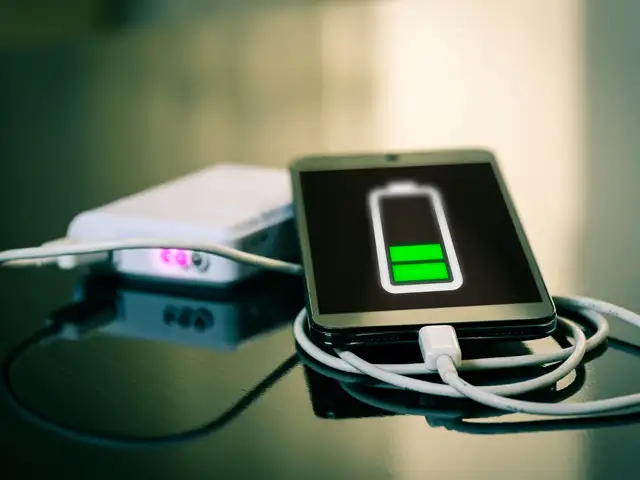
Prolonged charging of your device may reduce the efficiency of the battery. If the battery is 90 per cent charged, don’t charge it any further. Instead let it drain. Avoid leaving your smartphone to charge overnight and remember to unplug once it is charged.
Prolonged charging of your device may reduce the efficiency of the battery. If the battery is 90 per cent charged, don’t charge it any further. Instead let it drain. Avoid leaving your smartphone to ..
Read More
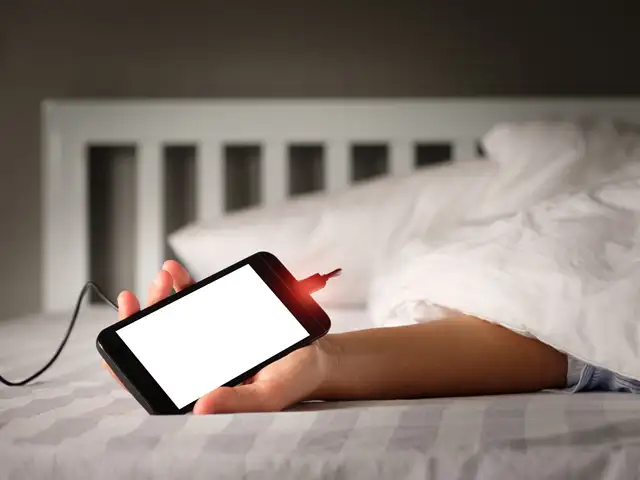
Never charge your phone near water or on the bed. Note that leaving your smartphone under a pillow while it charges can heat it up. Manufacturers also recommend minimising device exposure to direct sunlight and advise against leaving your phone in a hot place like a car’s dashboard, or next to a radiator.
Never charge your phone near water or on the bed. Note that leaving your smartphone under a pillow while it charges can heat it up. Manufacturers also recommend minimising device exposure to direct s..
Read More
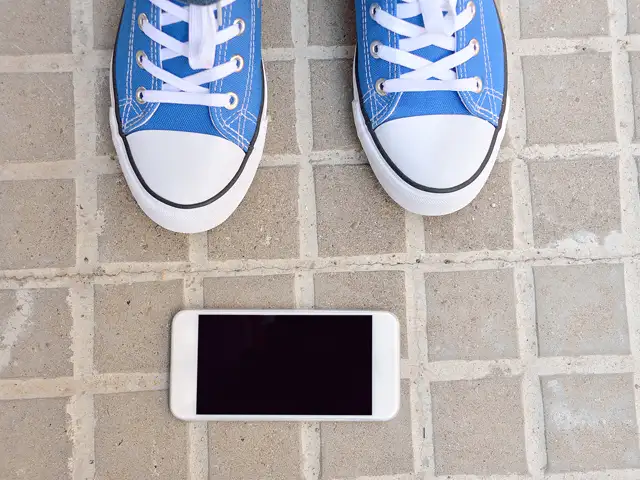
It’s hard to predict how a smartphone will react after a hard drop — it depends on the external and internal damage it sustained. An impact can dislocate the internal battery separator between the cathode and anode, leading to an increase in temperature while charging and even fire.
It’s hard to predict how a smartphone will react after a hard drop — it depends on the external and internal damage it sustained. An impact can dislocate the internal battery separator between the ca..
Read More
If the battery feels extremely hot or swells up, or makes a hissing sound, turn off the device and unplug it immediately from the power source. Keep the device in an isolated area, away from anything flammable and don’t throw it in the trash.
If the battery feels extremely hot or swells up, or makes a hissing sound, turn off the device and unplug it immediately from the power source. Keep the device in an isolated area, away from anything..
Read More
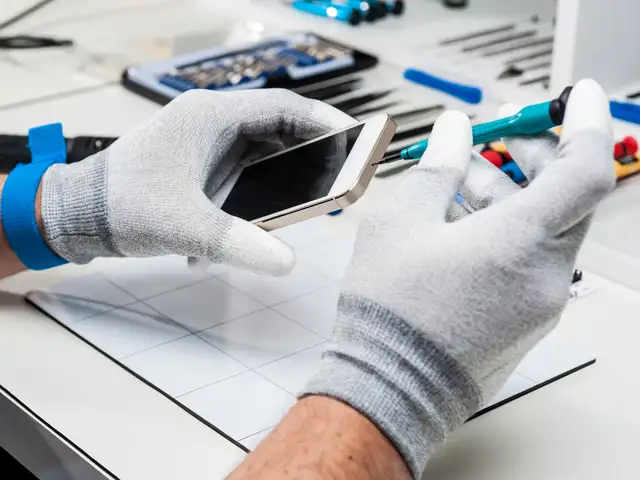
Streets of Indian metros are dotted with smartphone repair shops, but they are often not authorised. Always get your smartphone repaired from an authorised centre or an authorised third-party service centre. Authorised centres ensure your device runs on original software and hardware.
Streets of Indian metros are dotted with smartphone repair shops, but they are often not authorised. Always get your smartphone repaired from an authorised centre or an authorised third-party service..