Google Meet introduces Zoom-like features, will allow users to add fun backgrounds, indulge in QnA, polling
Google is also adding a virtual whiteboard to Meet through Jamboard.
By ET Online |
Agencies
Google has also introduced layout improvements that will allow users to see 16 participants at once.
Video-conferencing apps, the likes of Zoom, Google Meet, Skype et al have witnessed a massive growth due to the Covid-19 outbreak. As the global population relies more to communicate with colleagues, teachers and loved ones, these apps are constantly reinventing themselves and adding new features.
Google Meet is the latest video-conferencing app to add new features, which are akin to those in Zoom. Google Meet will soon allow users to blur their background or replace it entirely. The moderators, however, can disable this functionality. The app will offer a number of default backgrounds but the users can also upload their own.
Elaborating on the feature, Google said in its official blog, “students and educators feel more comfortable while on video from their homes. Custom Google Meet backgrounds will be available in the “coming months.”
Google will also give additional controls to the educators so they are able to control the meeting and other behaviour changes. What’s more? Google has also introduced layout improvements that will allow users to see 16 participants at once. It is now planning to add a UI (user interface) which can fit upto 49 people.
Additionally, there are several other features Google Meet has introduced. They are-
1. Hand Raising: Will allow participants to ‘raise their hands’ to say something or ask a question
ADVERTISEMENT
2. Meeting attendance: Allow meeting hosts to view who all attended their meeting 3. Breakout rooms: This feature will allow large meetings to be split into smaller groups, have parallel discussions and reconvene once done 4. Q&A: Allow audience to ask questions without interrupting the conversation 5. Polling: Allow participants to engage in real-time polling 6. Moderator controls: Allow moderators additional control for muting, presenting and joining. Google is also adding a virtual whiteboard to Meet through Jamboard. Google will also give additional controls to the educators so they are able to control the meeting and other behaviour changes. They are-
ADVERTISEMENT
-When someone asks to join a meeting, or ‘knock’, they won’t be allowed to ‘knock’ again once ejected from the meeting. Their request will no longer show up if a moderator rejects their request twice.
-To ensure that students don’t linger in the meeting after the teacher has left, moderators can end the meeting for all participants.
ADVERTISEMENT
-Anonymous attendees won’t be allowed to join meetings, however, the school will be able to allow anonymous participants if need be.
To help maintain social distancing and keep surface touches to the minimum, users will soon be allowed to join meetings without tapping on the screen. Google is working on ‘Hey Google’ voice control for Google Meet hardware, like the Asus starter kit, the Logitech Tap range or Acer’s Chromebase.
Users will be able to join or end meetings with simple voice commands. Google is also adding a virtual whiteboard to Meet through Jamboard.
WWDC 2020 Line-Up: Memojis With Face Masks, Maps For EV Users & More
1/13
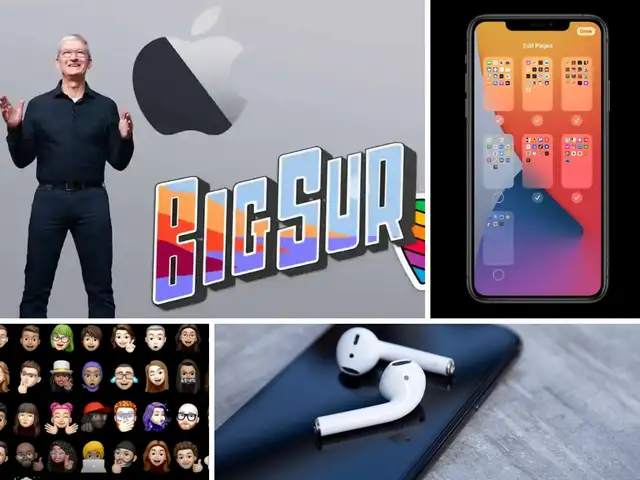
The first-ever virtual Worldwide Developers Conference (WWDC) kicked off on Monday with Apple CEO Tim Cook’s keynote address. This was followed by Apple announcing a slew of software updates to the iPhone, iPad, Mac, Apple Watch, Apple TV etc and also an announcement about that break-up with Intel.
If you missed WWDC 2020, fret not because we have got you covered. Here are all the major announcements that took place on the opening day of WWDC 2020.
The first-ever virtual Worldwide Developers Conference (WWDC) kicked off on Monday with Apple CEO Tim Cook’s keynote address. This was followed by Apple announcing a slew of software updates to the i..
Read More
There was a slight possibility that Apple could have renamed iOS 14 to iPhone OS 14 but that didn’t happen. However, the Cupertino-based company did introduce iOS 14 with new features.
For starters, the new OS allows users to place widgets on the home screen. You can easily get these widgets in the widget gallery. Apple has tried to make these widgets, which are available in different shapes and sizes, as data-rich as possible.
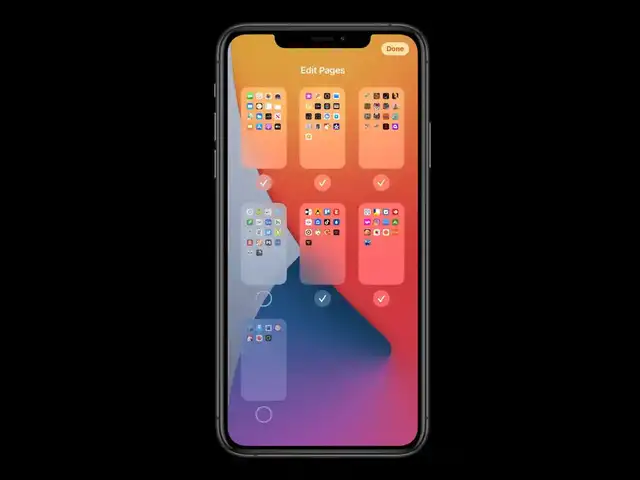
Another new feature of the iOS 14 is the App Library, which will automatically organise all your apps based on their categories, so you don’t have to go about searching each page for the app that you wish to use.
iOS 14 has also ushered in the era of multi-tasking with Picture-in-Picture (PiP) mode.If you swipe away a video that you are watching, it will minimise as a floating window, allowing you to resize or move the video. That way, you don’t have to exit the video if you are using the screen for something else.
There was a slight possibility that Apple could have renamed iOS 14 to iPhone OS 14 but that didn’t happen. However, the Cupertino-based company did introduce iOS 14 with new features.For starters, t..
Read More
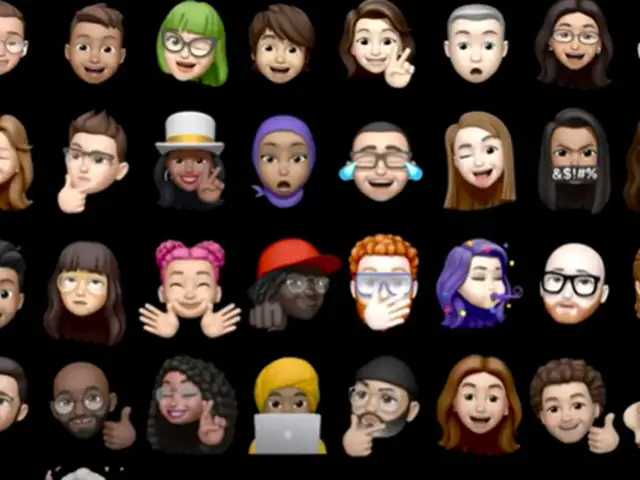
The next big update is the memoji and the customisations that Apple allows with iOS 14. Apple will now offer memojis with face masks and various emotions like blushing and fist bumps,
While this development might not seem major, those who love memojis will surely love this upgrade.
The next big update is the memoji and the customisations that Apple allows with iOS 14. Apple will now offer memojis with face masks and various emotions like blushing and fist bumps,While this devel..
Read More
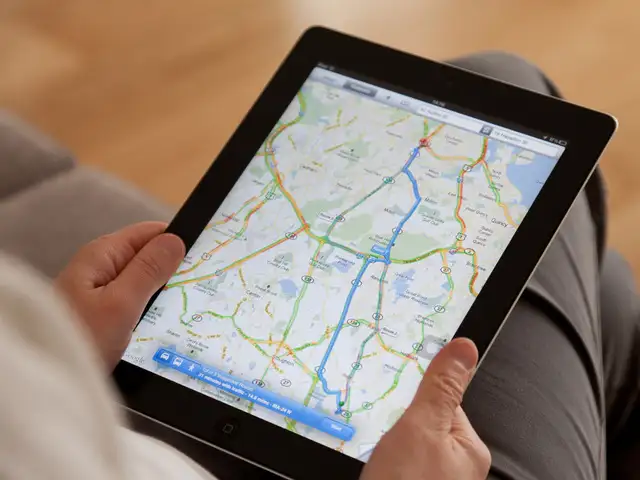
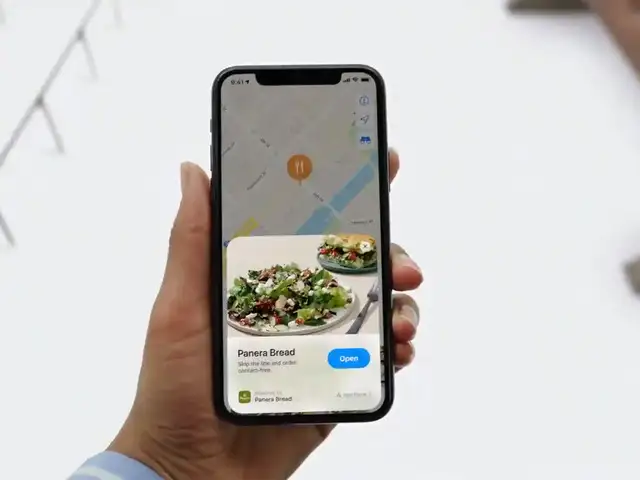
Apple has announced a massive new upgrade for Apple Maps users who use electric vehicles or cycle their way to work. Apple Maps will now have cycling-specific navigation which will send alerts to users in case of an elevation or whenever there is a need to carry the bicycle upstairs.
Similarly, it will allow EV users to know about the charging points that are available on their routes.
Apple has announced a massive new upgrade for Apple Maps users who use electric vehicles or cycle their way to work. Apple Maps will now have cycling-specific navigation which will send alerts to use..
Read More
Apple has now introduced a new way to unlock and start your car. Instead of using a physical key to unlock your car, you can register a key in your Apple Wallet, walk up to a supported car and it will be unlocked via NFC. You can also kick start its engine.
The keys will be stored in the device and can be deleted from the cloud if need be. You can also set user-specific restrictions for kids.
Apple has now introduced a new way to unlock and start your car. Instead of using a physical key to unlock your car, you can register a key in your Apple Wallet, walk up to a supported car and it wil..
Read More
If you are someone who avoids using more apps than you actually require, then this feature is for you. App Clips are Apple’s version of Android’s instant apps. With App Clips, you don’t need to download an app to gain access to what it offers or being able to make a purchase through it via Apple Pay.
This feature is a true lifesaver as it will help you keep your phone de-cluttered.
If you are someone who avoids using more apps than you actually require, then this feature is for you. App Clips are Apple’s version of Android’s instant apps. With App Clips, you don’t need to downl..
Read More
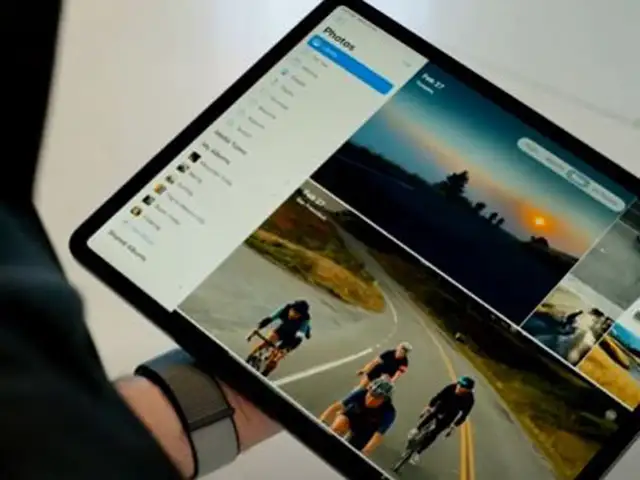
Much like iOS 14, iPadOS 14 also comes with widgets but it is not yet clear if you can bring them out on home screen like iOS14. Apple has also launched a new sidebar which will make it easier for you to navigate through the apps.
Apple has also launched a redesigned search on iPad which will help you find contacts, search on the web and will also act like a launchpad-like function to launch an app.
Much like iOS 14, iPadOS 14 also comes with widgets but it is not yet clear if you can bring them out on home screen like iOS14. Apple has also launched a new sidebar which will make it easier for yo..
Read More
Apple debuted a new feature called ‘Scribble’ at the WWDC which will allow users to write any text on the text field using the Apple Pencil. Once the written text is tapped, it will automatically be converted to text format.
It can also redirect you to the correct app when you write information such as a phone number of an address. What’s more? The feature can also convert multiple languages into text.
Apple debuted a new feature called ‘Scribble’ at the WWDC which will allow users to write any text on the text field using the Apple Pencil. Once the written text is tapped, it will automatically be ..
Read More
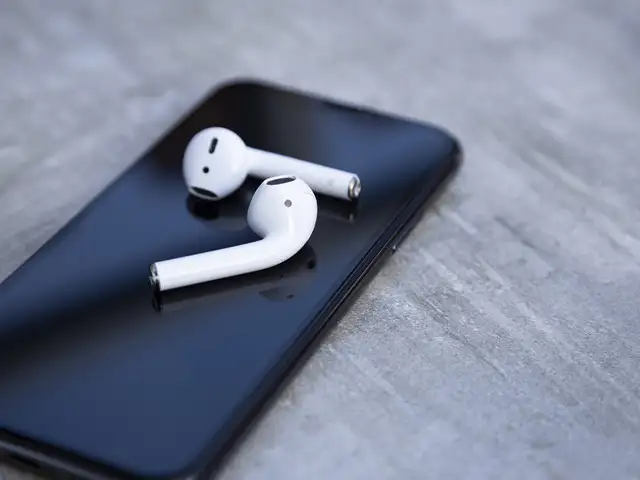
Apple will utilise the accelerometer on the AirPods to detect the location of your head and the device to provide you with spatial audio, and hence, a more immersive audio experience.
Apple is updating the software running on AirPods to let them connect automatically to whichever paired device starts playing audio. You’ll no longer need to manually select which source you want to connect to.
Apple will utilise the accelerometer on the AirPods to detect the location of your head and the device to provide you with spatial audio, and hence, a more immersive audio experience.Apple is updatin..
Read More
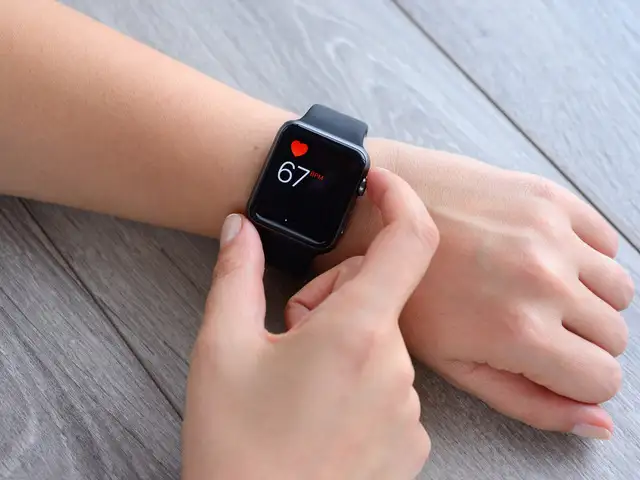
Have you ever seen a Watchface that you really liked and didn’t know how to get it? With the new WatchOS 7, you can easily share Watchfaces with Face Swapping. You can add a watchface to your Apple Watch by finding one on a developer’s website, or through social media.
What’s more? WIth WatchOS 7, Apple’s gyroscope and accelerometer, mixed with heart data can be used to track a range of dance types.
WatchOS 7 also uses machine learning to track your sleep. It utilizes the Apple Watch’s sensor to track your motion. The new WatchOS 7 also comes with a handwashing feature which uses machine learning to track when you are washing your hands. The watch’s microphones listen for the sound of splashing water to confirm that you’re actually washing your hands.
Have you ever seen a Watchface that you really liked and didn’t know how to get it? With the new WatchOS 7, you can easily share Watchfaces with Face Swapping. You can add a watchface to your Apple W..
Business News › Magazines › Panache › Google Meet introduces Zoom-like features, will allow users to add fun backgrounds, indulge in QnA, pollingText Size:AAA