Announcing the update in a blogpost, the tech giant said, "We’ve heard from you that there are situations where attaching emails makes more sense than forwarding separate emails, like wanting to forward multiple messages related to a single topic. With this new functionality, you can do exactly that. Sending emails as attachments allows you to write a summary email message to your recipients, and attach the set of supporting emails that recipients can directly open in their mail client."
Users will be able to use the feature by clicking on the 'Forward as attachment' option in the three-dot More menu. The feature is being rolled out gradually, and users can check for it in the 'More' menu.
Google said that the attached emails will become .eml files, and will open in a new window.
Get attached to this #gmail update: You can now attach emails to other emails without downloading them. Learn more… https://t.co/zD8agRFhN8
There is no limit to the number of emails users can attach.
ADVERTISEMENT
Additionally, there is no need to create a brand new thread for replying to an email, as well. Just pop out the draft window when replying to someone, then drag and drop emails to it like a user would do while creating a new draft entirely.
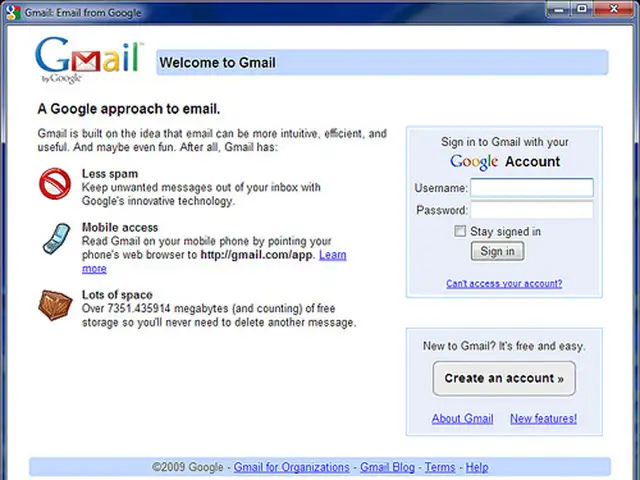
Google's email platform Gmail turns 15 today. Created by Paul Buchheit on April 1, 2004, the service has lived a non-controversial life and has displayed impressive growth over the years.
From offering 1 gigabyte storage per user to boosting it up to 15 gigabytes combined with the ability to attach large files through Google Drive, Gmail built a strong legacy in its ongoing tenure.
The service, which continues to be free of cost for users, is now a paid suite for enterprise products and has introduced remarkable updates over the years. However, there's a lot to its story.
As Gmail turns 15, here's a look at its journey of becoming the most popular email platform.
Google's email platform Gmail turns 15 today. Created by Paul Buchheit on April 1, 2004, the service has lived a non-controversial life and has displayed impressive growth over the years. From offeri..
Read More
When a user complained of wasting a lot of her time on filing messages and trying to find them, the idea of Gmail took birth.
When the user raised her issue to Google and requested for a solution, Paul Buchheit started working on the service as a '20% time' project. The term was a company slang used to define passion projects.
Buchheit took three years to develop the platform which then was launched as the original version of Gmail on April 1, 2004.
When a user complained of wasting a lot of her time on filing messages and trying to find them, the idea of Gmail took birth. When the user raised her issue to Google and requested for a solution, Pa..
Read More
Speed, storage and search were the strongest assets of Gmail which helped it wipe off competition like hotmail and aol off the maps. It also availed the 'Reply All' option which allowed users to respond in group conversations, thereby easing the task of keeping everyone in loop.
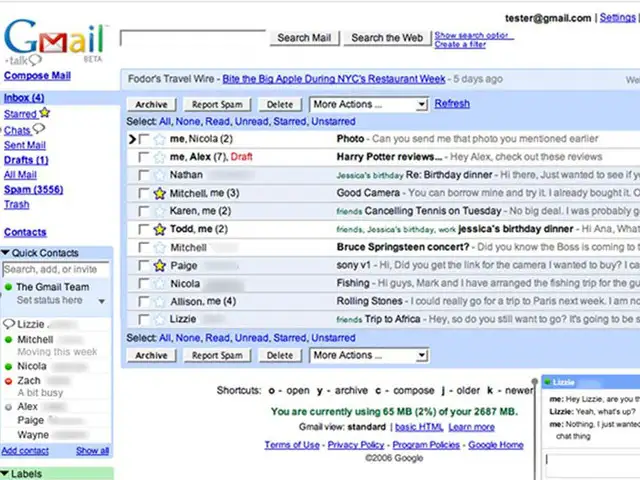
Adding to its list of assets, Gmail introduced three major advancements two years after its launch. In 2006, it introduced features like Chat, Calender and Gmail domain in just three months.
Speed, storage and search were the strongest assets of Gmail which helped it wipe off competition like hotmail and aol off the maps. It also availed the 'Reply All' option which allowed users to resp..
Read More
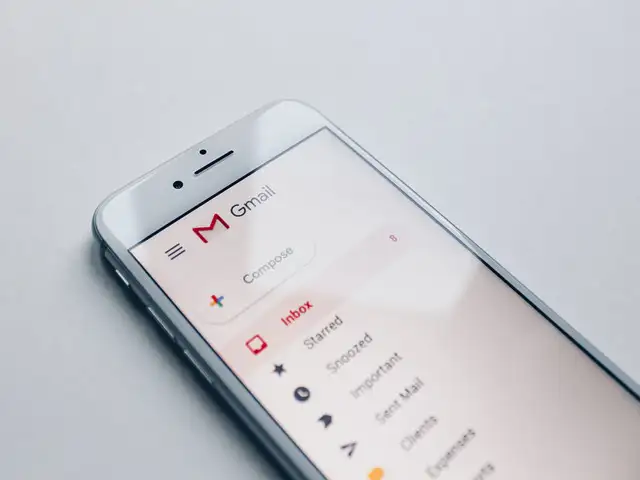
Gmail introduced its Android app in 2008 and the iOS one in November 2011. Since then, the app has received numerous updates. At present, it allow users to log-in with different email IDs and switch between accounts as and when required.
Gmail introduced its Android app in 2008 and the iOS one in November 2011. Since then, the app has received numerous updates. At present, it allow users to log-in with different email IDs and switch ..
Read More
Two years after launching the Android app Gmail introduced the priority inbox upgrade. Released in August 2010, this one segregated incoming mails into three sections namely, 'Important and Unread', 'Starred' and 'Everything Else'. It aimed at offering support to users nagged by subscription emails.
Two years after launching the Android app Gmail introduced the priority inbox upgrade. Released in August 2010, this one segregated incoming mails into three sections namely, 'Important and Unread', ..
Read More
Despite the user-friendly features, Gmail's biggest weakness was its cluttered layout.
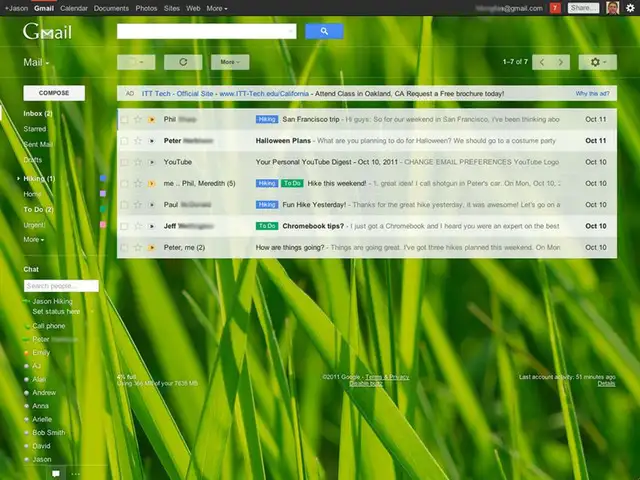
In 2011, the email platform introduced a massive design update to reduce the clutter. It introduced profile pictures to conversations along with HD themes to display a comfortable and cozy inbox which worked for all screen sizes.
Despite the user-friendly features, Gmail's biggest weakness was its cluttered layout. In 2011, the email platform introduced a massive design update to reduce the clutter. It introduced profile pict..
Read More
Initially, all incoming mails appeared in the inbox. This left the inbox completely messed up.
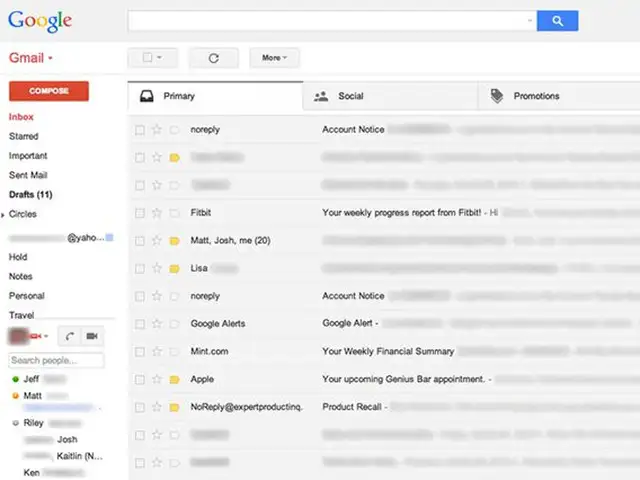
The 2013 update was introduced to combat this situation. It segregated the important emails from social and promotional mails, thereby easing user experience.
Initially, all incoming mails appeared in the inbox. This left the inbox completely messed up. The 2013 update was introduced to combat this situation. It segregated the important emails from social ..
Read More
From 2016 to 2019, users witnessed the modern version of Gmail, one which offers 15 gigabyte storage and so much more.
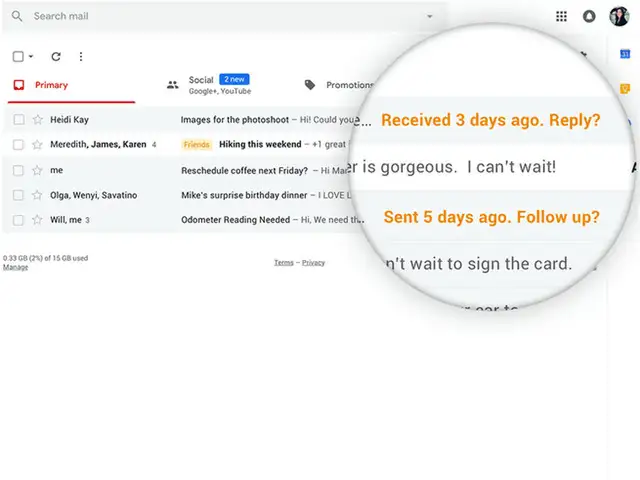
From icons for action buttons to smart replies, from quick action for emails to faster ways of adding new recipients, it received a number of impressive updates. And the modern version of gmail is also one of the reasons why the platform continues to be highly popular amongst users even today.
From 2016 to 2019, users witnessed the modern version of Gmail, one which offers 15 gigabyte storage and so much more.From icons for action buttons to smart replies, from quick action for emails to f..