Gadget Review: iBall Slide WQ149
We've seen Croma's and Notion Ink's devices and now iBall is the third brand to come out with a Windows 8.1 hybrid called the iBall Slide WQ149.
By Karan Bajaj, ET Bureau | Updated:

iBall Slide WQ149
Price: Rs 21,999
Specs: 10.1-inch IPS LCD (1280 x 800 pixels), quad core Intel Atom processor, 2GB RAM, 32GB storage + microSD, WiFi, Bluetooth, mini HDMI, USB host, SIM slot, 5MP front + 2MP rear camera, Windows 8.1, 639 grams
Pros: Excellent build quality, good day-to-day performance, great battery life, 3G SIM slot, charges via microUSB
Cons: Sub-par cameras, reflective display (remedied by using a matte screen guard)

Portable 2-in-1 hybrid devices seem to be the flavour of the season. We've seen Croma's and Notion Ink's devices and now iBall is the third brand to come out with a Windows 8.1 hybrid called the iBall Slide WQ149. Like the others, the WQ149 follows Microsoft's reference design with a few minor tweaks.
It's nice to see that iBall has not cut corners in the build quality of the device. The matte metal back panel in black with machine drilled speaker holes gives the tablet a classy and professional look. The right side has the power and volume button, on top is a SIM slot for 3G connectivity and on the left is the microSD slot, microUSB port (charging & USB host), mini HDMI and a 3.5mm audio jack. The WQ149 is a solidly put together device and feels built to last.
Up front is a gorgeous 10.1-inch touchscreen with excellent viewing angles and good touch response. The 1280 x 800 pixel resolution is good enough for most uses. One grip we had with the display was that it was too reflective - this also means legibility under direct sunlight is weak. Under the display is the touch sensitive Windows button to access the start menu from anywhere.
Performance from the WQ149 is great for day-to-day usage. We used the tablet to edit office documents, browsing and multimedia - the tablet breezed through every task. In terms of battery life, we got over 5 hours of backup with heavy use and roughly 7 hours with light usage.
iBall includes a flip case with a soft fabric finish that doubles up as a stand when needed. There is also a magnet docking system for the tablet that connects it to the built-in keyboard with touchpad. The keyboard and touchpad is of good quality - much better than what we saw in Croma's offering and at par with Notion Ink's Cain.
In our books, one of the biggest advantages that the iBall WQ149 has, compared to the competition, is the microUSB charging port (most others use a proprietary charger port). This is useful while travelling, as you do not have to carry multiple wires and chargers. For a lower price (Rs 19,990) you can look at the Notion Ink Cain that has similar features and performance but. The Cain, however, has a full size USB 3.0 port while the iBall only has micro USB host.
Price: Rs 21,999
Specs: 10.1-inch IPS LCD (1280 x 800 pixels), quad core Intel Atom processor, 2GB RAM, 32GB storage + microSD, WiFi, Bluetooth, mini HDMI, USB host, SIM slot, 5MP front + 2MP rear camera, Windows 8.1, 639 grams
Pros: Excellent build quality, good day-to-day performance, great battery life, 3G SIM slot, charges via microUSB
Cons: Sub-par cameras, reflective display (remedied by using a matte screen guard)
ADVERTISEMENT
Portable 2-in-1 hybrid devices seem to be the flavour of the season. We've seen Croma's and Notion Ink's devices and now iBall is the third brand to come out with a Windows 8.1 hybrid called the iBall Slide WQ149. Like the others, the WQ149 follows Microsoft's reference design with a few minor tweaks.
It's nice to see that iBall has not cut corners in the build quality of the device. The matte metal back panel in black with machine drilled speaker holes gives the tablet a classy and professional look. The right side has the power and volume button, on top is a SIM slot for 3G connectivity and on the left is the microSD slot, microUSB port (charging & USB host), mini HDMI and a 3.5mm audio jack. The WQ149 is a solidly put together device and feels built to last.
Up front is a gorgeous 10.1-inch touchscreen with excellent viewing angles and good touch response. The 1280 x 800 pixel resolution is good enough for most uses. One grip we had with the display was that it was too reflective - this also means legibility under direct sunlight is weak. Under the display is the touch sensitive Windows button to access the start menu from anywhere.
ADVERTISEMENT
Since the tablet is based on a reference design, hardware remains the same as others. You get a quad core Intel Atom, 2GB RAM and 32GB built-in storage. You can expand the storage using an additional 64GB microSD card. There is built-in WiFi and Bluetooth connectivity and you also have a SIM slot on the tablet for 3G connectivity while travelling.Performance from the WQ149 is great for day-to-day usage. We used the tablet to edit office documents, browsing and multimedia - the tablet breezed through every task. In terms of battery life, we got over 5 hours of backup with heavy use and roughly 7 hours with light usage.
ADVERTISEMENT
The WQ149 features dual cameras - 5MP rear and 2MP front camera. The 5MP rear camera takes above average images - better than what we have seen on most tablets. In comparison the 2MP front camera suffers from visible noise, but is good enough for video calls. Audio output from the dual speakers is loud and clear.iBall includes a flip case with a soft fabric finish that doubles up as a stand when needed. There is also a magnet docking system for the tablet that connects it to the built-in keyboard with touchpad. The keyboard and touchpad is of good quality - much better than what we saw in Croma's offering and at par with Notion Ink's Cain.
In our books, one of the biggest advantages that the iBall WQ149 has, compared to the competition, is the microUSB charging port (most others use a proprietary charger port). This is useful while travelling, as you do not have to carry multiple wires and chargers. For a lower price (Rs 19,990) you can look at the Notion Ink Cain that has similar features and performance but. The Cain, however, has a full size USB 3.0 port while the iBall only has micro USB host.
Download
The Economic Times Business News App for the Latest News in Business, Sensex, Stock Market Updates & More.
The Economic Times Business News App for the Latest News in Business, Sensex, Stock Market Updates & More.
Related Articles
 Gadget review: LG G Flex2 can burn a hole in your pocket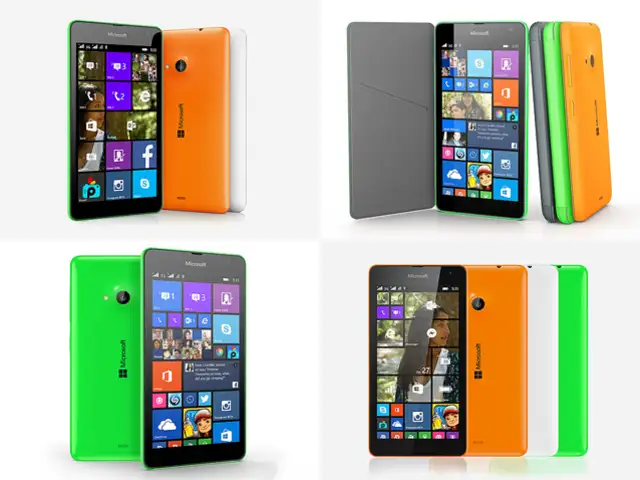
Text: Anupam Saxena,TOI Tech
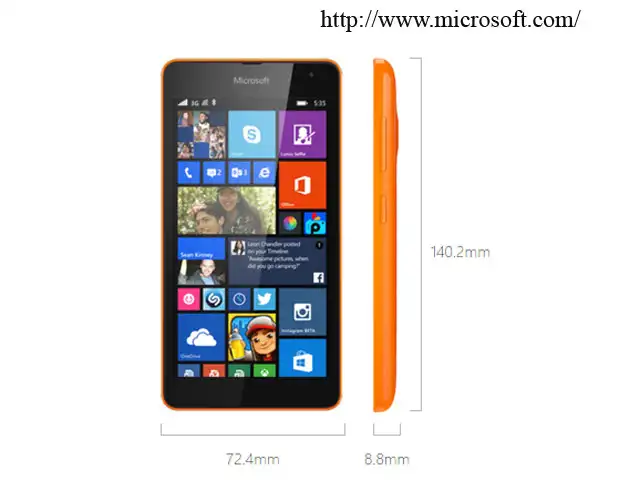
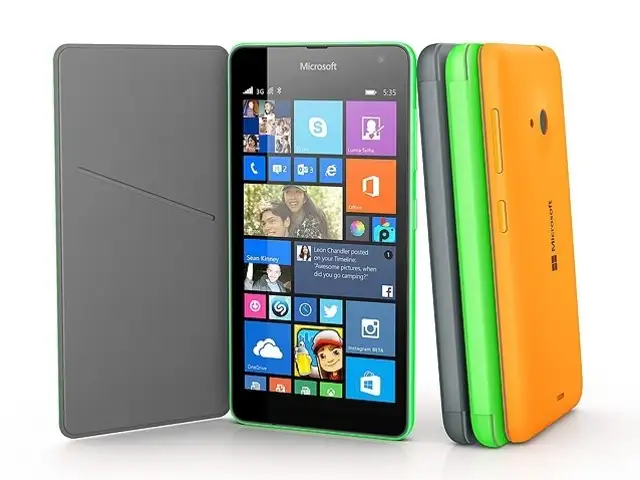
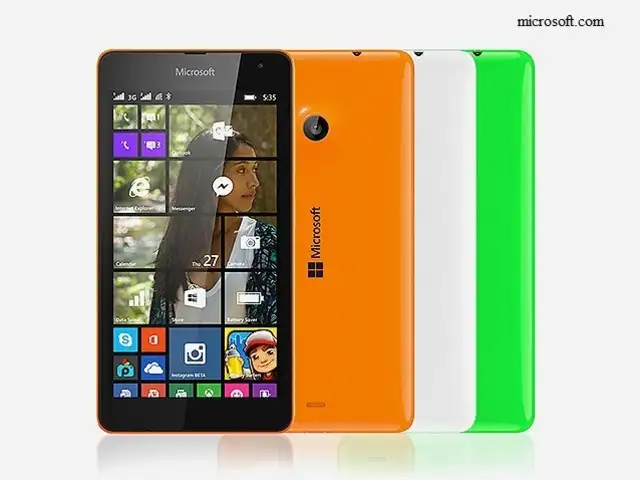
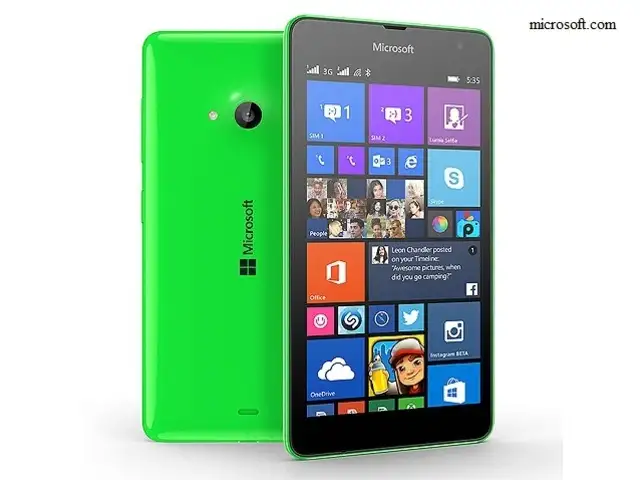
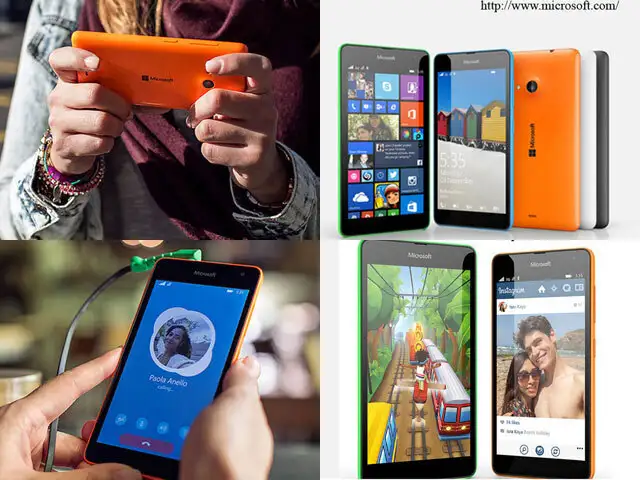
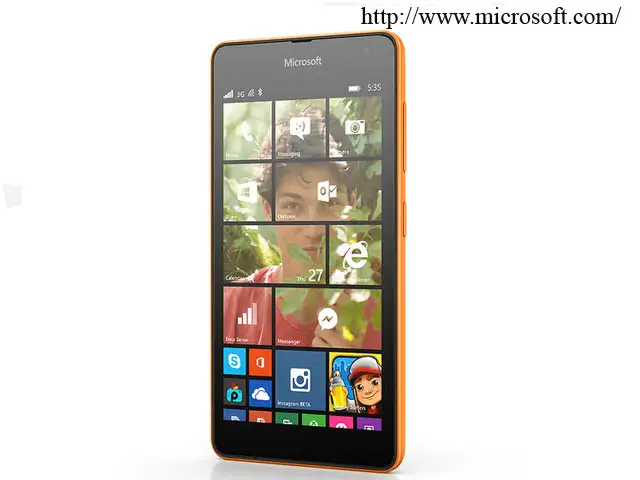
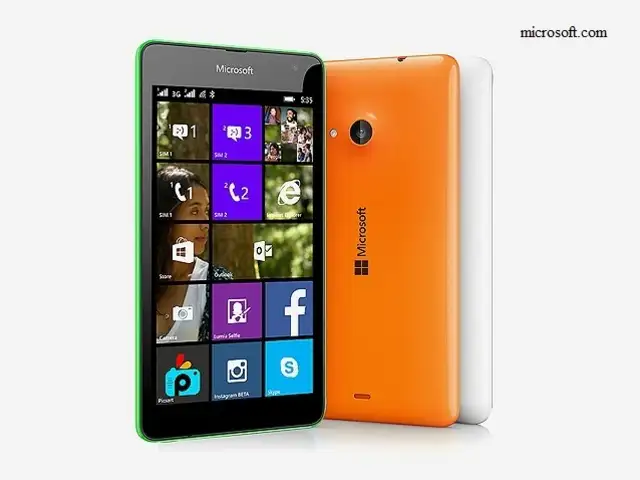
The Lumia 535 is the first Windows Phone handset from Microsoft to not feature the Nokia branding. But what's more significant is that it's also the most feature-complete budget smartphone from the Redmond giant's mobile devices stable, addressing a number of deficiencies of its predecessors.
Microsoft is now aggressively targeting the entry-level and the budget smartphone segments as it loses grip on mature markets and higher end of the spectrum.
Is the Lumia 535 its best shot yet? We try to find out in our review...
The Lumia 535 is the first Windows Phone handset from Microsoft to not feature the Nokia branding. But what's more significant is that it's also the most feature-complete budget smartphone from the Redmond giant's mobile devices stable, addressing a number of deficiencies of its predecessors.
Microsoft is now aggressively targeting the entry-level and the budget smartphone segments as it loses grip on mature markets and higher end of the spectrum.
Is the Lumia 535 its best shot yet? We try to find out in our review...