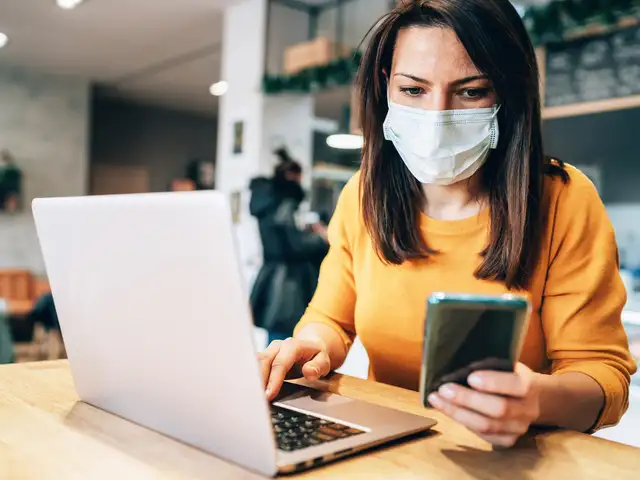
One of the biggest challenges for Rajan was the blurring of work timings and the urge to keep things normal.
Prajodh Rajan, Co-Founder and Group CEO of EuroKids International, has never been a fan of work from home, but like a lot of others, Covid-19 necessitated it and he learned to quickly adapt to it.
He told ET Panache, "Following my work week has helped me adjust to work from home and to maintain my schedule like before. I start my day at 6.30 am and begin work at 9 am. Coincidently, I recently moved to a new apartment, where I have created a home-office for myself. It has been the most useful no-distraction zone and also lets me spend more time around my family."
One of the biggest challenges for Rajan was the blurring of work timings and the urge to keep things normal.
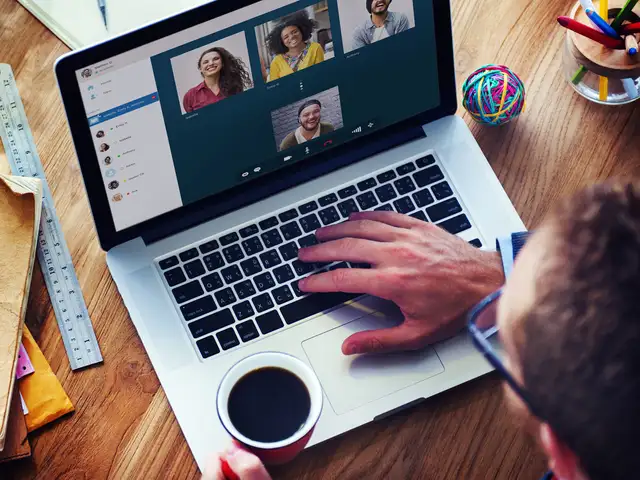
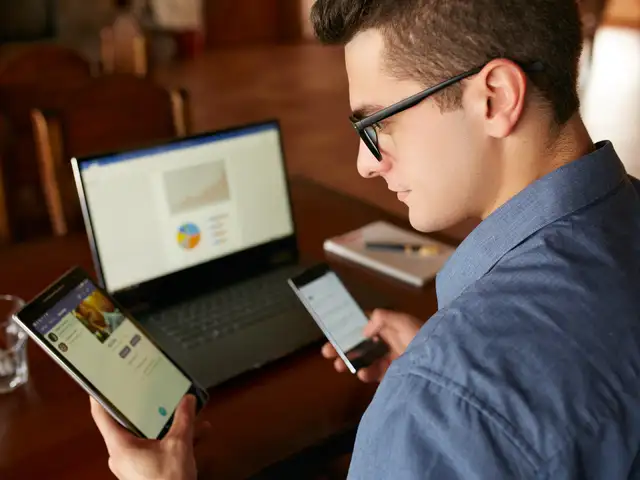
"It greatly helped that all of my team members were onto our digital platform - WorkPlace which we used extensively to chat, have audio/video calls and drive collaboration within teams. We hosted regular webinars and town halls, to ensure that employee morale remained high and everyone feels the bonhomie that binds people together during trying circumstances," he shared.
As a policy, Eurokids International has increased their internal communication two-fold to ensure that everyone feels connected and part of the same big family.
"This has helped in ensuring easy connectivity and greater productivity across our partners and colleagues. Establishing a routine has been critical; right from waking up at the same time to starting work at my home office with video calls with the leadership team on a daily basis," Rajan said.
ADVERTISEMENT
Rajan has always been an avid reader. Every day since the start of the WFH schedule, the entire leadership team meets daily for 30 minutes before they start off the day.
"This has become a practice that we have continued till date and have found extremely useful in setting a structure to our day. In a pre-Covid era, I would usually have a busy schedule Monday to Friday and push close to 10-12 hours of work and keep my weekends to spend with my family - my wife Hetal, son Aarav and friends. I have tried to stick to the same schedule even in a WFH environment to ensure that I get my time off to recharge and introspect," he said.
Rajan has always been an avid reader. "Whenever I get the chance, I love to read an array of books in the non-fiction category. Recently, I read a very interesting book by Kishore Mahbubani – ‘Has China Won?’ Very early into the lockdown my son and I did try our hand at cooking, but both of us didn’t follow through on it enough and the enthusiasm dwindled. I was never into television, but that has changed and weekends are now spent on videos," he ended.
ADVERTISEMENT
Don't Let Your Laptop Work Overtime With Food Crumbs & Coffee Stains During WFH: Smart Tips To Clean Computer
1/12
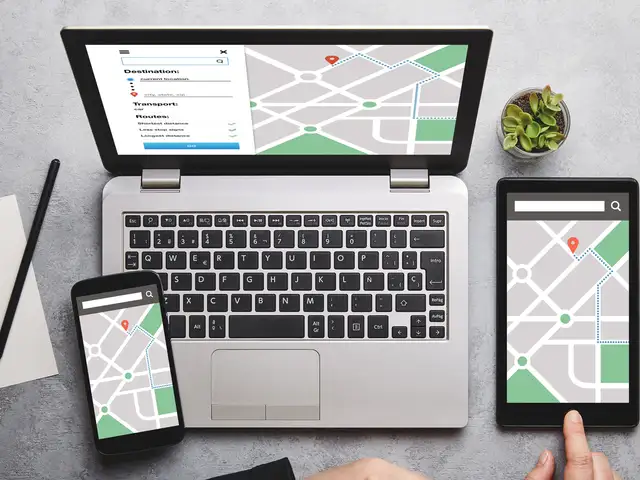
Working from home can take a toll on your computer as the time spent on laptops, notebooks, desktops, monitors and tablets has increased substantially.
With endless food crumbs, sticky liquid stains and ants finding a home in your system, it is time to give your computer the much need attention it needs.
Working from home can take a toll on your computer as the time spent on laptops, notebooks, desktops, monitors and tablets has increased substantially.With endless food crumbs, sticky liquid stains a..
Read More
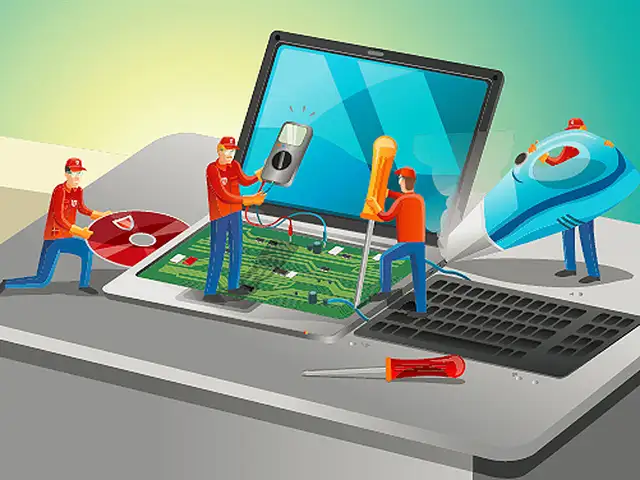
Your system needs proper maintainance, just like you.
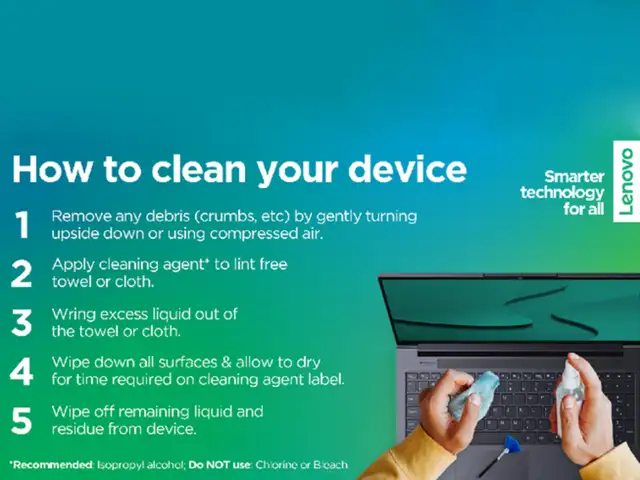
Last month, as the entire world started looking for productive work options from home, Beijing-based Computer manufacturing company, Lenovo, took to Twitter to share quick steps to clean the personal computer in times of lockdown.
Your system needs proper maintainance, just like you.Last month, as the entire world started looking for productive work options from home, Beijing-based Computer manufacturing company, Lenovo, took ..
Read More
It is important to keep all frequently-used devices clean. However, ensuring the right method to clean is very important to avoid damage to devices.
It is important to follow necessary steps before beginning the cleaning process
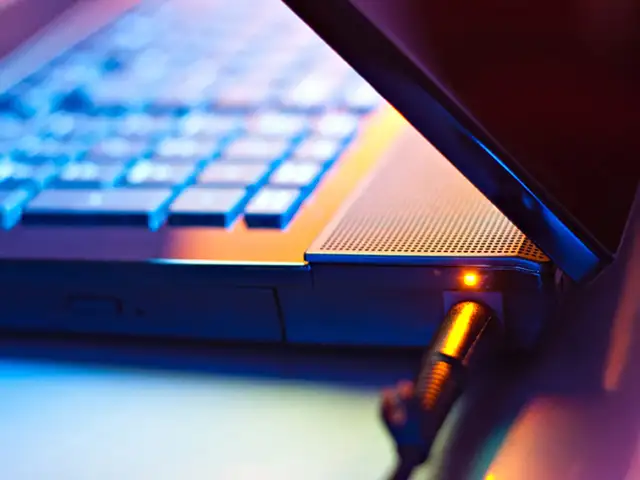
- Remove any media from the drives and turn off all connected devices. - Disconnect all power sources such as batteries or power cords from electrical outlets, and cables that are connected to the computer. - Do not use wipes containing sodium hypochlorite (bleach) or chlorine based solutions.
It is important to keep all frequently-used devices clean. However, ensuring the right method to clean is very important to avoid damage to devices.It is important to follow necessary steps before be..
Read More
- Use mild (non-ammonia-based & non-abrasive) cleaning solutions, and a damp lint-free, soft cloth or sponge to clean the painted surfaces. - Put the cleaner onto the cloth, wait for it to absorb and squeeze out excess liquid. - Wipe in a circular motion and remove any left-over cleaner from the surface. - Rinse the sponge/cloth, squeeze out excess liquid, and wipe the cover again. - Repeat process with dry cloth - After the surface drcompletely, remove fibres
- Use mild (non-ammonia-based & non-abrasive) cleaning solutions, and a damp lint-free, soft cloth or sponge to clean the painted surfaces.- Put the cleaner onto the cloth, wait for it to absorb and ..
Read More
- Put some isopropyl alcohol on a lint-free, soft cloth, and squeeze out excess liquid - Wipe the keytop surface, ensuring no liquid drips on or between the keys - Allow to dry. - Never spray or pour any liquid cleaner directly on the LCD display or keyboard - Try to use compressed air to remove crumbs and dust from beneath the keys. - Do not use an air compressor.
- Put some isopropyl alcohol on a lint-free, soft cloth, and squeeze out excess liquid- Wipe the keytop surface, ensuring no liquid drips on or between the keys- Allow to dry.- Never spray or pour an..
Read More
- Gently wipe the display with dry, lint-free, soft and/or anti-static LCD cleaning cloth. - Wipe or dust the stain gently. - For regid stain, moisten the cloth with water or a 50-50 mixture of isopropyl alcohol and water (distilled or deionised). - Wring out the liquid and wipe the display again. - Do not let any liquid drip into the computer. - Allow the display to dry, then close the lid if the computer has one.
Note: Isopropyl Alcohol is a flammable liquid. Do not use this cleaner near an exposed flame or when the system is on.
- Gently wipe the display with dry, lint-free, soft and/or anti-static LCD cleaning cloth.- Wipe or dust the stain gently.- For regid stain, moisten the cloth with water or a 50-50 mixture of isoprop..
Read More
- Make sure that tablets are powered off and kept away from power supplies before cleaning. - Do not immerse tablets in any cleaning product. - Only use soft cloth. Avoid using towels, tissues or other similar items. - Do not wipe excessively to avoid scratches or damage. - Unless specified otherwise, keep liquids away from tablets. - Do not get the ports and sockets moist. - Do not use any spray, bleach or abrasive products. - Do not spray the cleanser directly on your tablet. - When cleaning, please maintain a properly ventilated environment. - Keep children away from wiping cloths that contain cleaning solvents or chemicals.
- Make sure that tablets are powered off and kept away from power supplies before cleaning.- Do not immerse tablets in any cleaning product.- Only use soft cloth. Avoid using towels, tissues or other..
Read More
- Squeeze out excess liquid from the wipe or disinfecting cloth before using - It is safe to use a disinfecting wipe designed for office/home use - After disinfecting, try to follow the cleaning procedure from the wipe supplier to minimise chemical buildup of disinfectant residue. - Always allow the computer to completely dry before using.
- Squeeze out excess liquid from the wipe or disinfecting cloth before using- It is safe to use a disinfecting wipe designed for office/home use- After disinfecting, try to follow the cleaning proced..
Read More
Some disinfecting wipes (designed for medical use) may cause discolouration, harm surfaces, or even affect functionality of your device.
To minimise symptoms, follow these steps: - Gently wipe the system thoroughly. - Ensure no liquid drips into the computer. - Do not wipe on connector pins.
Some disinfecting wipes (designed for medical use) may cause discolouration, harm surfaces, or even affect functionality of your device.To minimise symptoms, follow these steps:- Gently wipe the syst..
Read More
In some medical wipes, the chemical composition may vary. Depending on the chemicals, frequency, and duration of use, medical wipes may impact cosmetic appearance (like discoloration or paint bubbling) and system functionality (corrosion or function failure of electrical parts).
To minimise this risk, follow the wipes with following composition: - Hydrogen peroxide wipes (such as Virox Accel wipes w/ a maximum of 0.5% hydrogen peroxide) - Alcohol-based wipes (such as PDI Germicidal or B.Braun Meliseptol Wipes sensitive) - Do not use wipes containing sodium hypochlorite (bleach) - Wiping away residual solvent as soon as possible after the prescribed contact time
In some medical wipes, the chemical composition may vary. Depending on the chemicals, frequency, and duration of use, medical wipes may impact cosmetic appearance (like discoloration or paint bubblin..
Business News › Magazines › Panache › EuroKids International Group CEO conducts regular town halls & webinars to boost employee morale in WFH modeText Size:AAA