Apple Watch Series 3 review: The smartwatch is more refined, elegant and effortless
The design is exactly the same as before. No one will be able to tell that you're wearing a series 3.
By Hitesh Raj Bhagat, ET Bureau | Updated:

Price: Rs 29,900 onwards
Rating: ****
Specifications: 38 and 42mm sizes, OLED Retina display (1000 nits) with Force Touch, 272 x 340 pixels (38mm), 312 x 390 pixels (42mm), Ion-X strengthened glass, barometric altimeter, WiFi n, BT4.2, 8GB storage, GPS + GLONASS, 26.7 grams (38mm), 32.3 grams (42mm)
Pros: Faster performance, built in barometric altimeter tracks elevation gain, superb display, Siri can now speak through Watch
Cons: No cellular version for India (yet), only available in aluminium case, looks identical to previous generations

The first event held at the Steve Jobs Theatre was for the iPhone 8, 8 Plus and X. But there was another important announcement at the event: Apple leapfrogged Rolex to become the number one watch manufacturer in the world. Apple doesn't release any specific numbers for watch sales but one can safely assume that this is by revenue. A recent report by market intelligence and research firm Asymco estimated that Apple sold 15 million watches at an average selling price of US$ 330, putting revenues at about US$ 4.9 billion. In comparison, Swiss watchmakers are seeing a decline and Rolex had sales of US$ 4.7 billion in 2016. The numbers add up but the surprising bit is that Apple Watch is two and a half years old while Rolex has been around for 112 years!
(Image: AFP)
Coming back to the review, yes, this is the brand new series 3. Some of the big changes include the new S3 processor (a 70% performance jump, which means Siri can now talk out of the Watch), the W2 wireless chip (85% faster WiFi + better wireless efficiency) and a new barometric altimeter which allows it to track elevation. This data was previously pulled from the iPhone. Having it on-board now means that the watch can more accurately track an outdoor workout or stairs climbed. All other features are carried over from the series 2: the 50m water resistance (swim workouts can be tracked), the 1,000nits OLED screen and allday battery life.
Some people will be quick to point out that the design is exactly the same as before. But isn't that a good thing? It doesn't alienate anyone who's invested in multiple Watch bands or cases. More importantly, developers won't have to rework their apps for a new screen size/shape. They need that assurance because Apple needs more Watch apps. And apps are what make the Watch better. True, no one will be able to tell that you're wearing a series 3 and that's unfortunate.
Another disappointment is that the cellular version of the watch (easily recognized because of the red crown) will not be launched in India. Since the cellular version does not have an actual SIM card slot (it uses eSIM), it needs operator support and the go ahead from telecom regulatory authorities. The grey area is because the eSIM in the Watch will be a 'clone' of the SIM in your phone. This is what allows you to take calls on the Watch in case you leave your phone at home. We can hope that this hurdle gets worked out at some point in the future.
Another important point is that the series 3 will replace the series 2 — though the Series 1 Watch continues on sale at a lower starting price of Rs 21,900. Despite the slower hardware, series 1 still gets most of the benefits of WatchOS4 such as the enhanced heart rate app, Siri watch face, improved dock and new workout modes.
(Image: AFP)
With the series 3, Watch is really coming into its own. Workout and heart rate apps are on point and performance is noticeably better. It's more refined, elegant and effortless. But we're still signing off with a bit of a rant. Apple Watch still only works with iPhone. If only Apple would be open to having Watch work on Android, it would further boost numbers and get this really great product in the hands of more people.
Rating: ****
Specifications: 38 and 42mm sizes, OLED Retina display (1000 nits) with Force Touch, 272 x 340 pixels (38mm), 312 x 390 pixels (42mm), Ion-X strengthened glass, barometric altimeter, WiFi n, BT4.2, 8GB storage, GPS + GLONASS, 26.7 grams (38mm), 32.3 grams (42mm)
Pros: Faster performance, built in barometric altimeter tracks elevation gain, superb display, Siri can now speak through Watch
Cons: No cellular version for India (yet), only available in aluminium case, looks identical to previous generations
ADVERTISEMENT
(Image: AFP)The first event held at the Steve Jobs Theatre was for the iPhone 8, 8 Plus and X. But there was another important announcement at the event: Apple leapfrogged Rolex to become the number one watch manufacturer in the world. Apple doesn't release any specific numbers for watch sales but one can safely assume that this is by revenue. A recent report by market intelligence and research firm Asymco estimated that Apple sold 15 million watches at an average selling price of US$ 330, putting revenues at about US$ 4.9 billion. In comparison, Swiss watchmakers are seeing a decline and Rolex had sales of US$ 4.7 billion in 2016. The numbers add up but the surprising bit is that Apple Watch is two and a half years old while Rolex has been around for 112 years!
(Image: AFP)
Coming back to the review, yes, this is the brand new series 3. Some of the big changes include the new S3 processor (a 70% performance jump, which means Siri can now talk out of the Watch), the W2 wireless chip (85% faster WiFi + better wireless efficiency) and a new barometric altimeter which allows it to track elevation. This data was previously pulled from the iPhone. Having it on-board now means that the watch can more accurately track an outdoor workout or stairs climbed. All other features are carried over from the series 2: the 50m water resistance (swim workouts can be tracked), the 1,000nits OLED screen and allday battery life.
ADVERTISEMENT
Some people will be quick to point out that the design is exactly the same as before. But isn't that a good thing? It doesn't alienate anyone who's invested in multiple Watch bands or cases. More importantly, developers won't have to rework their apps for a new screen size/shape. They need that assurance because Apple needs more Watch apps. And apps are what make the Watch better. True, no one will be able to tell that you're wearing a series 3 and that's unfortunate.
ADVERTISEMENT
(Image: AFP)Another disappointment is that the cellular version of the watch (easily recognized because of the red crown) will not be launched in India. Since the cellular version does not have an actual SIM card slot (it uses eSIM), it needs operator support and the go ahead from telecom regulatory authorities. The grey area is because the eSIM in the Watch will be a 'clone' of the SIM in your phone. This is what allows you to take calls on the Watch in case you leave your phone at home. We can hope that this hurdle gets worked out at some point in the future.
Another important point is that the series 3 will replace the series 2 — though the Series 1 Watch continues on sale at a lower starting price of Rs 21,900. Despite the slower hardware, series 1 still gets most of the benefits of WatchOS4 such as the enhanced heart rate app, Siri watch face, improved dock and new workout modes.
(Image: AFP)
With the series 3, Watch is really coming into its own. Workout and heart rate apps are on point and performance is noticeably better. It's more refined, elegant and effortless. But we're still signing off with a bit of a rant. Apple Watch still only works with iPhone. If only Apple would be open to having Watch work on Android, it would further boost numbers and get this really great product in the hands of more people.
Download
The Economic Times Business News App for the Latest News in Business, Sensex, Stock Market Updates & More.
The Economic Times Business News App for the Latest News in Business, Sensex, Stock Market Updates & More.
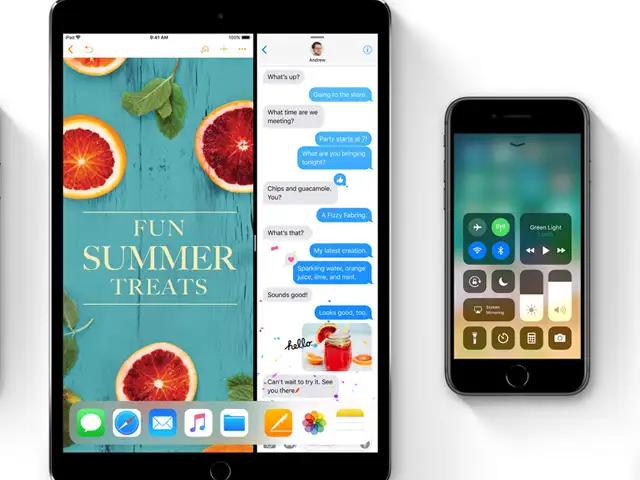
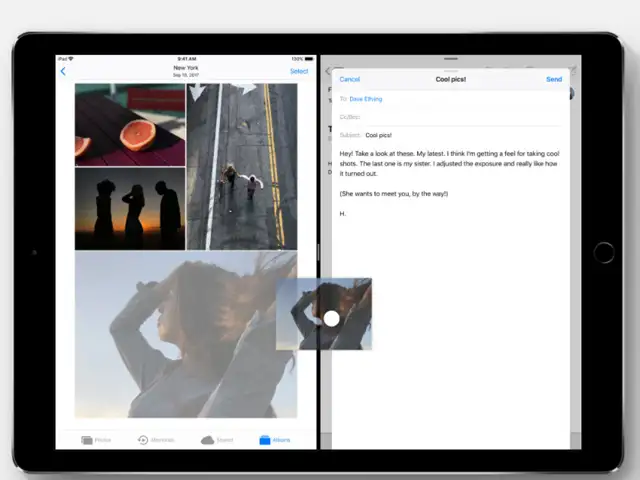
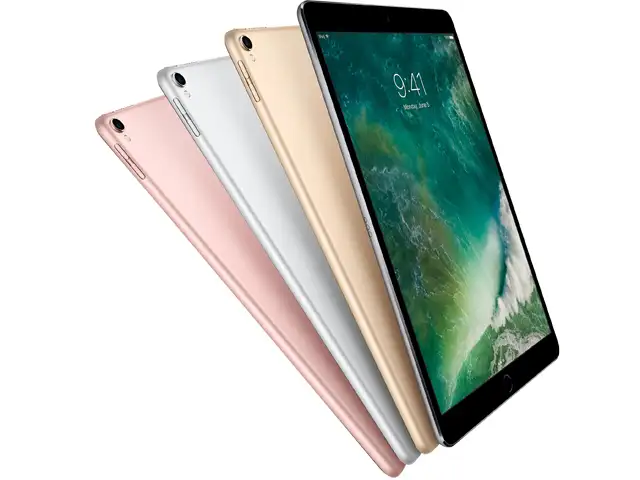
The iPad is a different story. That's where Apple has made the most radical changes to the way you open and manage your apps.
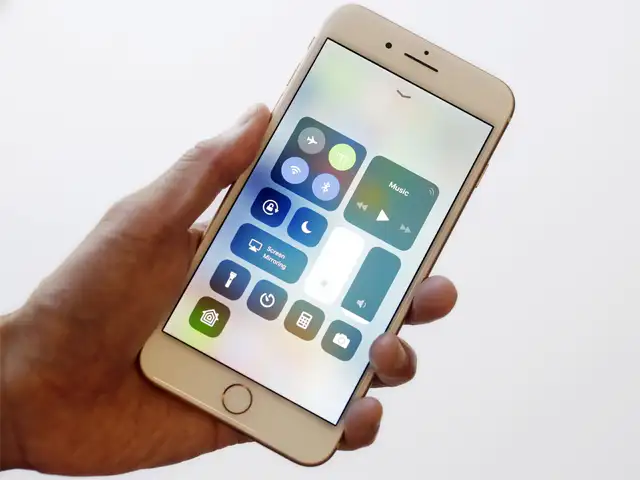
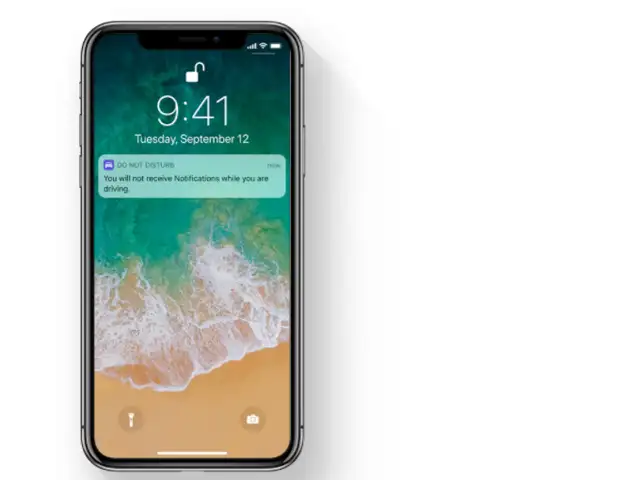
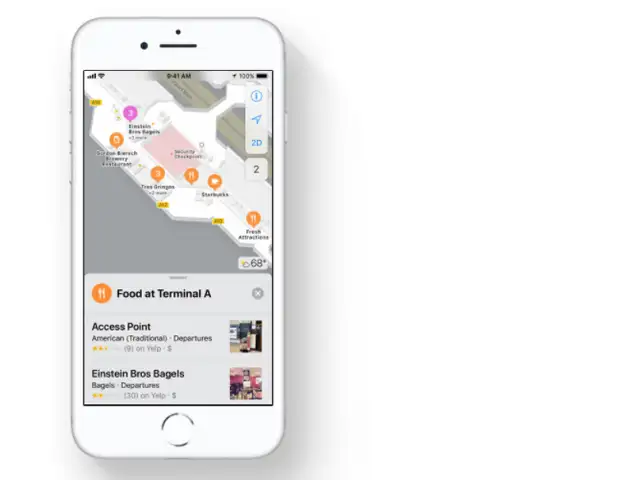
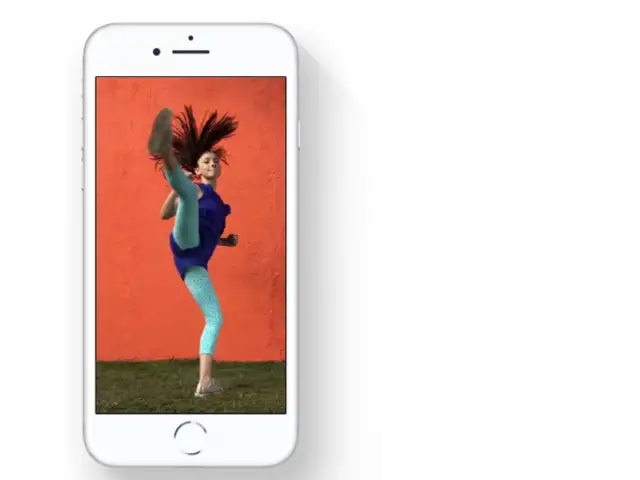
Here's what you should play around with after you upgrade:

ADVERTISEMENT


